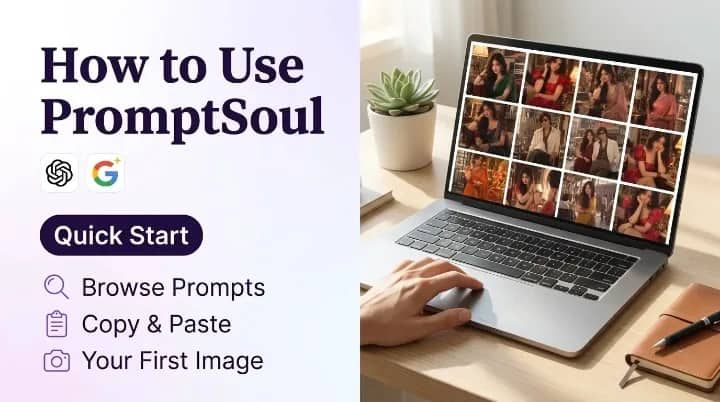
PromptSoul is an open, curated library of tested, copy-ready prompts for the leading conversational AI image generators — primarily ChatGPT (GPT-4o & DALL-E) and Google Gemini (Imagen 3), alongside Grok Imagine and Qwen Image.
Every single entry in our library is paired with real visual proof: unedited sample images generated using the exact prompt text shown on the card. You never have to guess whether a prompt actually works, wonder which model generated it, or waste credits on broken syntax.
This masterclass guide takes you through the full workflow: discovering the right prompt, decoding card metadata, executing flawless photo-edit transformations, and surgically refining your outputs into breathtaking digital art.
Step 1: Discover Tested Prompts on the Explore Page
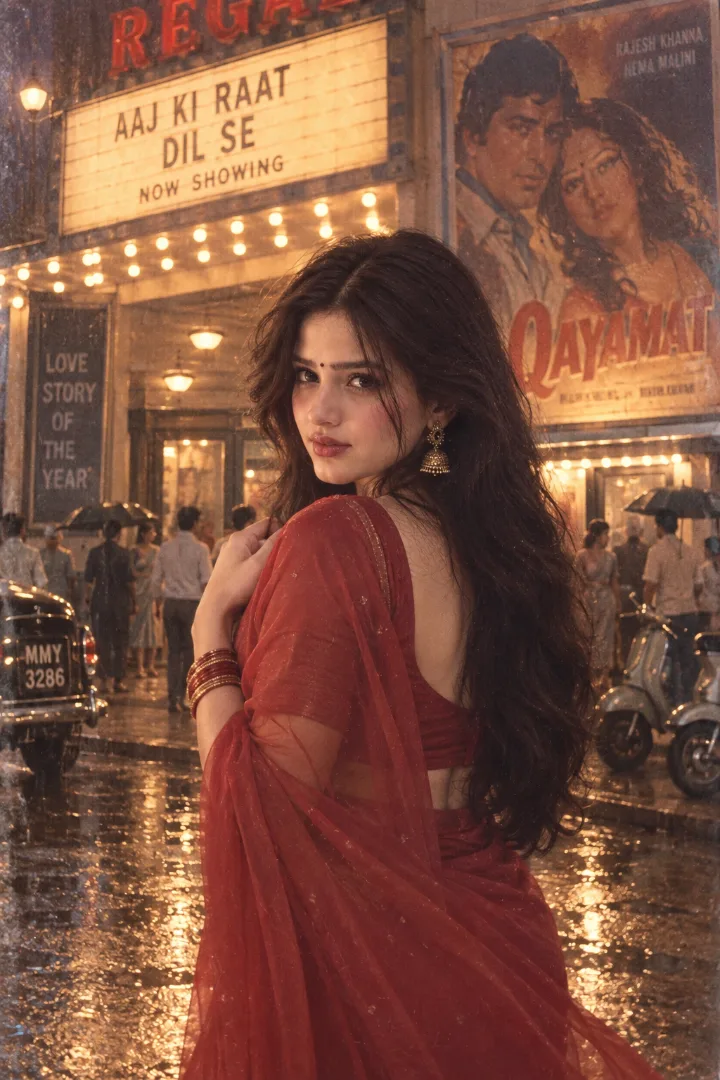
Your creative journey begins at the explore page, where the entire prompt archive is organized into an intuitive visual grid. Each prompt card showcases the primary output thumbnail, the prompt title, the underlying AI tool, and relevant aesthetic tags.
❖Filter by AI Generator Tool
Different AI models interpret text through different architectural lenses. A natural-language photo transformation engineered for Gemini needs different guidance than a pure text-to-image concept for ChatGPT.
Filter straight to your favorite generator:
- ChatGPT Image Prompts — Natural language, conversational instructions, storytelling, and narrative cinematic portraits.
- Gemini Image Prompts — Unmatched photographic skin realism, complex lighting physics, and reference photo editing.
- Grok Prompts — Candid, high-contrast, edgy street aesthetics and realistic unposed shots.
Match the Model First
If you're creating in Gemini or ChatGPT, always start by filtering for that specific tool. Using prompts confirmed and tested on your chosen model eliminates frustrating trial-and-error.
Step 2: Decode the Prompt Card & Input Requirements
Clicking any card opens the complete prompt post. Before tapping the copy button, take thirty seconds to review the card layout. Each card provides critical details that determine your generation success:
❖The Two Types of Prompts on PromptSoul
- Pure Text-to-Image (T2I): The prompt synthesizes a completely new subject from scratch. No reference photo is needed. You simply paste the prompt into the chat box and send it.
- Photo-Edit & Identity Preservation (I2I): The prompt is engineered to transform a real person's photo — restyling their outfit, hairstyle, era, or lighting while strictly locking their facial features. These prompts explicitly state: "Use the uploaded photo as the ONLY identity reference. Preserve exact facial identity..."
How to Tell the Difference Immediately
Look at the prompt instructions. If it references "this uploaded photo", "preserve facial identity", or "dress the subject in", you must attach your selfie or portrait. Running a photo-edit prompt without an attachment causes the AI to invent a random stranger. Read our guide on reference images vs. text prompts for an in-depth breakdown.
Step 3: Copy the Exact Syntax Without Alteration
On the prompt block, click the Copy button. This copies the exact tested prompt string into your clipboard, preserving:
- Crucial camera instructions (
85mm portrait lens,shallow depth of field,f/1.8 aperture). - Lighting parameters (
soft tungsten lighting,golden hour rim light,subtle halation). - Composition constraints (
vertical 4:5,candid posture,natural skin texture, visible pores).
Resist the temptation to retype or simplify the text on your first attempt. Modern AI image models are sensitive to word order and subtle descriptive cues; running the exact baseline first gives you a benchmark of what the prompt produces.
Step 4: Paste & Run in ChatGPT or Gemini
Open ChatGPT or Google Gemini and start a fresh chat session.
❖For Photo-Edit & Restyling Prompts:
- Upload your selfie first: Click the
+or paperclip icon in ChatGPT or Gemini and select your reference photo. - Attach in the same message: Paste the copied prompt directly into the message box alongside the image.
- Send together: Never send the photo in one message and the prompt in a second message. Sending them together forces the model's multimodal vision encoder to treat your image as the direct anchor for the prompt text.
The Golden Checklist for Reference Photos:
- Lighting: Even, natural daylight or clean indoor lighting (no harsh dark shadows across the eyes or half the face).
- Framing: Waist-up or chest-up portraits work significantly better than extreme close-up crops because the AI has enough body context to drape clothing realistically.
- Simplicity: A single person looking toward the camera without sunglasses, hats, or heavy beauty filters.
Step 5: The "One-Variable" Customization Method
Once you generate your baseline image, you can customize details to match your personal vision: colors, backdrops, time of day, or specific accessories.
The secret to reliable prompt customization is changing only one variable at a time:
- Swap colors: Change
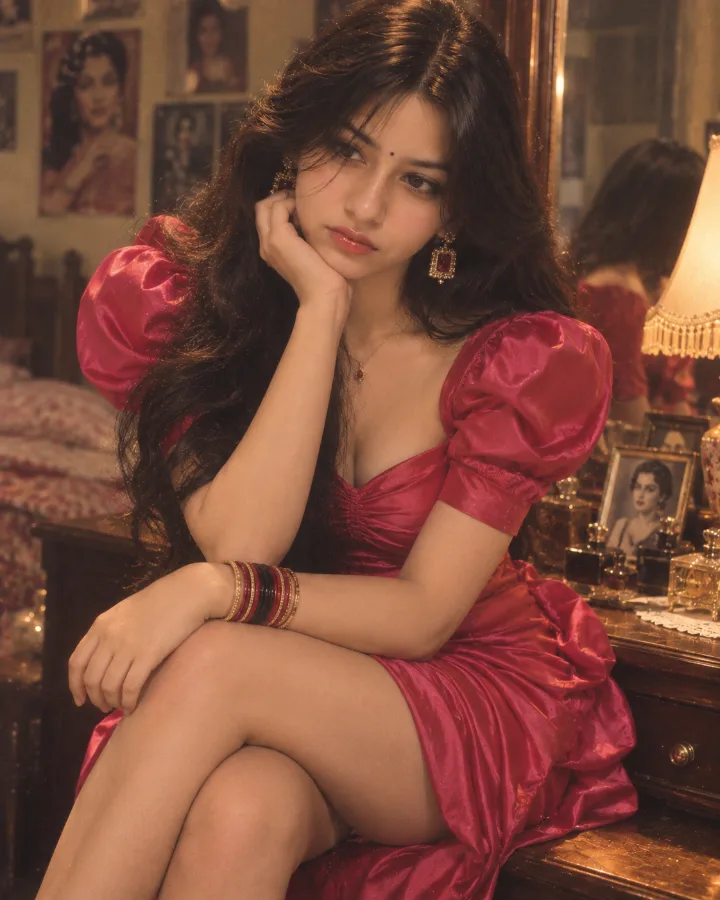
hot pink-red satin mini dresstoemerald green silk lehenga. - Swap location: Change
cozy vintage Indian dressing roomtosunlit European balcony overlooking the sea. - Swap time: Change
warm late-afternoon sunlighttorainy midnight neon street.
Preserve the Technical Anchors
Never delete descriptive technical phrases that you don't immediately recognize. Phrases like "subtle halation", "35mm film grain", "volumetric rim light", and "natural skin texture, no waxy smoothing" prevent the AI from generating plastic, cartoonish skin or generic CGI textures.
Step 6: Iterate Surgically Through Chat
In conversational tools like ChatGPT and Gemini, you never have to start from scratch if an image is almost perfect. Use conversational follow-up messages to polish the result:
Real-World Follow-Up Examples
- Fixing framing: "Keep everything in the previous image exactly the same, but pull the camera back to a medium-wide shot showing the full dress down to the knees."
- Adjusting warmth: "Love this generation. Keep the subject, outfit, and background identical, but make the overall color temperature slightly cooler with subtle blue shadows."
- Refining details: "Keep her face and hairstyle identical, but remove the necklace and add small pearl studs to the ears."
If the output drifts too far or the model misunderstands your changes, don't keep piling on follow-ups. Simply open a fresh conversation, paste the original prompt with your targeted tweak, and re-run.
Step 7: Explore Stylized & Poster Aesthetics
PromptSoul isn't just for portraits. Our catalog spans gaming key-art, retro anime, graphic posters, 3D clay figurines, and editorial fashion.
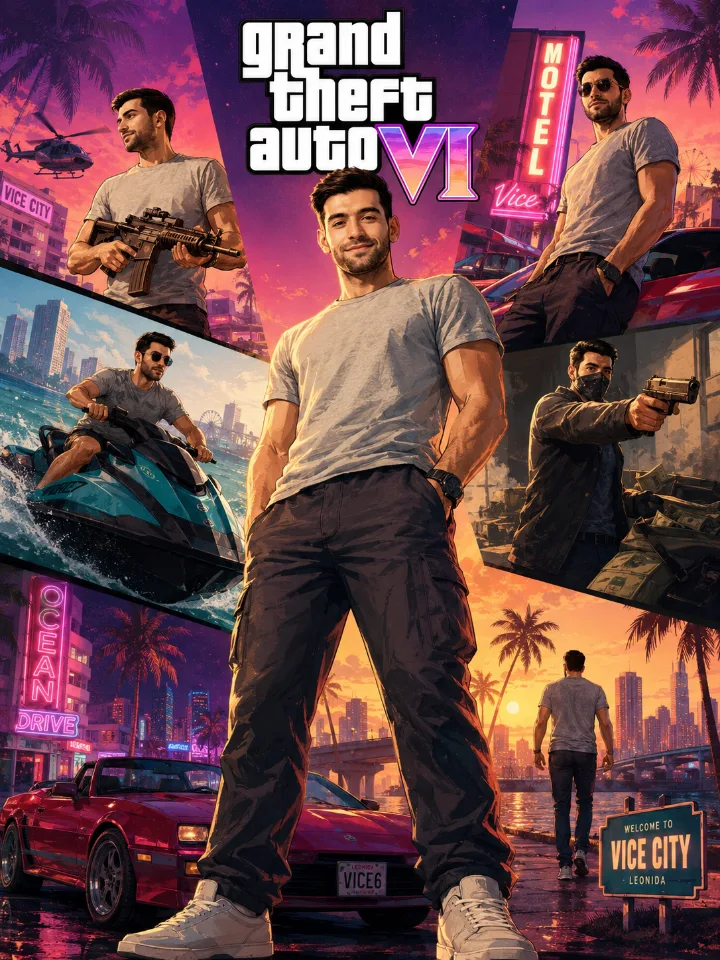
When exploring stylized categories:
- Check whether the prompt relies on a specific art director or medium (e.g.
screenprint on textured paper,cel-shaded vector,macro clay sculpture). - Maintain the genre keywords to keep the distinctive graphic punch.
Two Verified Starter Prompts to Try Right Now
Ready to create? Here are two tested, guaranteed prompts you can run immediately:
❖Starter A: Cinematic Neon Street Portrait (Pure Text-to-Image)
Works universally in ChatGPT and Gemini without requiring any photo upload.
A cinematic 35mm street portrait of an introspective young traveler standing in a bustling Tokyo alleyway at twilight, wet asphalt reflecting vibrant magenta and cyan neon signs, light mist in the air, wearing an oversized dark wool coat with collar turned up, soft rain droplets glistening on the fabric, shallow depth of field with creamy bokeh circles, authentic analog film grain, natural skin texture, 85mm portrait lens, photorealistic, evocative atmosphere.
❖Starter B: 1980s Vintage Bollywood Glamour (Photo-Edit Transformation)
Attach your selfie in ChatGPT or Gemini and paste this in the same message to transform your photo into a vintage film still while keeping your face untouched.
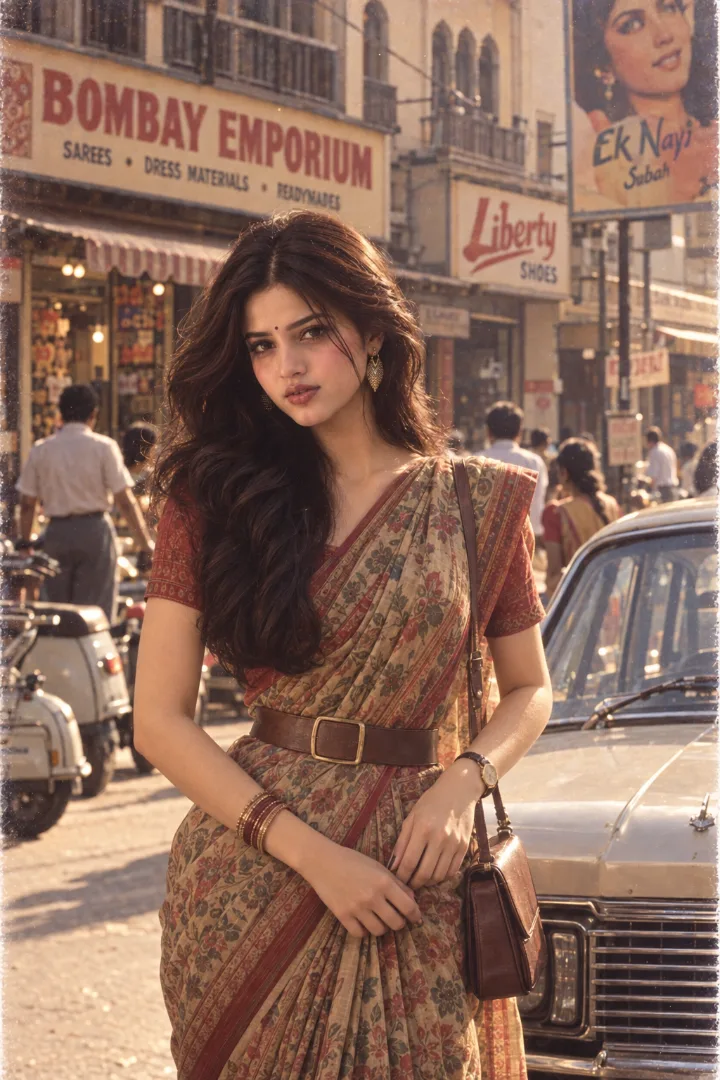
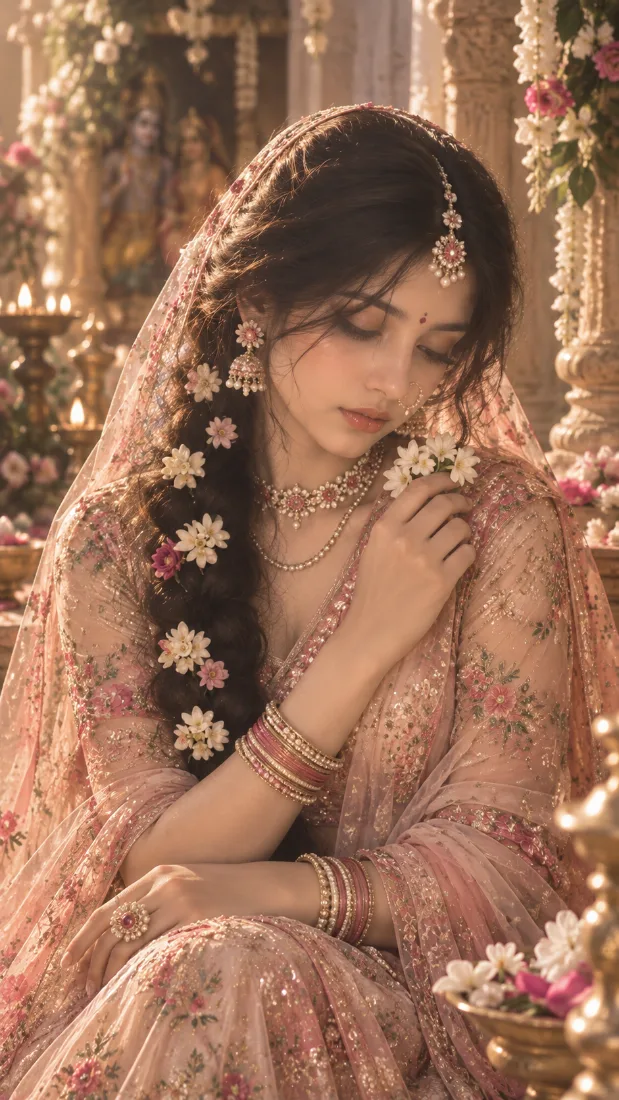
Use the uploaded photo as the ONLY identity reference. Preserve my exact facial identity, facial proportions, skin tone, eyes, and natural smile. Do not alter or replace my face. Transform this photo into an authentic 1980s Bollywood cinematic portrait. Dress me in an elegant vintage saree with a delicate embroidered border, softly draped over one shoulder. Style my hair in soft retro waves with a fragrant white jasmine gajra pinned behind the ear, classic gold jhumkas, and a subtle traditional bindi. Setting: a warm sunlit verandah with carved wooden pillars and gentle afternoon shadows. Photographed on vintage 35mm color film, soft lens glow, warm amber color grade, gentle analog film grain, timeless candid elegance, photorealistic.
Frequently Asked Questions
❖Do I need a paid account on PromptSoul to copy prompts?
No. PromptSoul is completely free to explore. Every prompt, example image, model tag, and one-click copy button is accessible without an account or subscription.
❖Why does my result look different from the example on the card?
There are three common reasons:
- Wrong AI Tool: Running a prompt tuned for Gemini inside ChatGPT produces completely different artistic interpretations.
- Missing Reference Photo: If the prompt specifies identity preservation or photo editing, running it without attaching a clear selfie forces the AI to invent a random person.
- Premature Customization: If you change half of the prompt before establishing a baseline, you won't know which phrase caused the distortion. Run the exact prompt first, then modify one detail at a time.
❖How do I stop the AI from altering my face in photo-edit prompts?
Place identity preservation constraints at the very start of the prompt: "Use the uploaded photo as the ONLY identity reference. Preserve exact facial identity, bone structure, and skin tone." Additionally, ensure your uploaded photo has clean lighting and avoids sunglasses, extreme head angles, or beauty filters.
❖Can I use images generated from these prompts commercially?
Commercial usage rights are determined by the AI platform you generate with (e.g., OpenAI's terms for ChatGPT or Google's terms for Gemini), not by PromptSoul. Always check your AI generator's commercial terms of service.