 ChatGPTChatGPT
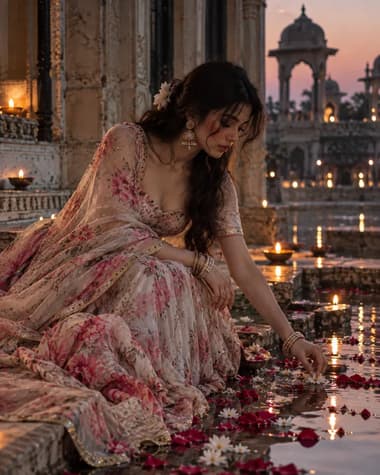
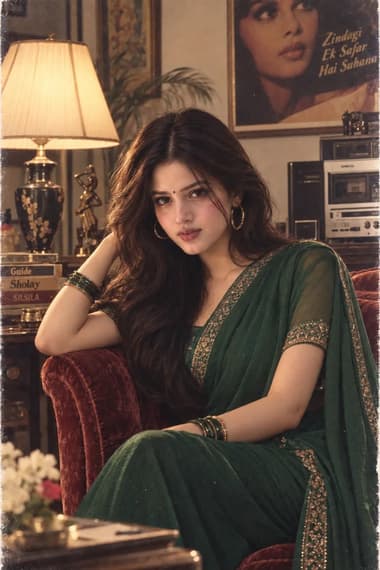
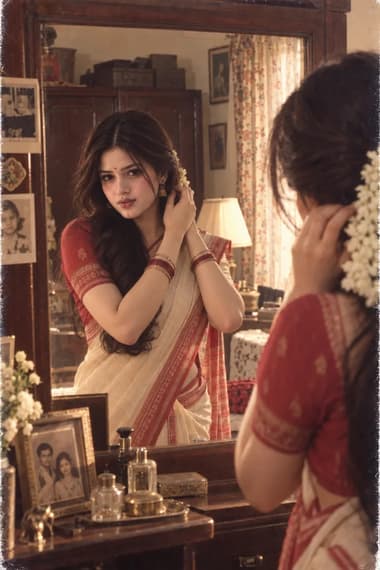
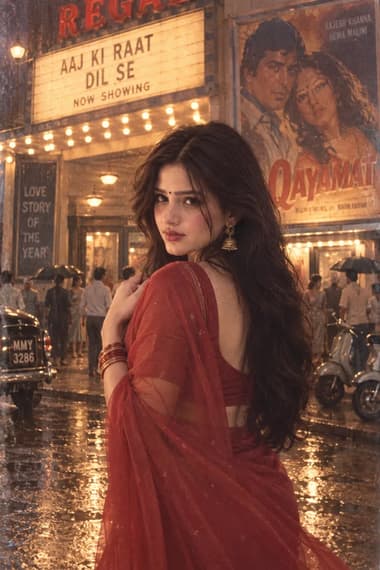
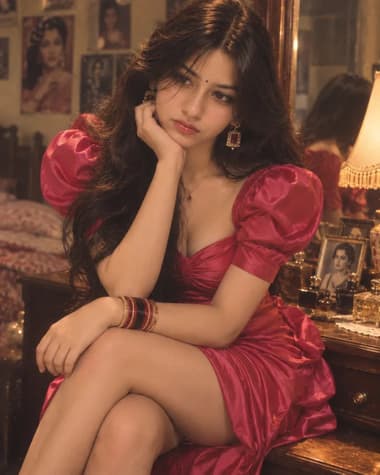
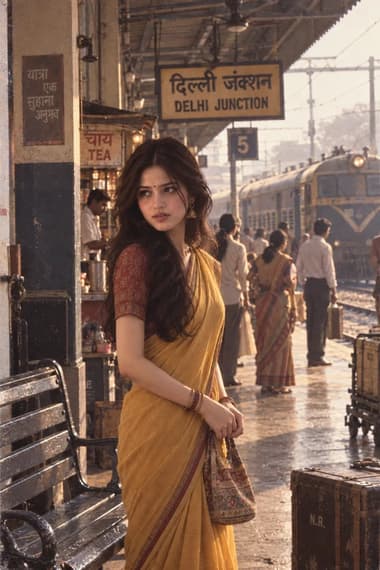
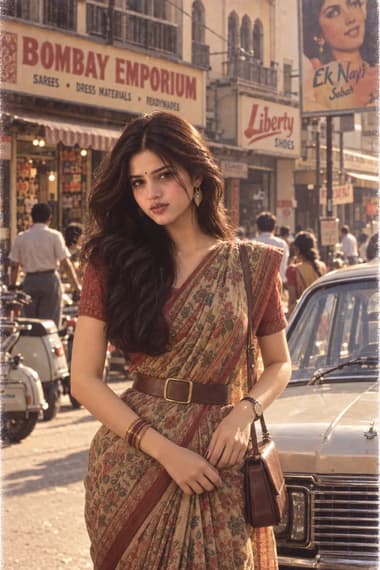
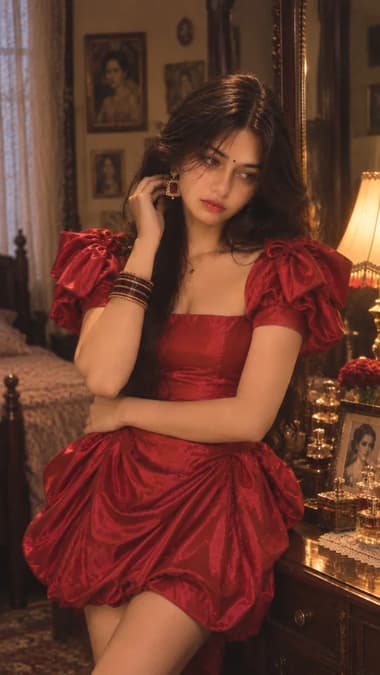
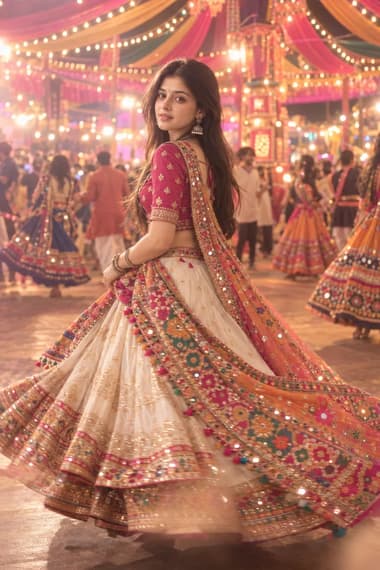
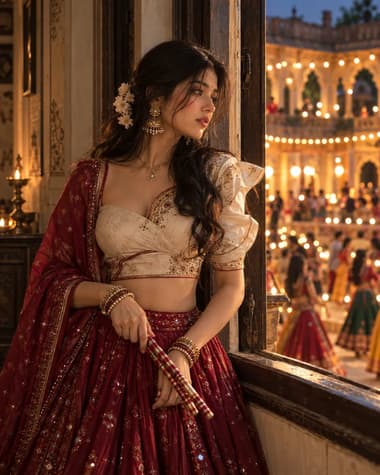
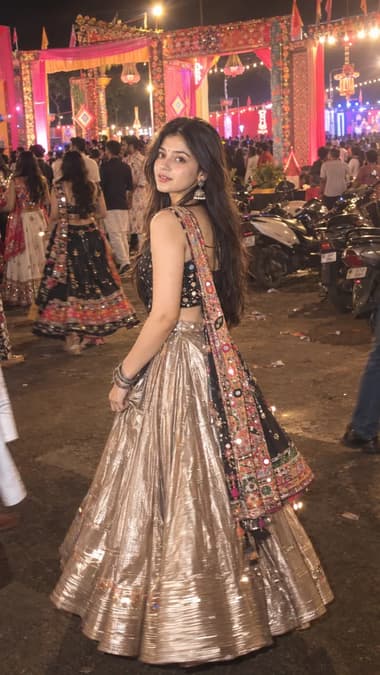
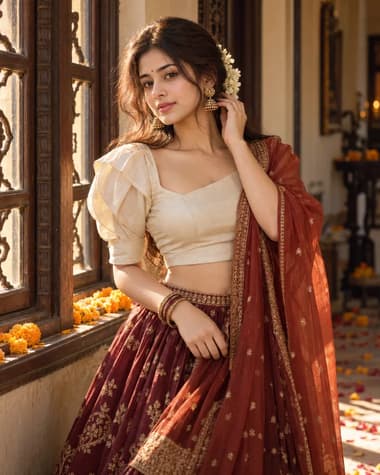
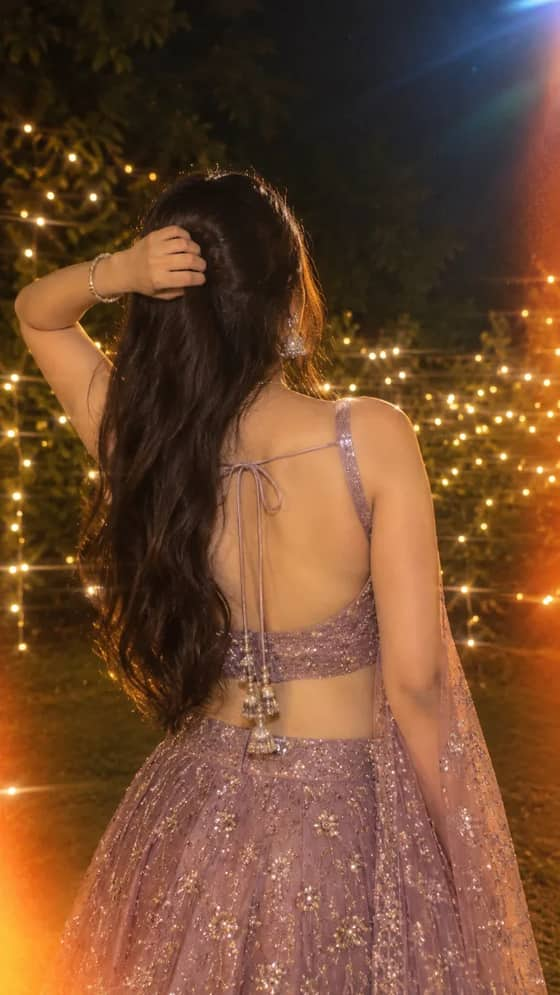
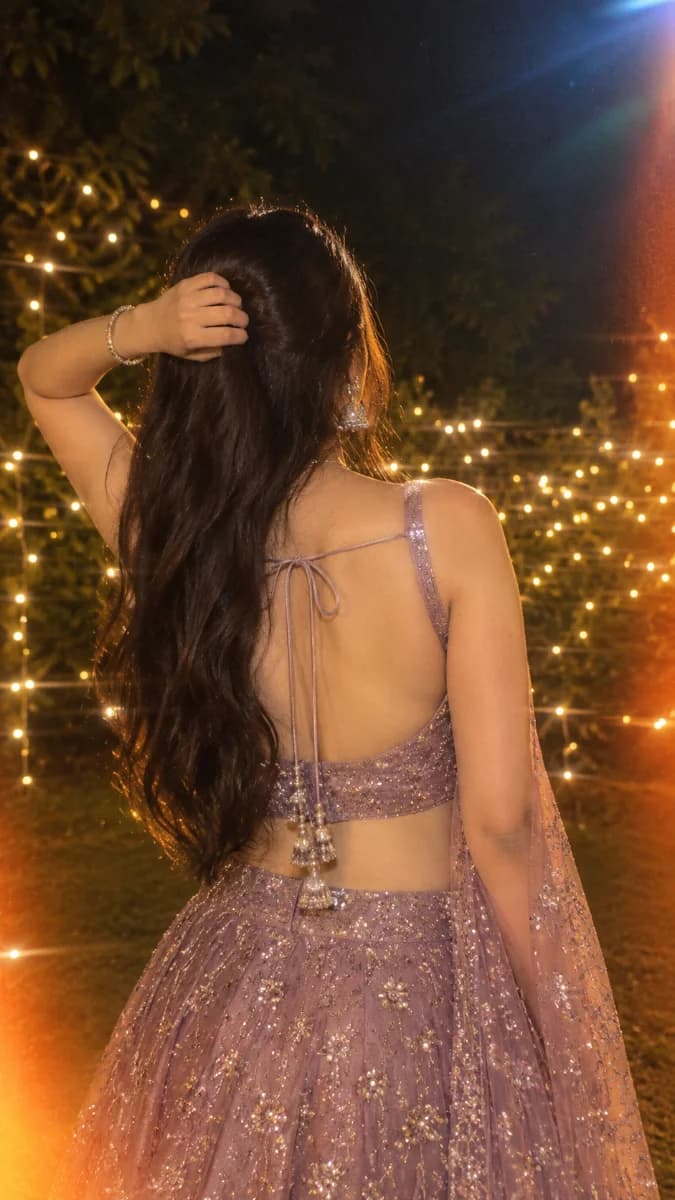
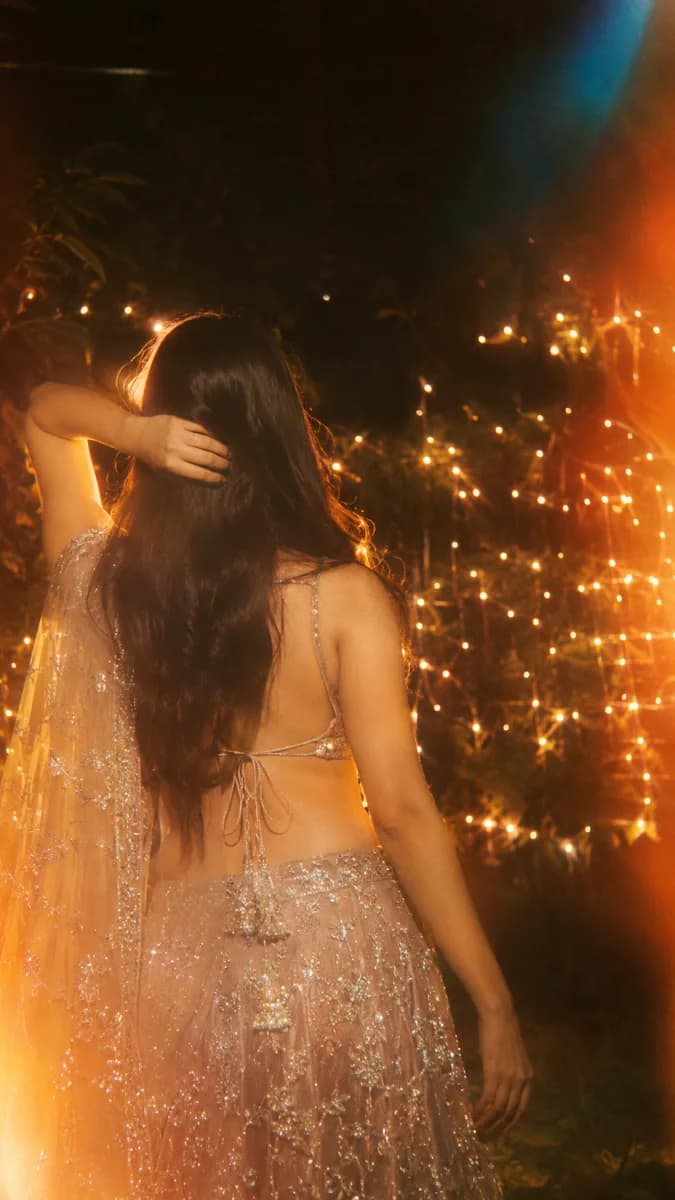
A dreamy vintage-style lehenga portrait with glowing golden fairy lights, warm amber light leaks and nostalgic film effects.

Quick workflow
Copy the prompt, customize any details, and generate in ChatGPT.
Open ChatGPT in your browser or app.
Upload your selfie to use your own face (or skip to make a new character).
Copy the prompt card above and paste it into the chat.
Press send to generate. Adjust any details you want.
Browse our curated library of tested AI image prompts or filter by your favorite tool.
Guide
This prompt generates a 9:16 vertical nighttime portrait of a South Asian woman in a champagne-lilac lehenga, using heavy golden halation and amber light leaks to mimic imperfect vintage film photography.
Analog film handles bright point lights differently than digital sensors. When you ask for strong golden halation and amber light leaks, the AI bleeds the bright fairy lights into the surrounding shadows. This creates a soft glow around the subject's silhouette. Adding gentle optical smearing prevents the bokeh from looking like perfectly round, mathematically generated circles. Real lenses smear light slightly at the edges of the frame.
The prompt specifies a faint reddish-orange haze around the brightest highlights. This separates the warm fabric from the deep forest-green shadows. You get rich color separation instead of a flat, generic orange filter painted over the entire image. Incandescent gold and burnt amber tones require specific kelvin references to look right. Dropping a 2700K color temperature note into the prompt helps the AI understand exactly how warm the practical lights should be. The cool-blue flare in the upper-right corner adds a subtle temperature contrast that keeps the shadows from looking completely dead.
A common mistake with dreamy prompts is losing all texture to a generic blur filter. We specify clean underlying details beneath the glow to force the model to render the actual threads of the lehenga. The champagne-lilac fabric needs distinct color separation. If the AI applies a flat wash, the mauve-champagne tones turn muddy. Mentioning individual hair strands and detailed embroidery anchors the sharpness to the subject. The background dissolves into overlapping golden bokeh.
Choose GPT IMAGE 2.5 for intricate zari embroidery
GPT IMAGE 2.5 handles complex fabric textures and metallic thread reflections much better when heavy diffusion effects are active.
Both models generate the fairy light bokeh, but they process the film artifacts differently. GPT IMAGE 2.5 leans into the structural details of the low-back blouse and tie strings. It keeps the subject's anatomy grounded even when the lighting is heavily stylized.
Nano Banana Pro pushes the dreamy aesthetic further. It produces softer skin tones and more aggressive light blooms along the edges. You might need to dial back the "bright orange light blooms" in the prompt if Nano Banana Pro washes out the subject's back entirely. It tends to overexpose the highlights when asked for multiple light leak effects at once. Nano Banana Pro also struggles slightly with the sheer embellished dupatta falling over one shoulder. It often merges the translucent fabric with the skin underneath. GPT IMAGE 2.5 parses transparency and layering much more accurately.
Sometimes the AI interprets "soft-focus diffusion" as a reason to smooth out human skin into plastic. Add visible skin pores and natural skin texture to the image quality section. This forces the model to render realistic skin beneath the glow. The softness should come from the photographic treatment, not a lack of resolution.
Heavy noise is another failure mode. The prompt asks for fine organic film grain. If the output looks like digital static, change the phrasing to subtle 35mm film grain structure. This tells the model to use a natural photographic texture rather than random pixel noise.
The prompt places her arm raised with her hand resting against her head. This complex pose often breaks hand geometry. If the fingers blend into the dark hair, change the pose to both arms hanging naturally beside her hips. Keeping the hands away from the face and hair removes the most common artifact triggers.
Floating jewelry or disconnected dupatta strings happen when the background is too dark. The AI loses the edge contrast needed to define thin objects. Add a subtle rim light to the prompt to outline the sheer fabric.
Lock the pose with a reference
If the AI keeps tangling the sheer dupatta with her hair, upload a rough sketch or reference image to guide the physical drape of the fabric.
FAQ
You need to specify the light source and color temperature. Tell GPT IMAGE 2.5 to use a warm 3200K tungsten practical light mixed with cool 5600K moonlight. Adding terms like halation and film grain helps sell the analog look. Keep the aperture wide, around f/1.4, to blur the background and make the light bokeh stand out.
Yes. Swap the word lehenga for whatever you want the subject to wear. If you pick a different traditional garment, mention the specific fabric and embroidery. Writing heavy zari work on raw silk gives Nano Banana Pro clear texture details to render. Make sure the clothing matches the nighttime cinematic lighting so the shadows fall correctly on the folds.
GPT IMAGE 2.5 is usually better at complex lighting setups and accurate film grain. It understands technical camera terms like anamorphic lens flare and chromatic aberration. Nano Banana Pro tends to make skin textures look softer and handles rich fabric colors nicely. Test the prompt in both to see which output fits your vision.
Next ideas
 ChatGPTModel:GPT IMAGE 2.5