 GeminiGemini
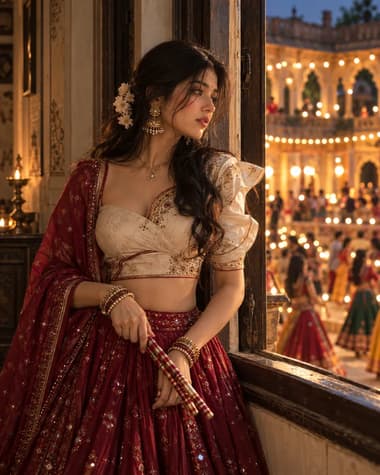
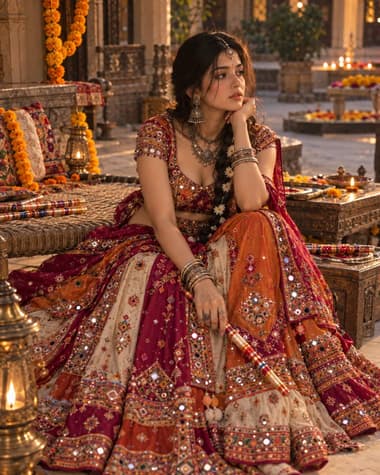
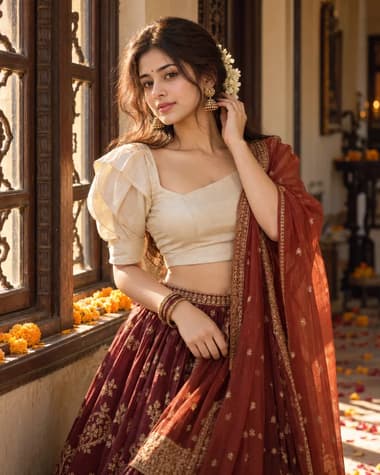
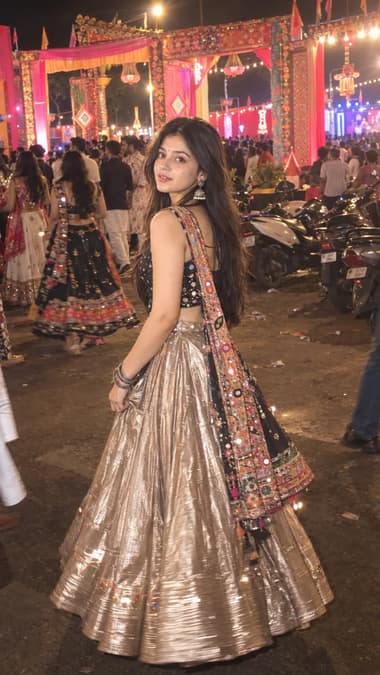
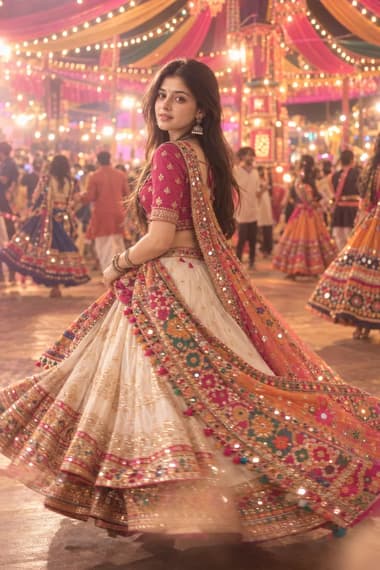
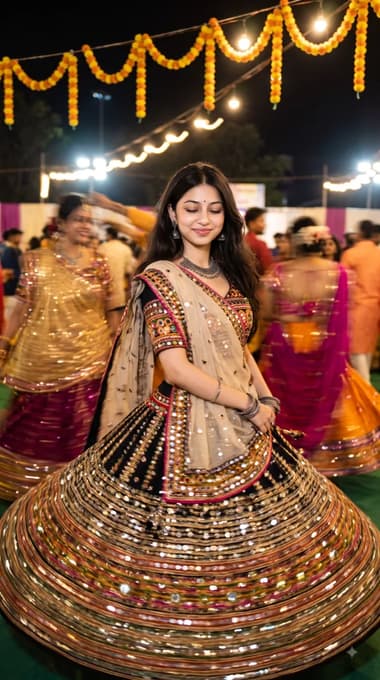
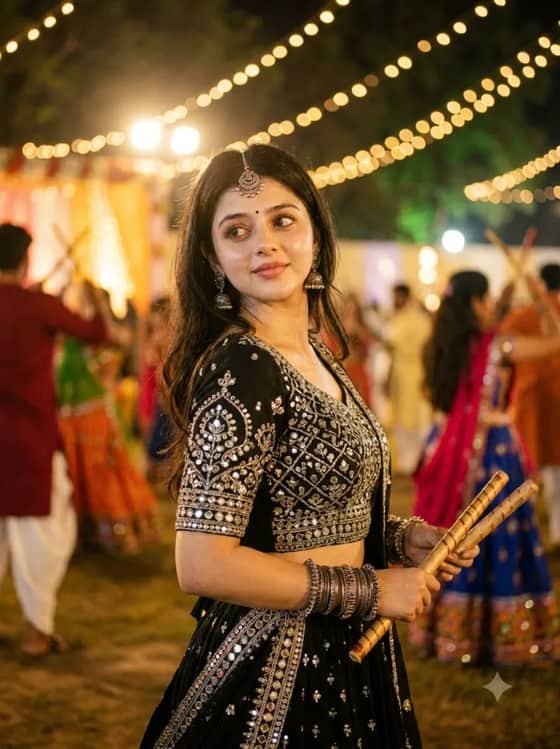
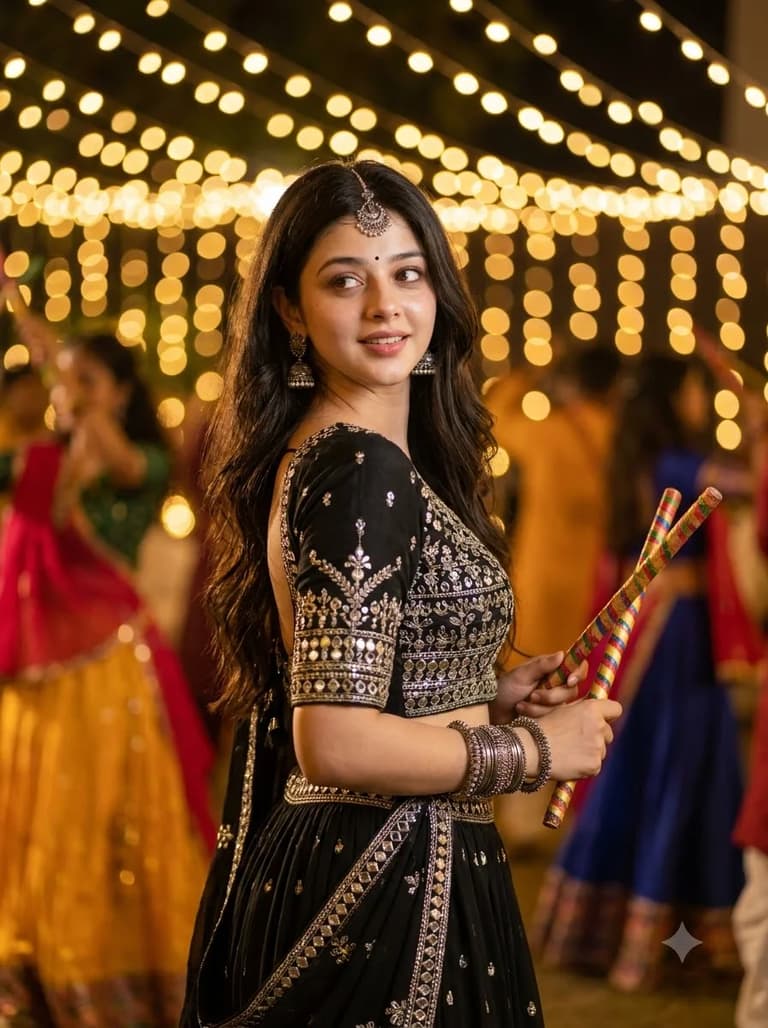
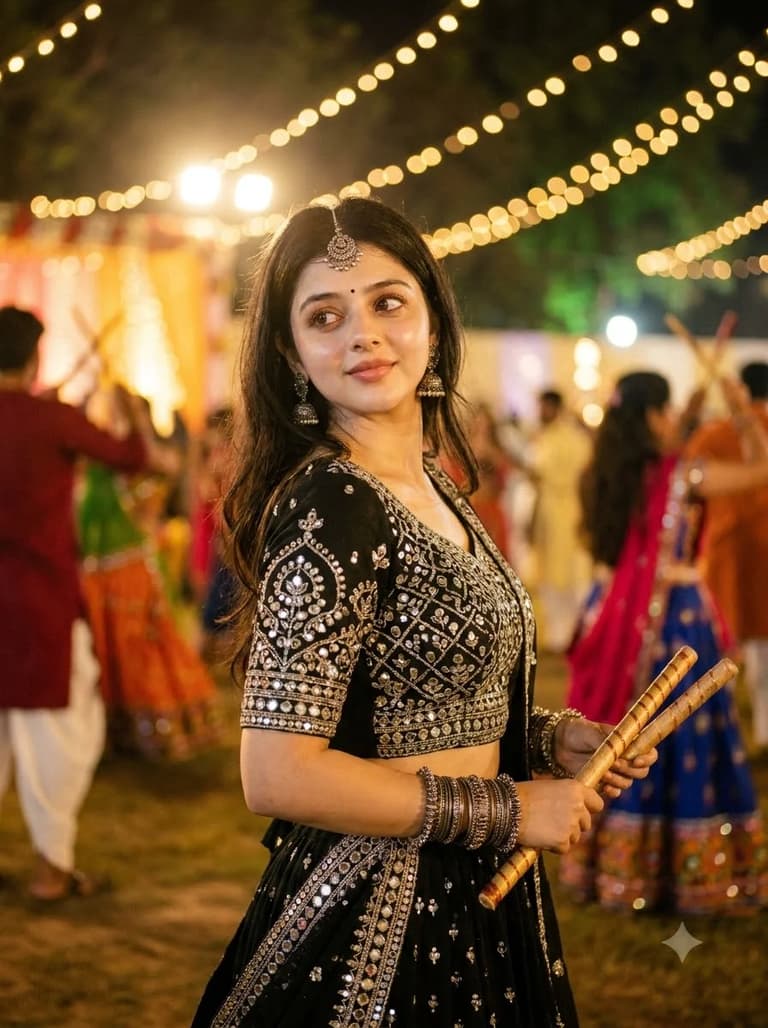
A festive Garba portrait featuring a jet-black silver-work lehenga, traditional jewelry, colorful dandiya sticks and glowing Navratri lights.

Quick workflow
Copy the prompt, customize any details, and generate in Gemini.
Open Gemini in your browser or app.
Upload your selfie to use your own face (or skip to make a new character).
Copy the prompt card above and paste it into the chat.
Press send to generate. Adjust any details you want.
Browse our curated library of tested AI image prompts or filter by your favorite tool.
Guide
A close-up of a woman in a black lehenga, mid-dandiya twirl, with mirror-work embroidery catching the light — that’s exactly what this Gemini prompt produces. It gives you a waist-up portrait where the black fabric still reads as textured and detailed, not a shapeless void.
The Gemini prompt
A close-up waist-up portrait of an Indian woman dancing dandiya in a black lehenga with heavy silver and mirror embroidery, shallow depth of field, blurred festival lights in background, side light catching the fabric texture, one hand holding a wooden dandiya stick with motion blur, cinematic color grading, photorealistic, shot on 50mm lens, f/1.8
Putting “close-up” right at the start and naming the lens tells Gemini to lock the framing. Leave out full-body descriptors or you’ll get a wider shot — the camera pushes back to show the entire ghaghra and you lose the tight, editorial crop. “Waist-up” is the extra guardrail; it keeps the dupatta and jewellery in frame without letting the composition drift.
A plain “black lehenga” prompt almost always gives you a silhouette. The embroidery disappears, the fabric flattens, and you’re left guessing what the outfit actually looks like. The fix is naming a light source that carves out the edges.
“Golden rim light from behind outlining the dupatta” or “soft side-light catching silver embroidery” are the phrases that rescue the shot. Even “warm diya glow reflecting off mirror-work” works here. Those prompts force the model to place a highlight on the fabric folds, which is what makes black read as black instead of a hole in the image.
Light black fabric from behind
Rim light from a nearby diya or string lights costs nothing in the prompt but is the single detail that separates a flat outfit from a textured lehenga.
The most common miss is a missing dandiya stick. The model sometimes treats it as optional or tucks it out of frame. Spell it out: “one hand clutching a wooden dandiya stick, motion blur on the stick tip, bangles frozen mid-air.” Adding “painted ends” to the stick description further reduces the chances of a plastic-looking prop.
The motion blur is not just decorative. Without it, the pose reads as a static studio shot. A short “motion blur on the stick tip” gives you a single sharp frame from a dance sequence, which is exactly the feel you want for a Navratri close-up.
Use Nano Banana Pro
All the shots on this page were generated with Nano Banana Pro. It keeps mirror-work specular highlights consistent and doesn’t over-smooth the face. The base Nano Banana 2 can work but tends to crush the black embroidery into a flat patch with less detail in the fabric folds.
This prompt leans on small surface details — sequin reflections, wood grain on the dandiya stick, the separation between a black blouse and a black dupatta. Nano Banana Pro holds those separations together across regenerations better than the lighter model. Skin texture stays natural while the jewellery and embroidery remain sharp, even in the darker areas of the frame.
FAQ
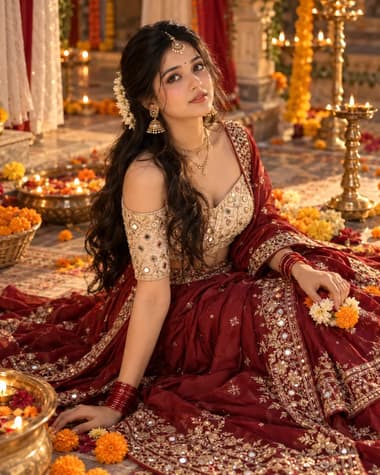
Just replace the colour word directly. If the prompt says “black lehenga,” write “deep maroon lehenga” or “ivory lehenga” instead and leave everything else unchanged. The close-up framing, lighting, and traditional details stay the same. Adding a fabric note like “silk” or “Banarasi” can give the new colour more texture without affecting the composition.
Use very blunt direction right in the prompt: “extreme close-up portrait, only face and shoulders, no torso visible” works. Add “shallow depth of field, face fills the entire frame” to push the crop even tighter. If it still pulls back, try “crop tight on the face, forehead to chin, no neck showing, no empty space around head.” Sometimes a short negative instruction like “no full body, no background” at the end helps, especially with Nano Banana Pro.
You can, but a true close-up often crops out hands. Try “close-up portrait with hands raised near the face, holding decorated dandiya sticks, detailed mehndi on the hands.” That keeps face and hands in the same tight frame. If Gemini still misses the sticks, mention them twice — once early and again near the end — and add “the dandiya sticks must be clearly visible near her face.” That usually gets them to appear.
Next ideas
 GeminiModel:Nano Banana Pro