 ChatGPT
 GeminiChatGPTGemini
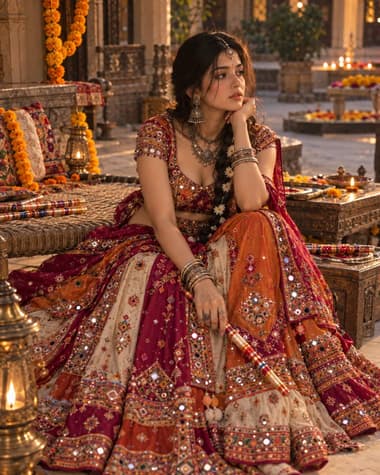
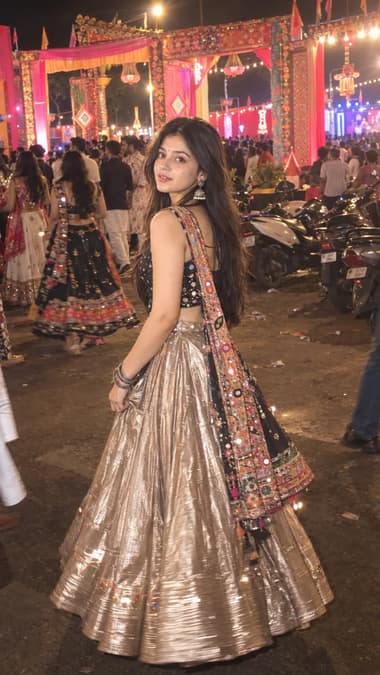
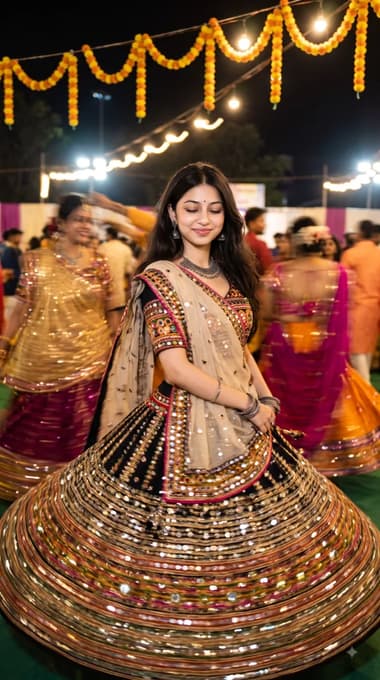
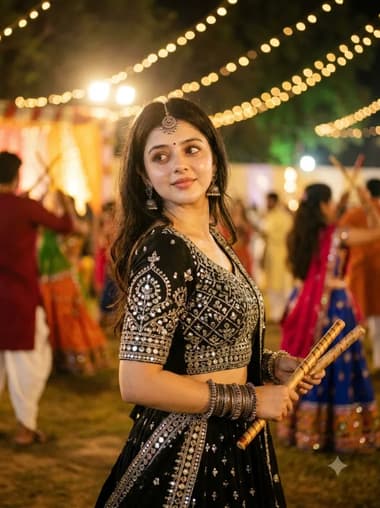
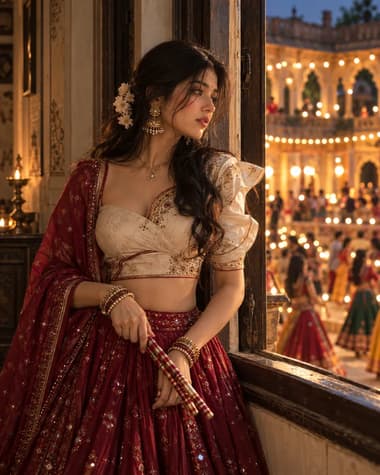
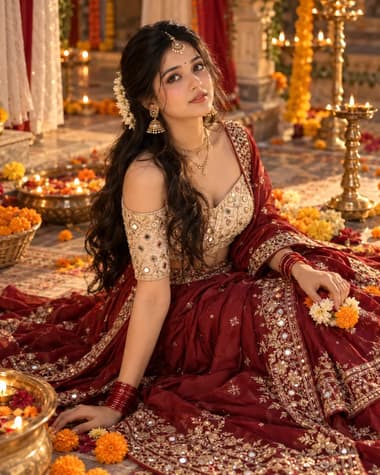
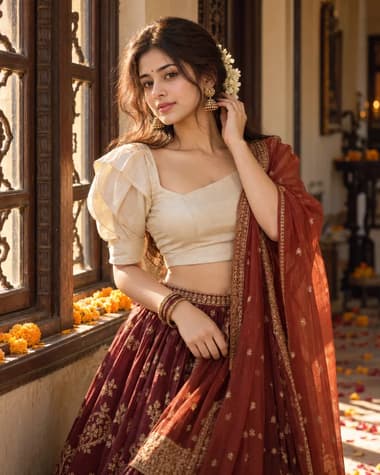
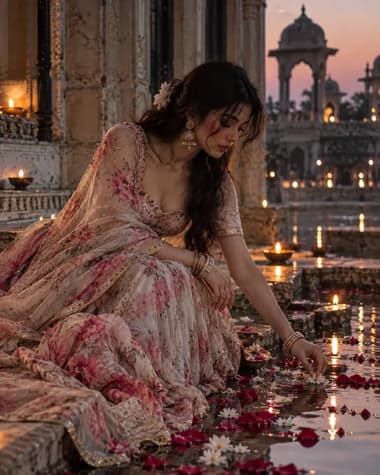
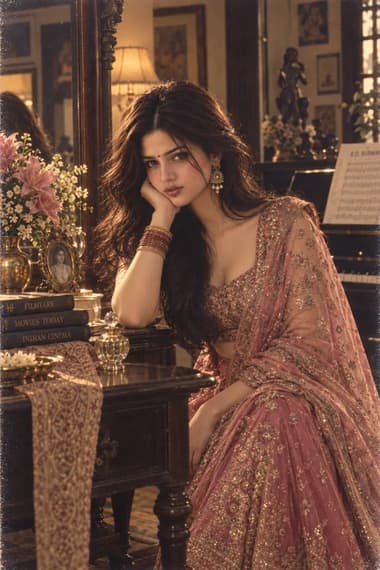
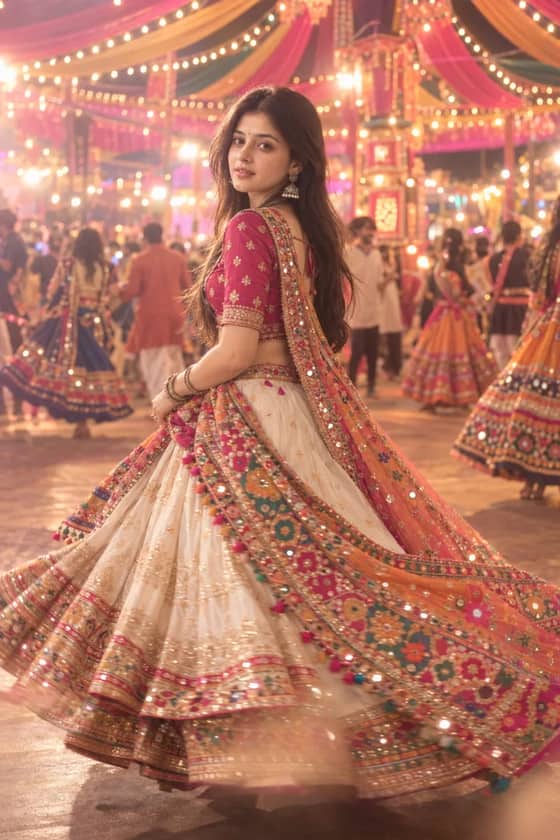
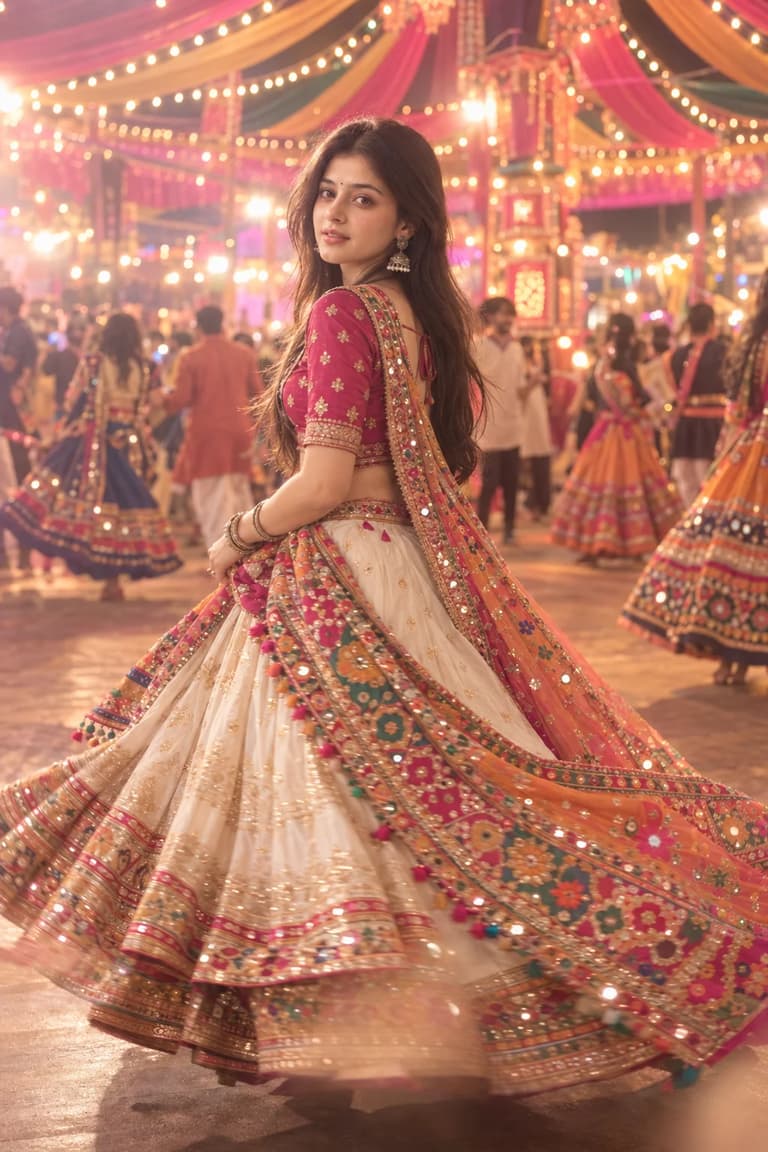
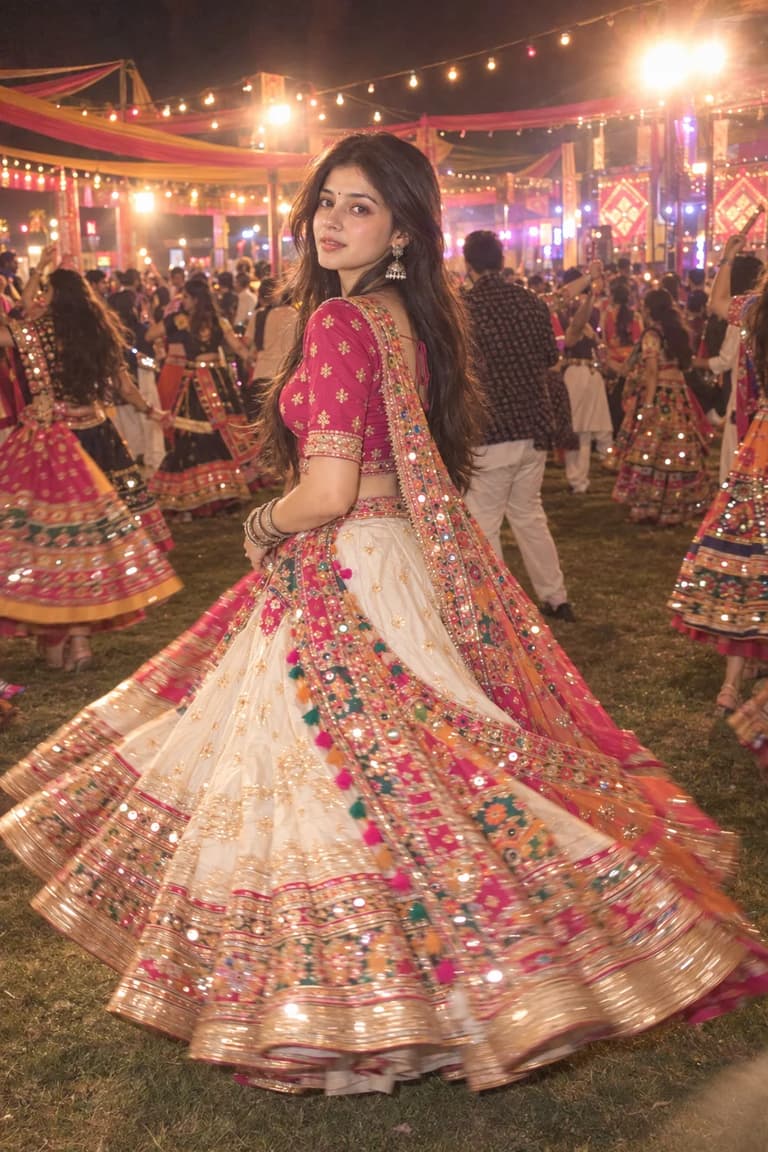
A dreamy Navratri night portrait with a pink blouse, ivory lehenga, colorful mirror-work dupatta and glowing Garba lights.

Grab all 2 creative prompts instantly to use in your favorite AI generator.
Quick workflow
Copy the prompt, customize any details, and generate in ChatGPT or Gemini.
Browse the variations above and choose the look you want.
Open ChatGPT or Gemini in your browser or app.
Attach your selfie in chat and paste your chosen prompt.
Press send to generate. Try the other styles for different looks.
Browse our curated library of tested AI image prompts or filter by your favorite tool.
Guide
The 'Dreamy Pink & Ivory Garba Look' prompt gives you a fleeting garba moment — a woman mid-spin in a pink lehenga, with ivory embroidery catching the light. The image feels like a freeze-frame from an outdoor Navratri night, soft and film-like, not a stiff fashion shoot.
The palette does the heavy lifting. Pink and ivory already have a natural glow against warm skin tones, but the trick is keeping them separate. If the ivory embroidery blends into a pink blur, the lehenga loses its structure. The prompt works because it pairs a restrained colour description (“pink and ivory”) with lighting that carves out the embroidered edges — backlighting from string lights, plus a shallow depth of field that smudges the background into warm bokeh while the ivory stays crisp.
The exact prompt that delivered these shots
A young woman in a pink and ivory lehenga, mid-garba twirl under warm string lights at night, shallow depth of field, soft film grain, 35mm lens, dreamy atmosphere, her dupatta floating in motion blur, glowing skin, subtle bokeh, 8K
String lights or low-hung diya-style bulbs behind the subject give the dupatta a rim light that separates the translucent ivory border from the pink fabric. The prompt adds “warm string lights at night” and “subtle bokeh,” so GPT Image 2 treats the background as a field of soft point sources. The rim light then falls naturally across the shoulders and the choli’s beadwork. Without that backlight cue, even a well-worded colour prompt can turn the ivory parts flat — they just look like white patches.
If the ivory starts reading as pure white with no texture, dial up the contrast between the light temperature and the background. Adding “golden hour warmth on skin, cool white highlights on embroidery” nudges the model to separate the two surfaces. You don’t need to write a full lighting diagram — just give one clear colour temperature split.
Pick GPT Image 2 Or 2.5 for the filmic softness
Nano Banana Pro will give you a sharper, more editorial finish, but it tends to drop the soft grain and over-define the lehenga details until it looks like a product shot. If you want the raw, gently blurred candidate shot shown here, run this on GPT Image 2.
Motion prompts for garba often break the face. The model will blur the entire head or lock the body stiff if you just write “mid-twirl.” This prompt keeps the face readable because it never asks for full-body motion blur — it offloads the movement onto the dupatta. “Her dupatta floating in motion blur” tells the image generator exactly where to put the energy, while the face and torso stay sharp enough to catch the expression.
Common failure: the hands go ghostly. If that happens, drop “motion blur” in the main description and add “shutter speed slow enough to blur only the dupatta’s edge, not the hands.” That harder technical note gives GPT Image 2 a more precise constraint than the vague “dreamy movement.”
FAQ
The prompt is written for both GPT Image 2 and Gemini's Nano Banana Pro. If you're after crisp fabric detail and sharp facial features with that editorial punch, GPT Image 2 is usually your best bet—it handles intricate embroidery and jewellery without turning them into a blur. Nano Banana Pro can nail the hazy, golden-hour glow and soft bokeh on the first attempt, though you might need to simplify the background description a little so the subject doesn't get lost in the softness.
Just swap the colour words. Where the prompt says 'pink and ivory lehenga', replace that with your own pair—say 'turquoise and gold' or 'rich maroon and cream'. Keep everything else that creates the mood: 'dreamy soft focus', 'warm string lights in the background', 'cinematic portrait'. The palette changes, but the feel stays.
Hands are still a weak spot, especially with complex poses. A mid-shot or close-up that crops just above the waist sidesteps the problem entirely. If you really want a full-length dance pose, try adding 'hands elegantly holding the dupatta, fingers relaxed' to the prompt. GPT Image 2 is a bit more forgiving with that extra nudge; with Nano Banana Pro, I'd stick to a three-quarter crop and let the twirl of the lehenga suggest the movement instead.
Next ideas
 ChatGPTModel:GPT IMAGE 2.5
 ChatGPTModel:GPT IMAGE 2.5