 ChatGPT
 GeminiChatGPTGemini
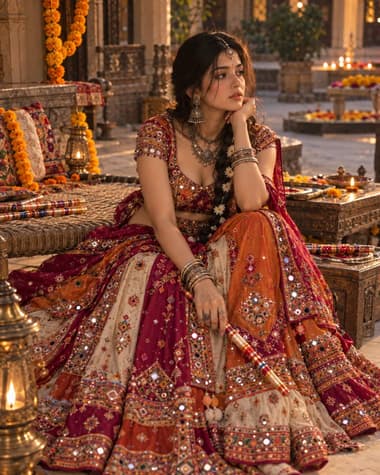
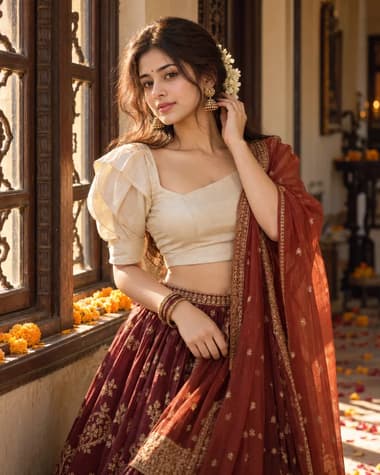
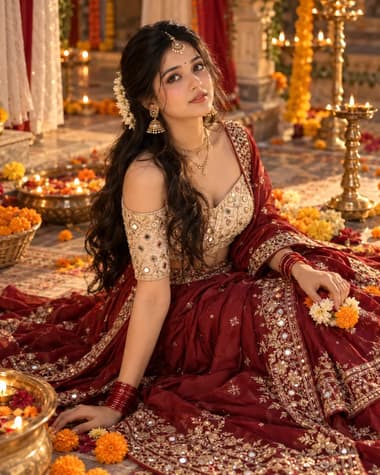
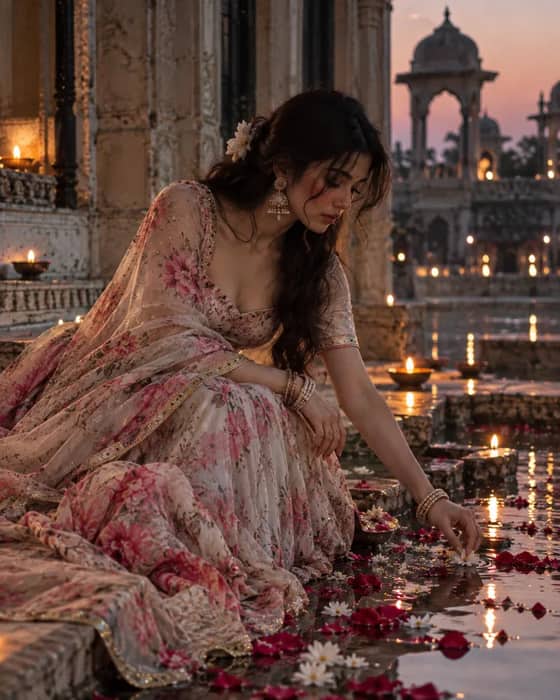
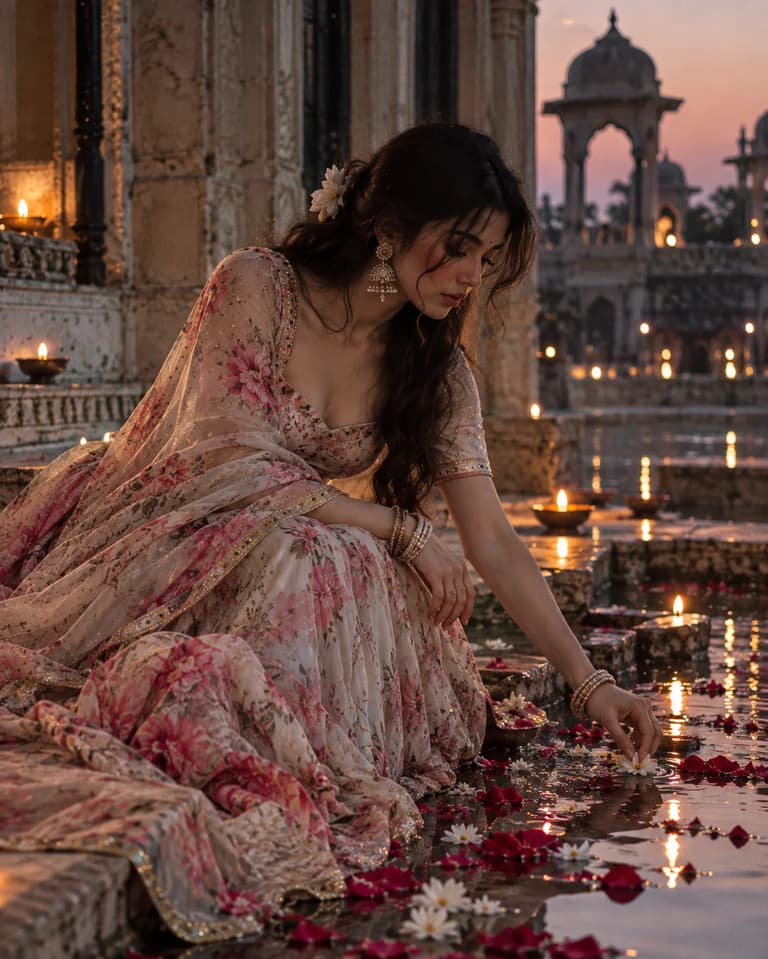
A dreamy Indian portrait in a soft floral lehenga, seated beside a historic water courtyard with flower petals, glowing diyas and warm evening light.

Quick workflow
Copy the prompt, customize any details, and generate in ChatGPT or Gemini.
Open ChatGPT or Gemini in your browser or app.
Upload your selfie to use your own face (or skip to make a new character).
Copy the prompt card above and paste it into the chat.
Press send to generate. Adjust any details you want.
Browse our curated library of tested AI image prompts or filter by your favorite tool.
Guide
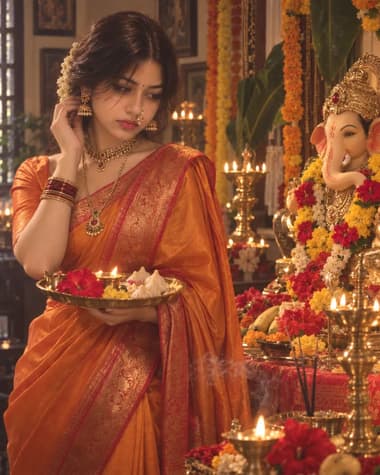
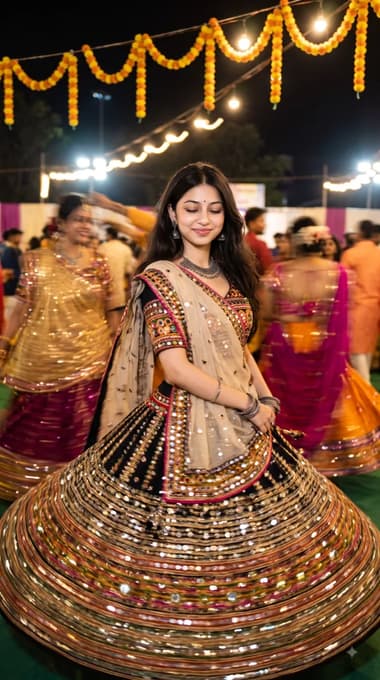
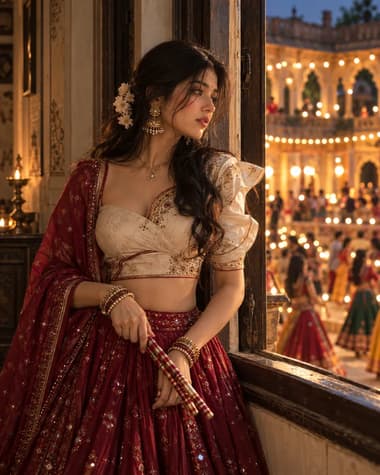
The Dreamy Floral Lehenga Diya Portrait prompt creates a soft, cinematic image of a woman in a traditional embroidered lehenga, surrounded by the warm glow of Diwali diyas.
Most attempts to generate festive Indian wear fail because the AI gets confused by the heavy surface ornamentation. It mixes up mirror work, zari, and print, turning fine embroidery into a muddy blur. This prompt uses precise wording to separate the heavy silk texture of the skirt from the sheer net of the dupatta, keeping the patterns sharp even in low light.
The secret to this look is the light source. Direct flash washes out the fabric and makes the skin look flat.
You need to specify that the primary illumination comes from clay oil lamps positioned just out of frame. This casts long, soft shadows across the face and catches the metallic threads in the embroidery.
Use specific lamp placement for natural highlights
Add phrases like "lit from below by a cluster of terracotta diyas" to your settings so the model knows where to cast the warm amber highlights.
Different generators handle traditional textiles in their own ways.
For the most realistic threadwork and natural skin textures, run this prompt on GPT IMAGE 2.5. It handles complex clothing layers much better than older versions, keeping the blouse fitted and the skirt voluminous without warping the proportions. If you want a softer, more painterly background blur with dreamy bokeh from the flame lights, switch to Nano Banana Pro.
Stick to GPT IMAGE 2.5 for sharp embroidery detail
AI often struggles with hands holding small objects like diyas, frequently adding extra fingers or awkward angles.
To prevent this, keep the hands resting near the waist or holding the edge of the dupatta rather than cupping a lit flame directly in front of the lens. If the output gives you a modern western dress instead of traditional ethnic wear, make sure your prompt explicitly includes specific cultural markers like "silk lehenga choli" and "traditional Indian festive portrait" right at the start of the text block.
FAQ
Add specific lighting instructions in the prompt. Mention warm orange underlighting and soft shadows to make the glow look real against the skin.
GPT IMAGE 2.5 handles fine embroidery and traditional textile patterns well when you describe the thread work clearly.
Yes, just swap out the flower types in the prompt text. Keep the same portrait framing and lighting details so the style stays consistent.
Next ideas
 ChatGPTModel:GPT IMAGE 2.5