 ChatGPTChatGPT
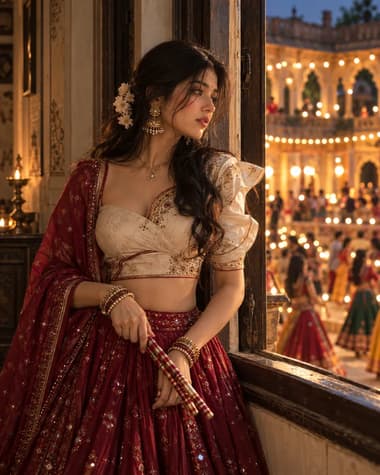
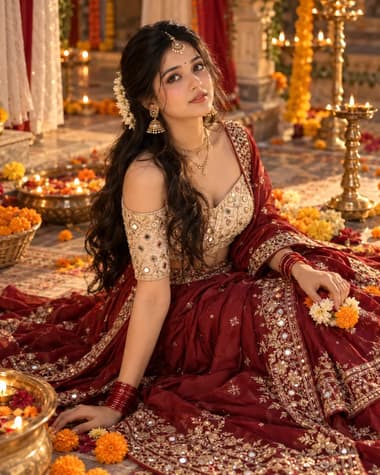
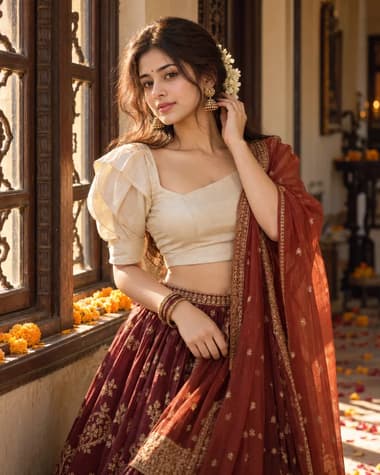
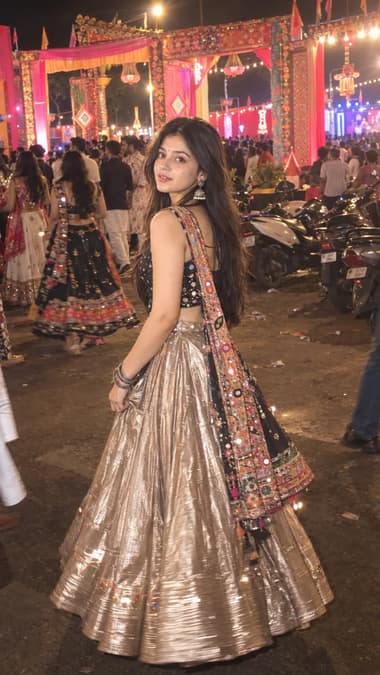
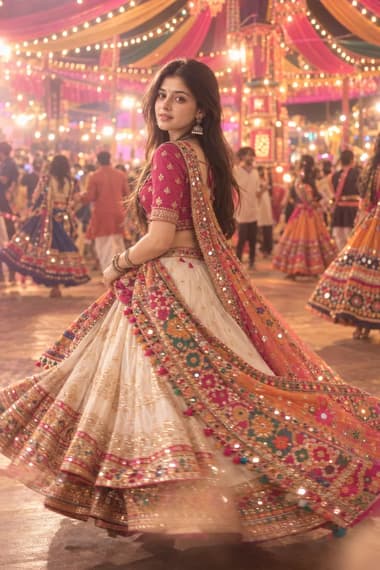
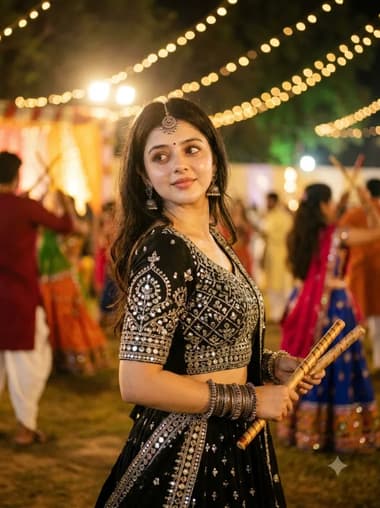
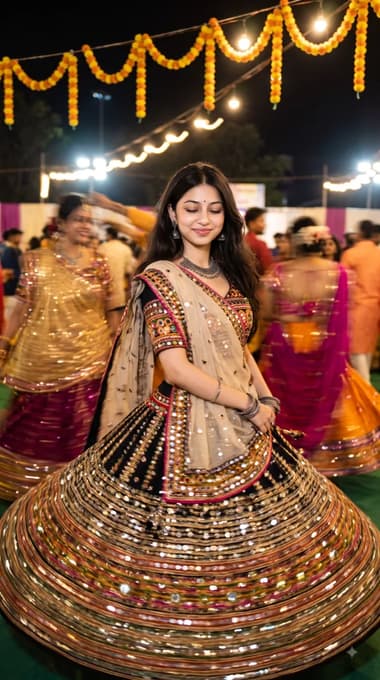
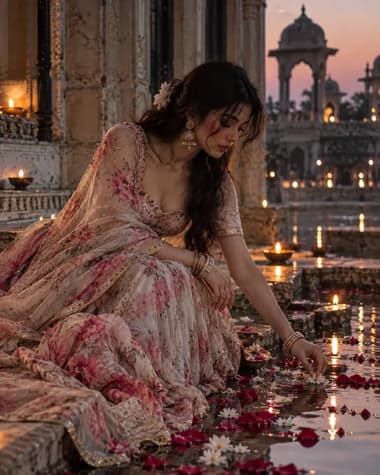
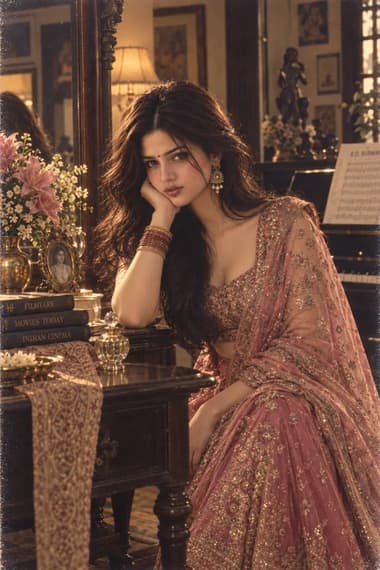
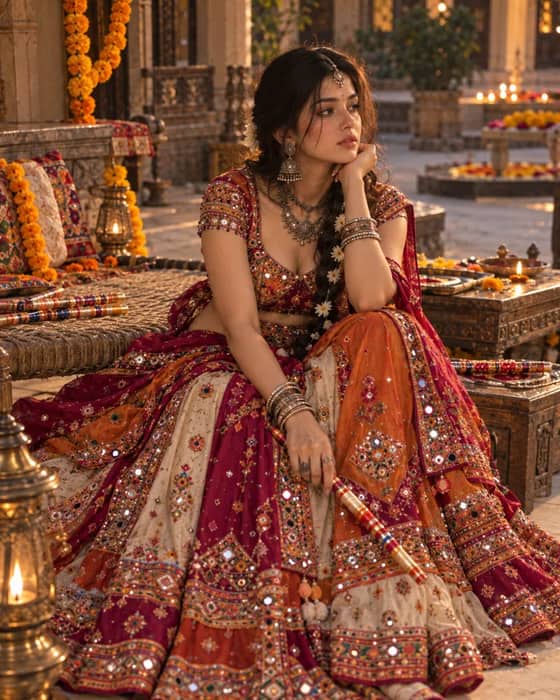
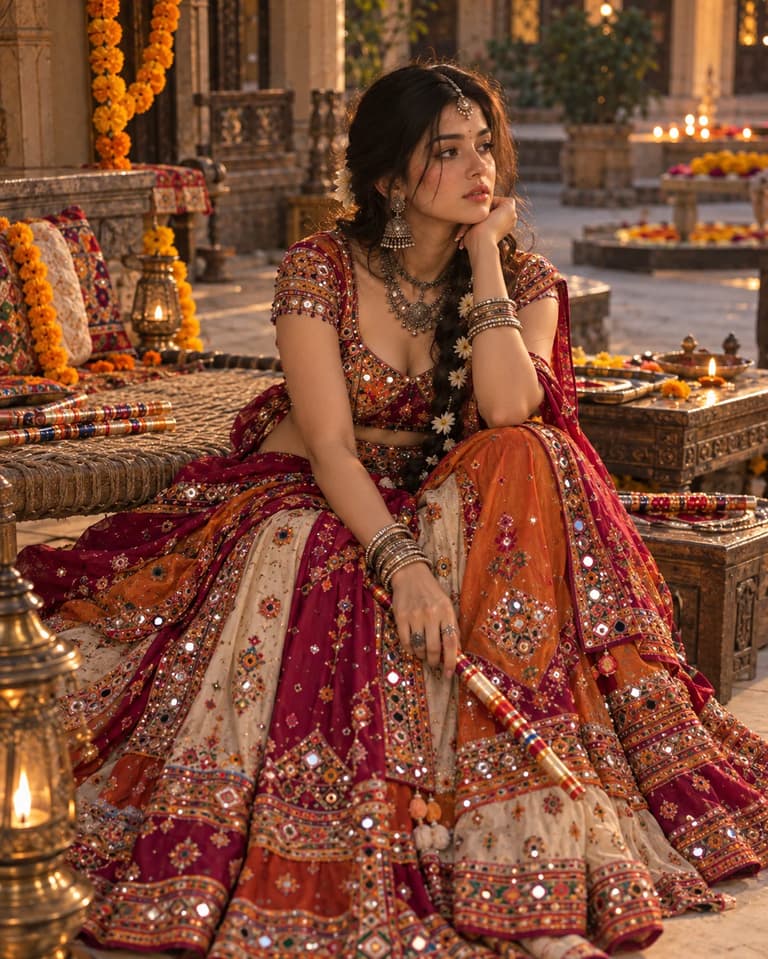
Create a Gujarati Navratri portrait with ChatGPT, featuring a magenta chaniya choli, mirror-work, silver jewelry, dandiya and a warm festive courtyard.

Quick workflow
Copy the prompt, customize any details, and generate in ChatGPT.
Open ChatGPT in your browser or app.
Upload your selfie to use your own face (or skip to make a new character).
Copy the prompt card above and paste it into the chat.
Press send to generate. Adjust any details you want.
Browse our curated library of tested AI image prompts or filter by your favorite tool.
Guide
This prompt makes a studio portrait of a woman wearing a magenta Gujarati Navratri chaniya choli with heavy mirror work. You get a clean, well-lit image that shows the festive texture of the fabric and traditional oxidized silver jewelry without the AI blurring the embroidery details.
AI models tend to push magenta toward neon pink or deep purple. To keep the color grounded, the prompt specifies "deep magenta silk" and adds a neutral background to stop color reflection. If the dress still looks too bright, change the fabric description to "muted magenta" or "dusty magenta". Avoid words like "electric" or "bright" in the color section, as they force the saturation too high.
Traditional Gujarati outfits rely on small mirrors and dense thread work. Image generators usually turn these into random white blobs or metallic smears. The prompt uses "flat circular mirrorwork" and "matte thread embroidery" to force the model to draw distinct shapes. Keeping the lighting soft and frontal stops the mirrors from blowing out into pure white glare.
Pick GPT IMAGE 2.5 for heavy jewelry
GPT IMAGE 2.5 handles dense patterns and layered necklaces much better. It keeps the oxidized silver jewelry looking like actual metal instead of melting it into the collarbone.
AI portraits of Indian women often default to overly westernized features or excessive skin smoothing. The prompt includes "natural skin texture" and "traditional Gujarati facial features" to keep the subject looking authentic. If the eyes look too wide or the smile looks forced, change "smiling" to "soft, natural expression".
Adding dandiya sticks to the text almost guarantees mangled fingers. If you want a waist-up shot with props, ask for "hands resting naturally at the sides" first to get a clean face and torso. You can add the sticks later using an edit tool. For a standard head-and-shoulders portrait, just crop the frame tight and leave the hands out entirely.
A single harsh light source creates deep shadows that hide the dress details. The prompt calls for broad softbox lighting to wrap evenly around the person. This setup shows the gold and silver zari borders clearly while keeping the face evenly exposed. Adding a slight rim light separates the magenta fabric from dark backgrounds, giving the portrait a bit of depth. If the face looks too flat, add "subtle butterfly lighting" to give the cheeks and jawline some structure.
A plain grey or beige background keeps the focus entirely on the outfit and face. If you want a Garba ground vibe, add "blurred festive lights in the background" to the prompt. Keep the background description short so the AI does not pull focus away from the main subject.
FAQ
Just find the word magenta in the prompt and type your preferred color. If you want a specific shade like deep maroon or bright mustard, use those exact words. The GPT IMAGE 2.5 model pays close attention to direct color names, so keep it simple.
Add camera details to the end of your prompt. Typing shot on 85mm lens, natural sunlight, photorealistic usually fixes this. You can also tell the AI to avoid illustration styles by adding no digital art, raw photo at the very end.
Yes, but you might need to adjust the phrasing slightly. The Nano Banana Pro model sometimes ignores long lists of keywords. Write your description as a complete sentence instead. For example, say a realistic photo of a young woman wearing a traditional magenta Gujarati lehenga for Navratri rather than just stacking tags.
Next ideas
 ChatGPTModel:GPT IMAGE 2.5