 ChatGPT
 GeminiChatGPTGemini
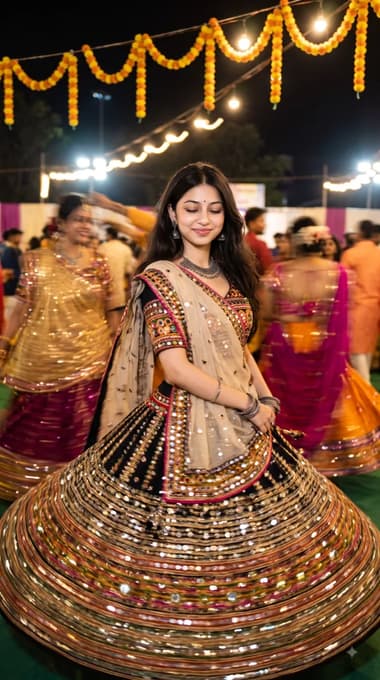
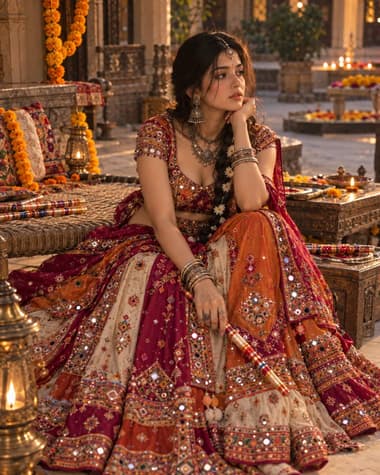
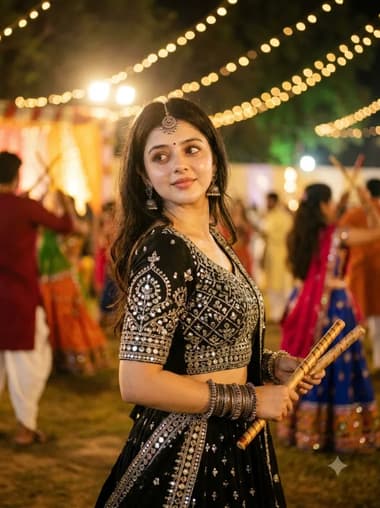
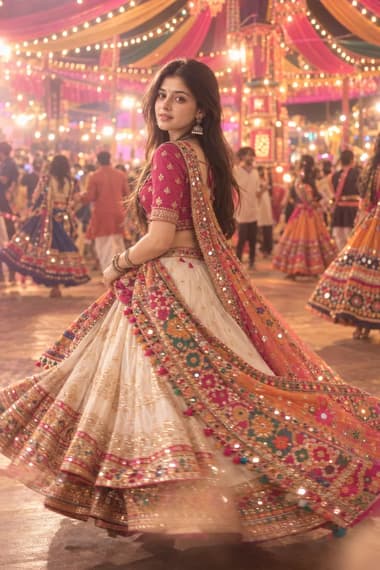
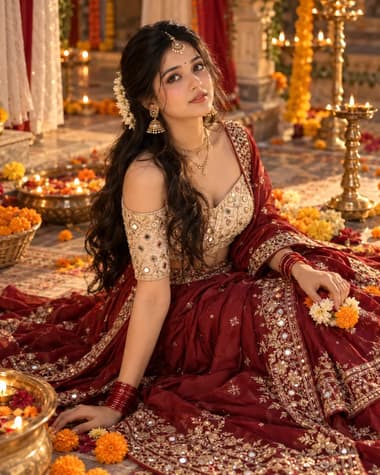
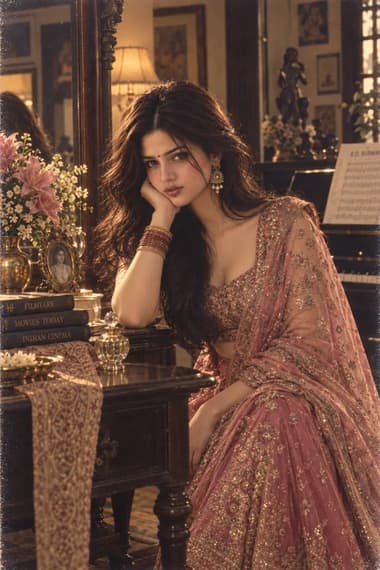
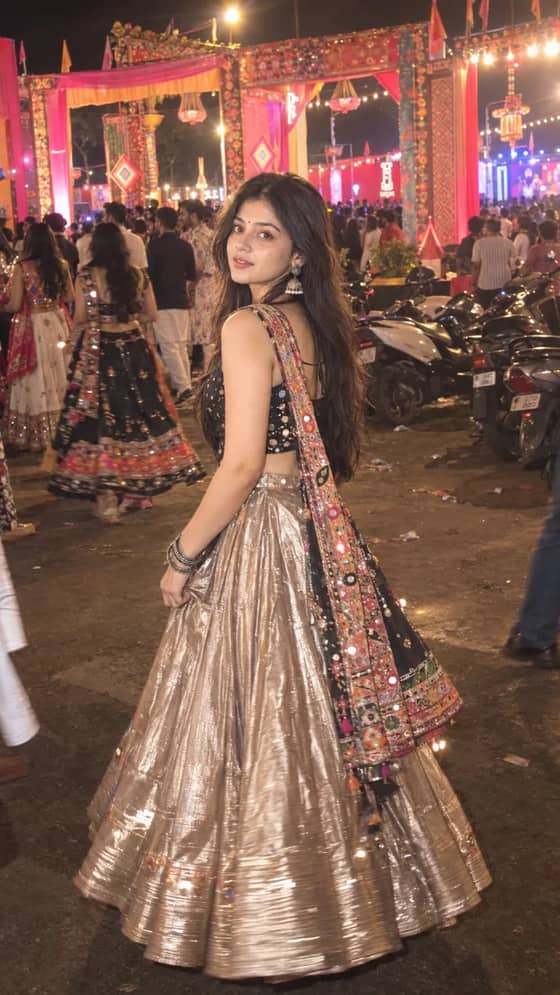
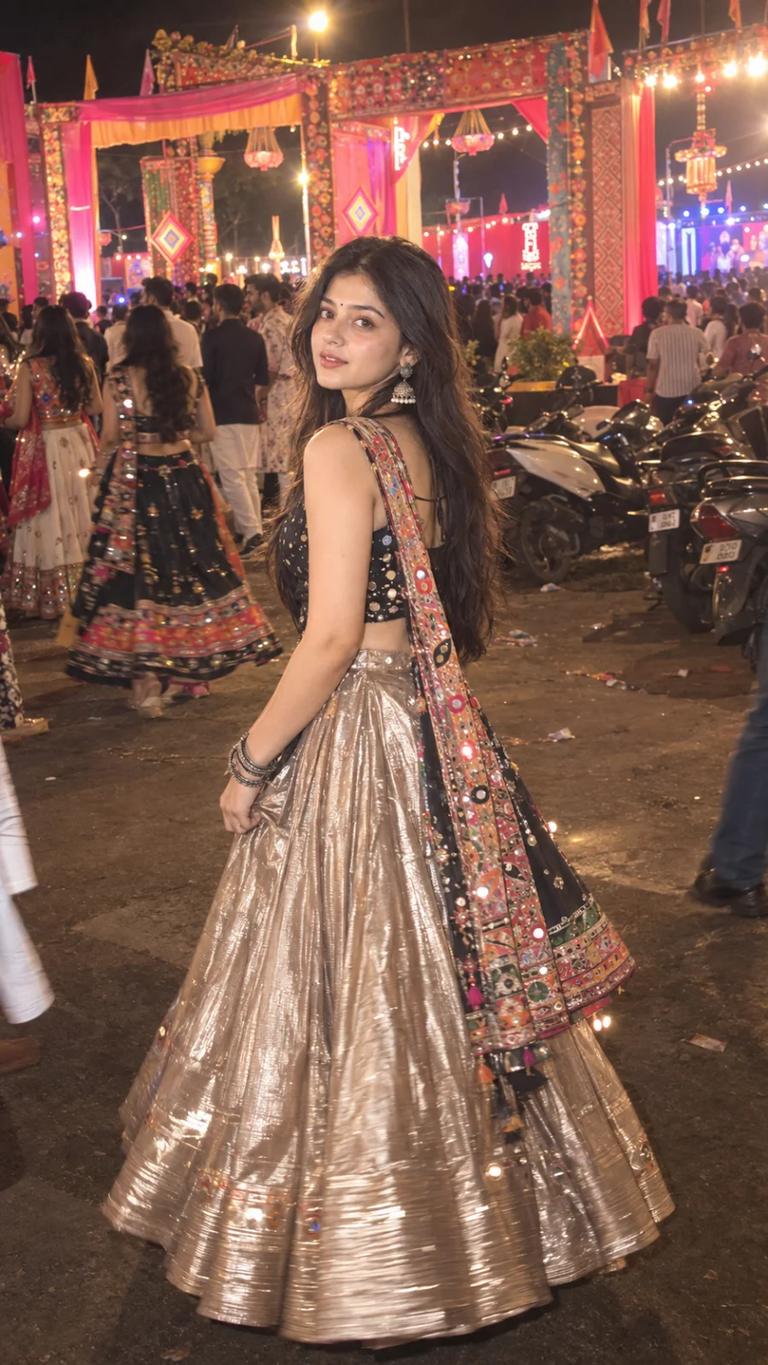
A candid Navratri night photo featuring a metallic champagne-gold lehenga, black mirror-work choli, colorful dupatta and a busy Garba venue.

Quick workflow
Copy the prompt, customize any details, and generate in ChatGPT or Gemini.
Open ChatGPT or Gemini in your browser or app.
Upload your selfie to use your own face (or skip to make a new character).
Copy the prompt card above and paste it into the chat.
Press send to generate. Adjust any details you want.
Browse our curated library of tested AI image prompts or filter by your favorite tool.
Guide
The output is a Navratri Garba shot where the lehenga glints like hammered metal instead of matte embroidery. You get a Gen-Z take on the festival look — full-sleeve cropped choli, high-waist lehenga with a thigh slit, heavy oxidized silver jewellery, and soft-glam makeup that doesn’t need a ring light to survive. The fabric holds its sheen whether the subject stands mid-twirl or pauses under string lights.
Editorial photography, a young Indian woman dancing garba during Navratri, metallic lehenga with mini mirrors in deep magenta and antique gold, semi-transparent dupatta floating, warm ground light with diya bokeh, visible reflective fabric texture, blurred mandap background, Instagram style with soft film grain, natural skin with highlights —ar 3:4
On ChatGPT, select **GPT Image 2**. On Gemini, pick **Nano Banana Pro** for better fabric texture or **Nano Banana 2** when you want softer background blur.
Words like shiny or glossy often push the model toward cheap satin or wet-floor reflections. Mirror-work (mini mirrors) tells the image generator to place tiny distinct specular hits across the fabric, which is what real metallic lehengas do under festival lighting. Pair that with the colour pair — magenta and antique gold — and the metal pieces separate from the base fabric instead of melting into a single plastic block.
The visible reflective fabric texture line isn’t fluff. It forces the model to render the weave or embossing, so you don’t get a smooth gradient that reads like a bad render.
Metallic fabric dies under soft overall light. The prompt uses warm ground light with diya bokeh to create a low-angle warm spill that catches every embossed piece at a different angle. If you still get a grey, non-reflective skirt, swap the light cue for direct fairground-style lighting with golden sparkles and add a slight soft backlight behind the dupatta. That gives the metal a rim hit without blowing out the skin.
GPT Image 2 handles skin texture precisely, so the highlighter on cheekbones stays natural and the metal pieces don’t take on a skin tone. Nano Banana Pro goes heavier on atmosphere and warm spill — great for festivity, but occasionally homogenous on intricate textile details. When the lehenga pattern starts turning into a flat mosaic, try individual embroidery detailing each visible mirror and run it through GPT Image 2 first.
Add a reference image of a real metallic lehenga shot under festival lights
A single reference pic from Pinterest dropped into ChatGPT (GPT Image 2) cuts out most guesswork. The model reads the exact specular behaviour and mirrors it across your scene. Keep the prompt text minimal when using a reference — the photo itself does the heavy lifting.
Both hands raised in dance gives the AI too many fingers to manage, and they often fuse into a single mass. One hand adjusting the edge of the dupatta, relaxed fingers is safer and still reads as a candid garba moment. If you want motion, ask for mid-step twirl with the skirt fanned open instead of a full spin with motion blur — it keeps the hem shape clean and the embroidery legible.
The most common failure is the dupatta losing transparency and becoming a flat colour block. The fix is already in the prompt: semi-transparent dupatta floating, warm backlight. If the model still lumps it, add airy fabric with visible gold thread border and drop the dupatta colour from the lehenga line so the two don’t bleed. A pale gold or sheer magenta dupatta against a slightly darker background works every time.
Blurred mandap background gives you a cultural hint without turning the scene into a busy wedding hall. If the background still comes out sharp, append composition centered on the dancer, ceiling of bokeh lights in the background and widen the aperture cue to something like f/1.8 effect. The metallic lehenga should be the brightest thing in the frame, so avoid prompts that flood the scene with too many string lights — the AI tends to spread them evenly and drown the reflection points.
FAQ
The core prompt works on both, but the models handle fabric and lighting a little differently. GPT Image 2 tends to pick up fine embroidery and metallic reflections right away, so the lehenga often looks rich and specular without extra instructions. Nano Banana Pro can nail the candid dance posture and warm ambient light on the first try. If you're using Nano Banana 2 and the metallic finish looks flat, just add a phrase like 'silver thread zari work catching light, specular highlights on silk-blend fabric.' No need to rewrite the whole thing.
Add 'motion blur on the swirling lehenga and dupatta, sharp facial details' to your prompt. Both GPT Image 2 and Nano Banana 2 can separate subject focus if you phrase it that way. If the face still softens, strengthen the face description with 'tack-sharp eyes, portrait lens, f/1.8 aperture.' That usually keeps the eyes crisp while the fabric flows.
Yes. The prompt uses a general metallic description, so you can swap in the colour you like. Instead of 'silver metallic lehenga,' try 'rose gold mirror-work lehenga with a champagne sheen' or 'antique gold tissue lehenga catching festival light.' Stick to descriptive fabric-and-finish combos rather than just a plain colour word — it helps the model understand the texture. The rest of the Gen-Z garba vibe stays intact.
Next ideas
 ChatGPTModel:GPT IMAGE 2.5