 ChatGPT
 GeminiChatGPTGemini
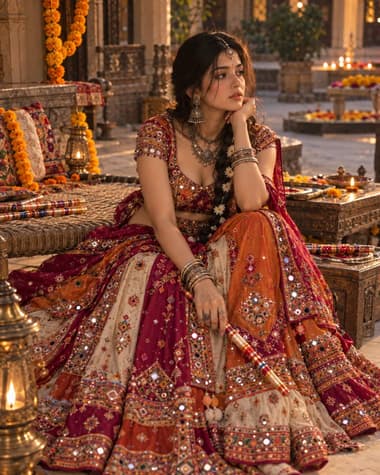
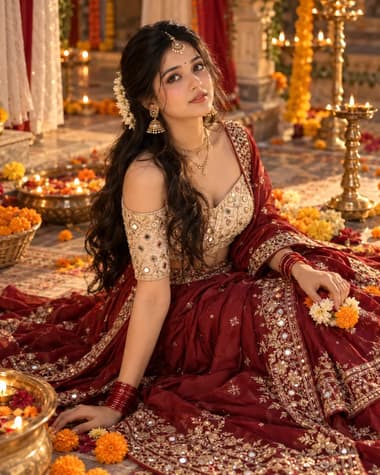
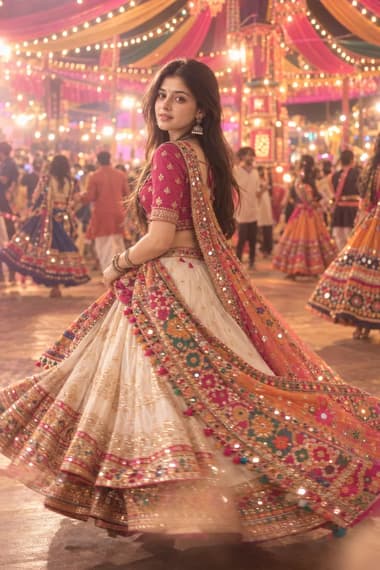
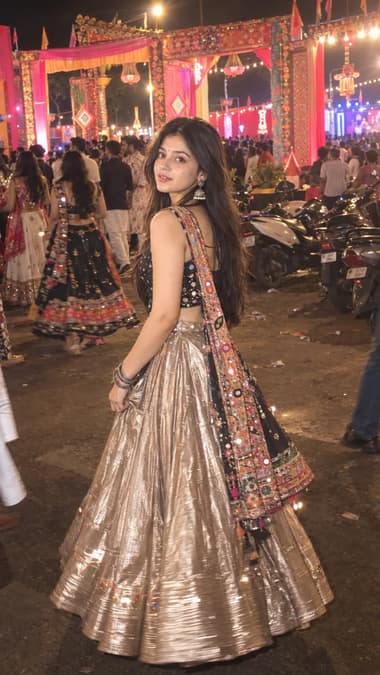
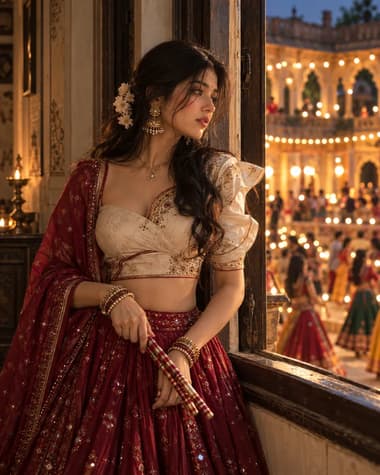
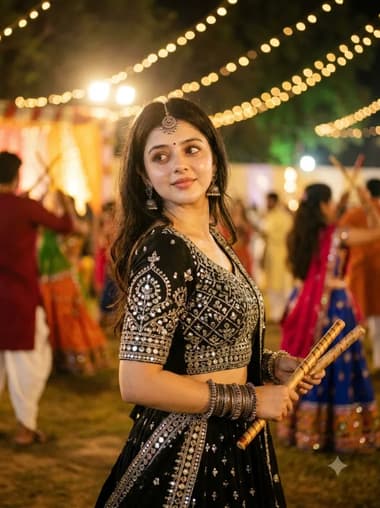
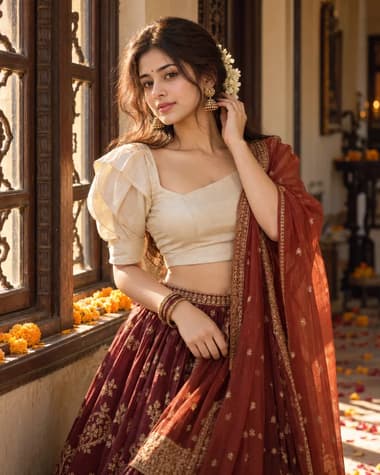
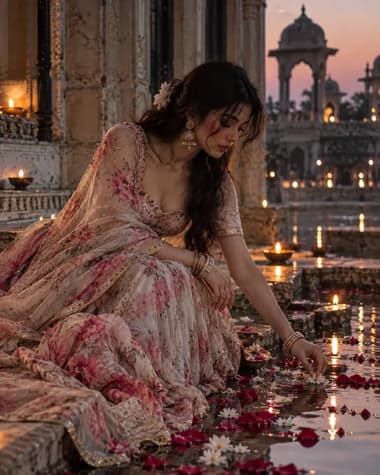
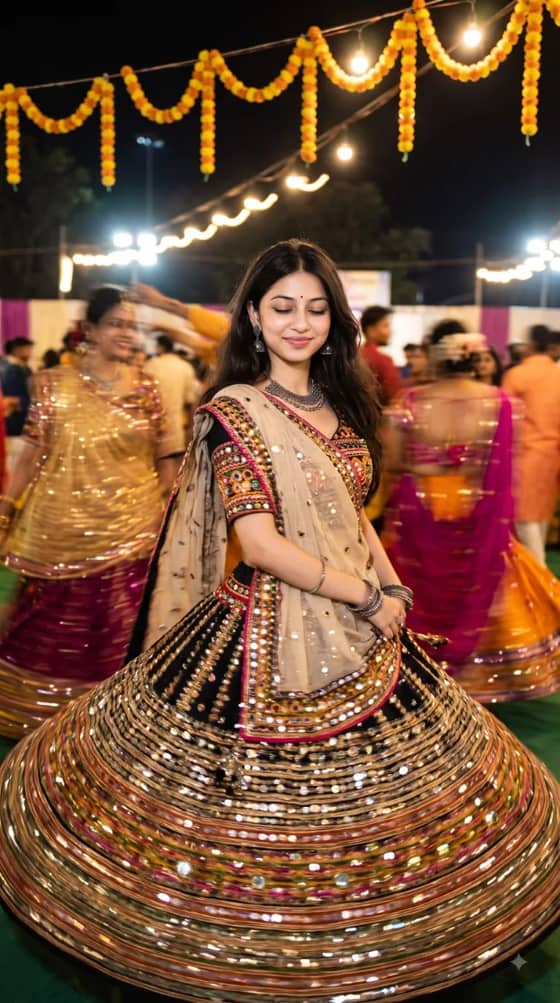
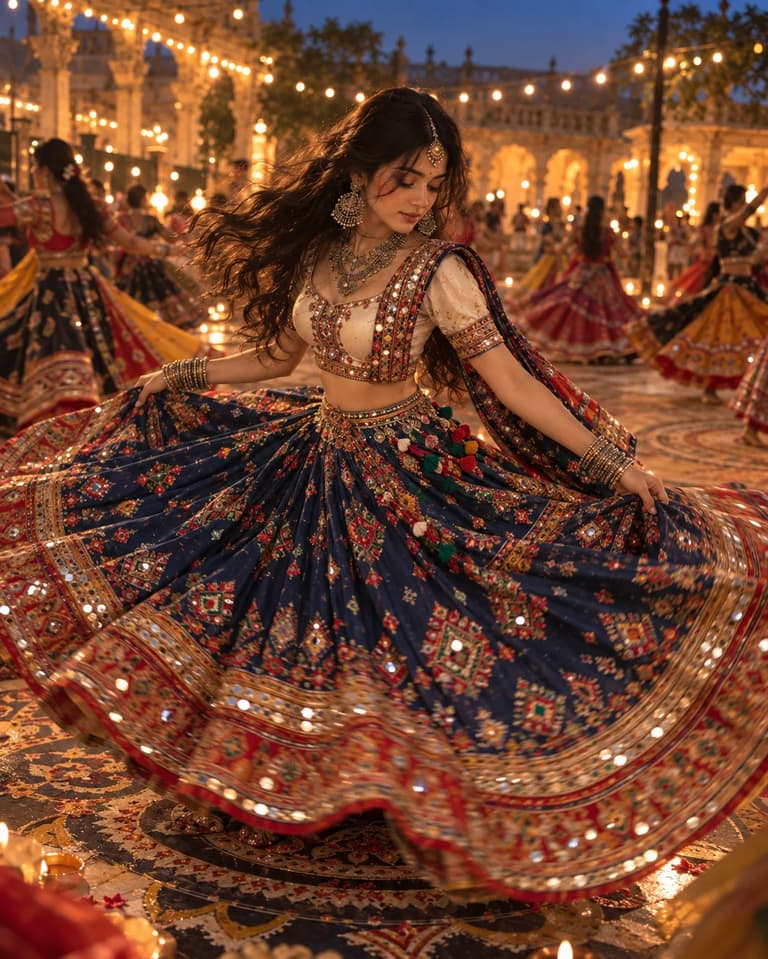
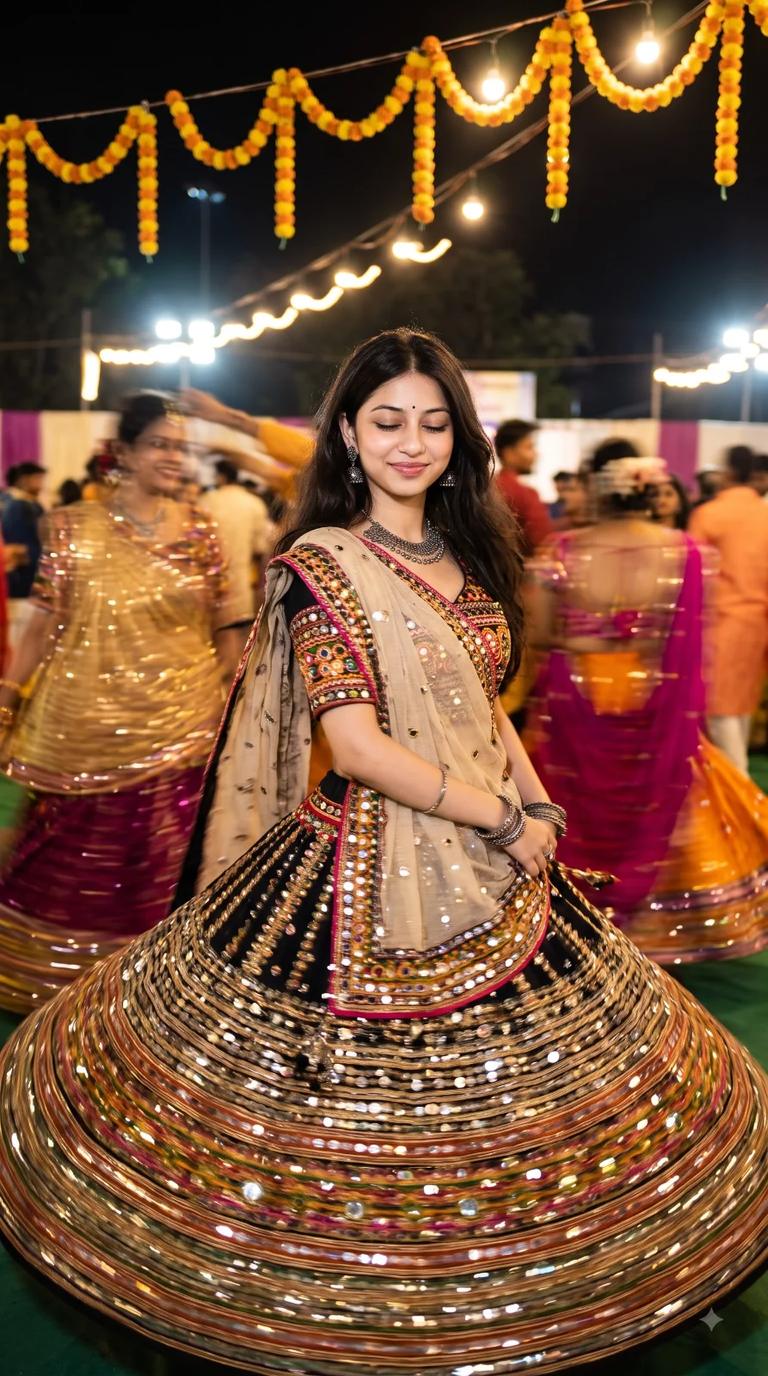
Create a festive Navratri Garba portrait with ChatGPT or Gemini, featuring a cobalt-blue chaniya, mirror work, silver jewelry, warm lights and dramatic fabric movement.

Grab all 2 creative prompts instantly to use in your favorite AI generator.
Quick workflow
Copy the prompt, customize any details, and generate in ChatGPT or Gemini.
Browse the variations above and choose the look you want.
Open ChatGPT or Gemini in your browser or app.
Attach your selfie in chat and paste your chosen prompt.
Press send to generate. Try the other styles for different looks.
Browse our curated library of tested AI image prompts or filter by your favorite tool.
Guide
This prompt generates a full-motion Navaratri portrait of a dancer mid-twirl in a cobalt blue chaniya choli. You get a sharp, motion-blurred background with the subject in crisp focus, showing the exact energy of a Garba night.
AI image generators often melt limbs or warp fabric during a spin. Specifying the exact angle of the rotation and the weight of the material fixes this. Telling the model the skirt is heavy embroidered cotton rather than just flowing fabric stops the hem from floating unnaturally in the air. Cobalt blue needs high contrast against the background to stand out, so the prompt sets a dark, warm-toned venue with scattered diyas.
Traditional jewelry and mirror work are highly specific visual elements.
Pick GPT IMAGE 2.5 for the jewelry
GPT IMAGE 2.5 handles the small, repetitive patterns of traditional mirror work and oxidized silver jewelry much better. Nano Banana Pro tends to blur the tiny mirrors into generic silver sparkles when the subject is moving.
Garba venues are usually dimly lit with colorful stage lights. Asking for standard stage lighting usually makes the AI blast the subject with flat, bright white light. Adding rim lighting from warm amber gels outlines the dancer instead. Dark cobalt blue fabric separates from the shadows easily this way, without washing out the skin tones.
A full-body shot is necessary to show the complete circle of the twirl, but AI often crops the feet or the top of the head when the subject is moving. Locking the camera at a slight low angle and explicitly asking for a wide shot with headroom and footroom solves the cropping issue. Doing so keeps the entire silhouette inside the frame while keeping the blue skirt as the dominant visual element.
Hands are the first thing to break during a dance prompt. If the dancer is holding dandiya sticks, the AI might merge the wood with the fingers.
Drop the props if the hands warp
If the generated images show six fingers or sticks blending into the palms, remove the dandiya sticks from the prompt. A pure hand-raised twirl keeps the focus on the face and the skirt movement, and it completely avoids the finger-counting problem.
FAQ
Getting the dress to look like it is moving takes a few specific words. Tell the model to focus on the skirt. Adding phrases like 'motion blur on the skirt edges' or 'mid-twirl action shot' helps GPT IMAGE 2.5 capture the spin without blurring the face.
The AI sometimes mixes up deep blues and purples. Write 'bright cobalt blue' and add a lighting detail like 'lit by warm festival lights' to keep the color clear. If it still looks purple, tell Nano Banana Pro to avoid violet tones by adding 'strictly blue, no purple' to your text.
Wide shots usually make the face lose detail because the camera is too far away. Ask for a medium portrait instead of a full-body shot. This keeps the focus on the upper body and face while still showing the lehenga spinning. Adding 'sharp focus on the face' also helps.
Next ideas
 ChatGPTModel:GPT IMAGE 2.5
 GeminiModel:Nano Banana Pro