 ChatGPT
 GeminiChatGPTGemini
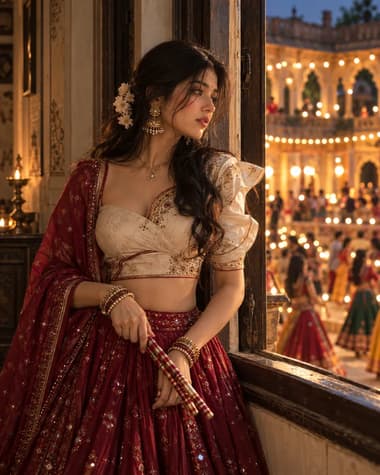
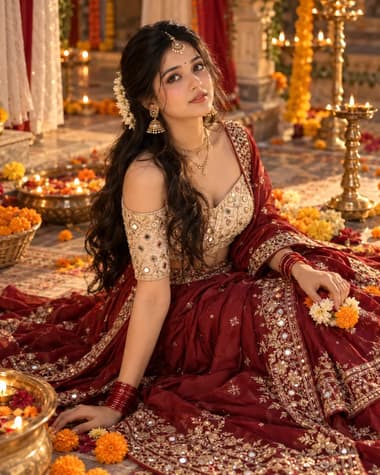
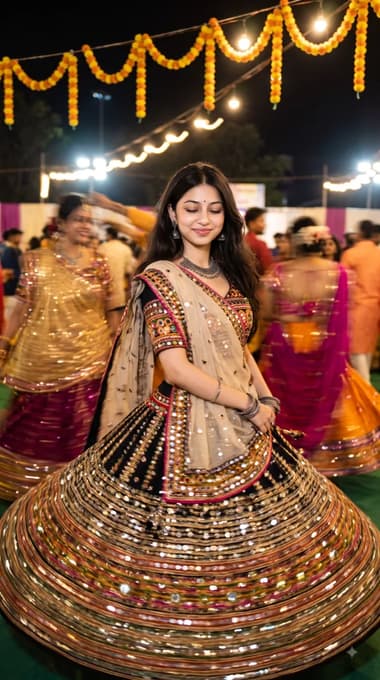
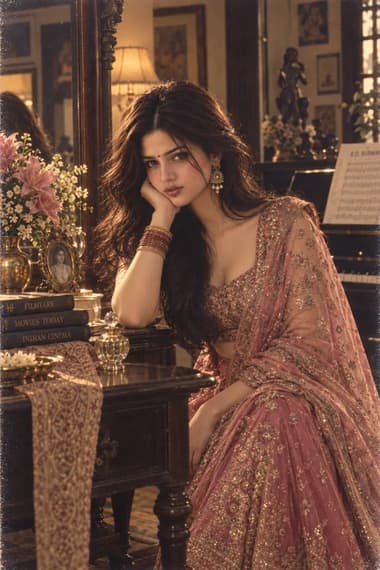
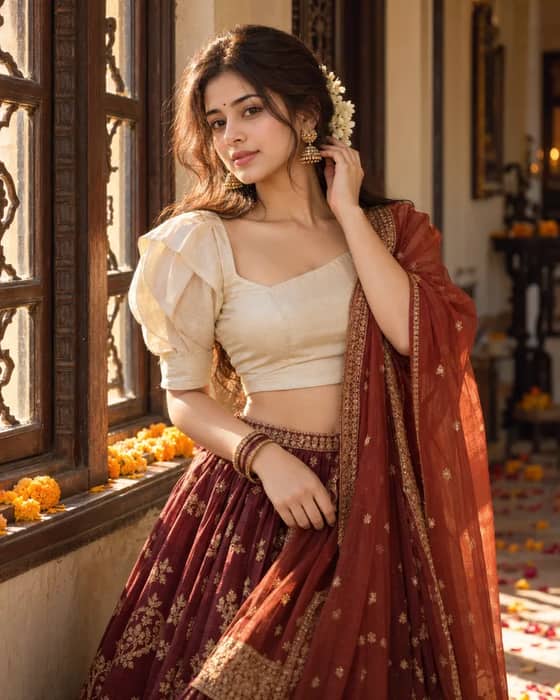
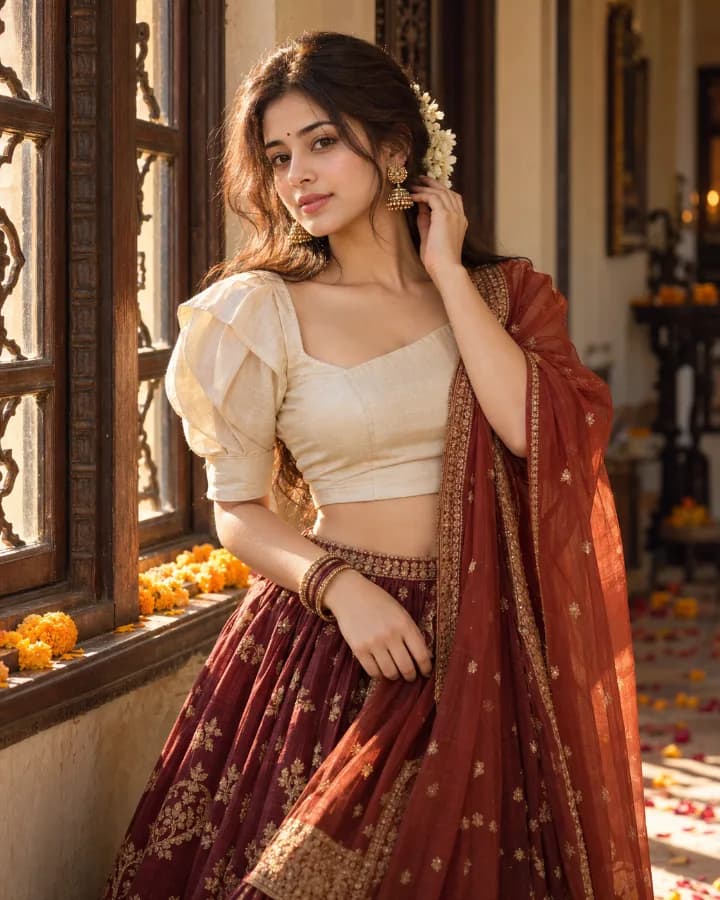
A graceful festive portrait featuring a wine-red silk lehenga, ivory blouse, rust dupatta and jasmine flowers in a traditional Indian home.

Quick workflow
Copy the prompt, customize any details, and generate in ChatGPT or Gemini.
Open ChatGPT or Gemini in your browser or app.
Upload your selfie to use your own face (or skip to make a new character).
Copy the prompt card above and paste it into the chat.
Press send to generate. Adjust any details you want.
Browse our curated library of tested AI image prompts or filter by your favorite tool.
Guide
The prompt produces a waist-up portrait of a woman in a wine-red Navratri lehenga against a plain dark backdrop. The deep burgundy reads true to fabric—close to a merlot shot in golden-hour light—and the gold embroidery stays sharp instead of dissolving into yellow fuzz.
The lehenga described here isn’t a generic “red Indian dress.” It asks for a wine-red raw silk lehenga with a broad golden zari border, light resham booti work, and chandbali mirror accents on the blouse. When you keep the fabric notes specific, the AI gets the weight and fall right. Without them, you often get crushed velvet that looks spray-painted.
Most AI models love to over-brighten anything metallic. The prompt sidesteps that by calling out “matte gold zari” and placing a soft key light from the front. No dramatic backlight, no neon rim. The light wraps from one side just enough to put a tiny catchlight on the jhumka and the choker, nothing that blows out the embroidery.
If you run this on Nano Banana Pro, you might see the gold render slightly warmer and a little flat—close to embossed foil. Dial the prompt temperature low and mention “visible thread texture in the zari” if you want more bite. GPT IMAGE 2.5 tends to keep the thread feel on the first pass, especially when the prompt already mentions resham work.
Keep the face soft but not airbrushed
Add “visible skin pores and light sheen on the nose bridge, no plastic skin” to the negative or as a style note. Nano Banana Pro sometimes over-smooths unless you guide it.
The subject stands with one hand resting at the hip, the other hanging naturally, chin lifted just a little. No mudra, no dancing—simple and repeatable. The dupatta drapes over one forearm and falls straight down. That drape line is a good test: if it curves like a crescent, the model misunderstood the weight of the fabric and you’ll need to add “dupatta hangs in a straight column with sharp folds.”
Avoid hand-near-face poses. Both models sometimes mangle fingers when they’re close to the maang tikka or the nose ring. A hand on the waist keeps everything clean.
AI tends to blur small jewelry into skin if you just ask for “traditional gold jewelry.” The prompt lists each piece separately: a short kundan choker, layered gold chains, heavy jhumkas with a tiny pearl drop, a single maang tikka with a round red stone, and a cluster of red and gold bangles. That separation gives each item its own edge. When you skip the earrings, you’ll sometimes get a portrait with no jhumkas at all, because the choker drew all the attention. Mention them by name.
If you write “mirror work lehenga” without limits, both models occasionally go overboard—the blouse turns into something more like scale armor than shisha embroidery. The prompt says “scattered chandbali mirrors on the blouse, not fully covered.” That keeps the mirror placement sparse and believable. You still get the Navratri sparkle, but it reads as textile work instead of chrome.
Model choice changes the skin and fabric grain
GPT IMAGE 2.5 usually keeps a fine linen texture on the raw silk and gives the skin a little natural highlight variation. Nano Banana Pro leans toward smoother, slightly more painterly results—good for a warmer, editorial look, but you’ll want to reinforce fabric grain in the prompt.
Without them, the image can drift toward a generic bridal shoot. A small red bindi and a white gajra wrapped around a low bun anchor the portrait in Navratri—festive, not wedding. The prompt includes both because AI models sometimes treat red bindi as a marriage marker and automatically add sindoor. Specifying “small round bindi, no sindoor” keeps it in the right lane.
FAQ
Start with 'wine red lehenga' in your prompt, but add 'deep burgundy-red fabric with gold zari embroidery' to lock in the shade. On ChatGPT's GPT IMAGE 2.5, mention the lighting—'warm golden-hour light' or 'soft studio lighting'—to stop the red from turning orange. Nano Banana Pro on Gemini responds well to 'saturated rich red, no pink undertones'. If the result drifts, just tweak the descriptor: 'mahogany red' or 'dark maroon' can work better than a generic 'red'.
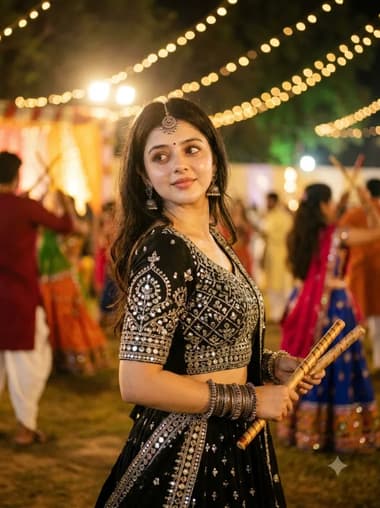
The feel comes from blending a portrait prompt with cultural context. Say 'close-up portrait of a young woman smiling softly, wearing a wine red Navratri lehenga, side-angle, blurred festive background with diyas and garlands'. Avoid stiff poses by asking for 'mid-garba motion' or 'candid glance'. GPT IMAGE 2.5 often interprets 'candid' well. For Nano Banana Pro, try 'photojournalistic style, shallow depth of field'. Both tools can nail the bokeh if you explicitly request 'blurred bokeh lights'.
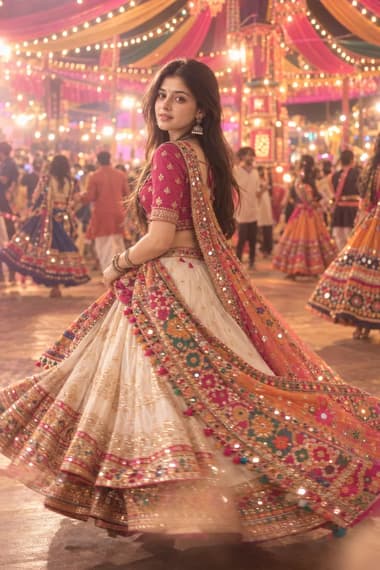
This is a common snag with complex outfits. Break it down for the model: 'full-length flared lehenga skirt, fitted choli with short sleeves, dupatta draped elegantly over one shoulder, fine gold embroidery'. The more you describe the garment pieces and the drape, the better. For ChatGPT's GPT IMAGE 2.5, adding 'symmetrical patterns, sharp detailing' helps reduce fabric chaos. On Nano Banana Pro, 'clean lines, no distortion, traditional embroidery' works. If it still misplaces the dupatta, shift framing to 'tight crop from mid-waist up' to avoid showing the full skirt, which sometimes confuses the model.
Next ideas
 ChatGPTModel:GPT IMAGE 2.5