/
/
 ChatGPTChatGPT
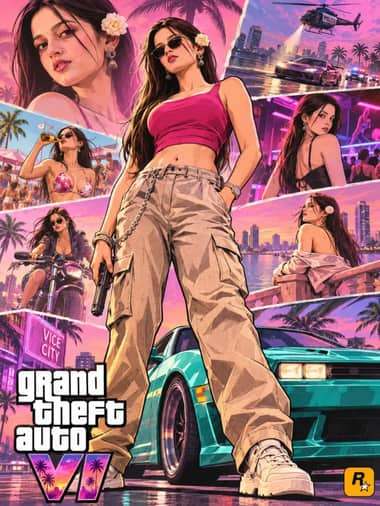
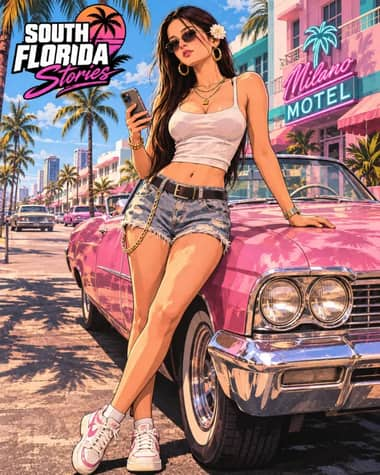
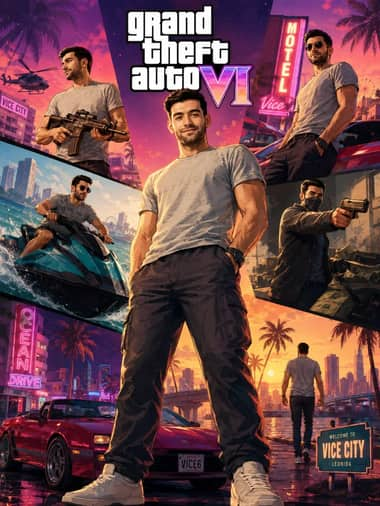
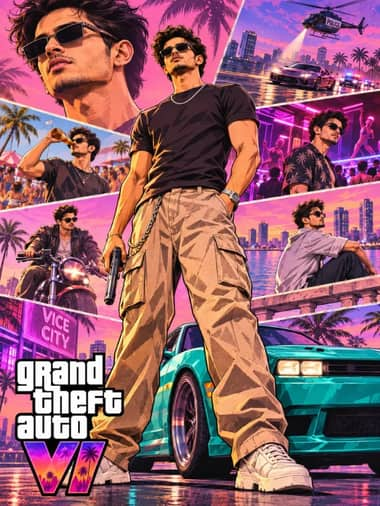
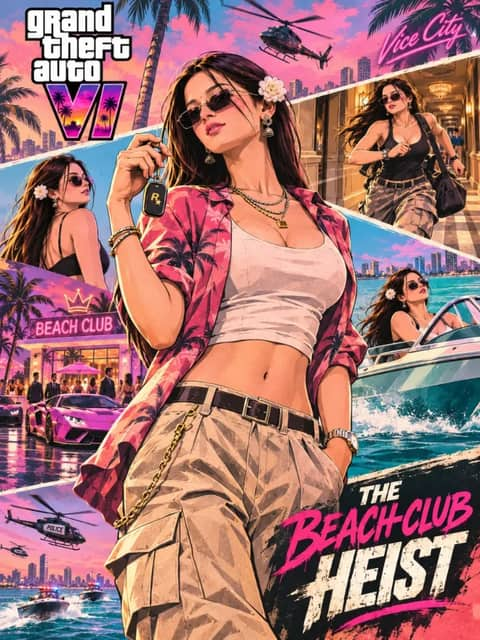
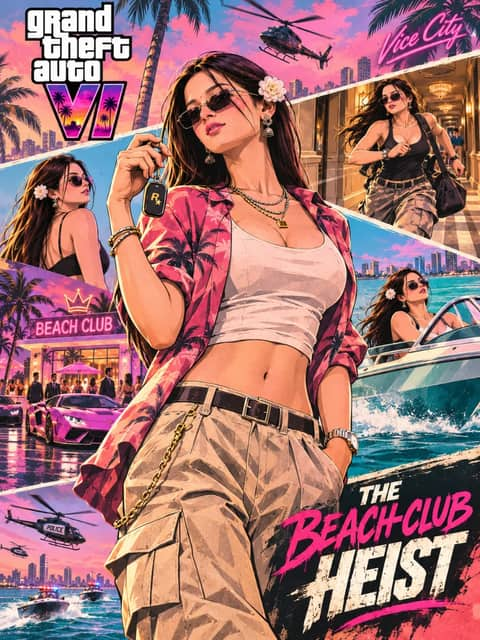
Turn your photo into a GTA 6-style beach club heist poster with luxury cars, speedboats, helicopters and cinematic action scenes.

Quick workflow
Copy the prompt, customize any details, and generate in ChatGPT.
Open ChatGPT in your browser or app.
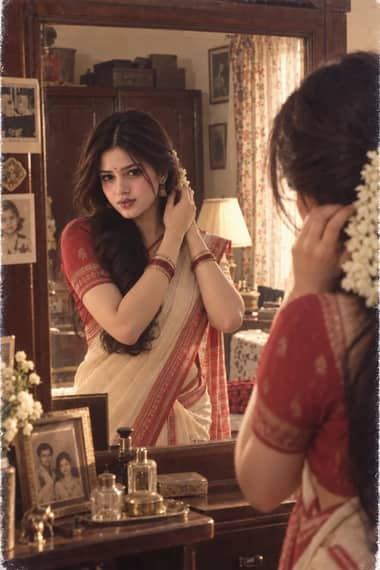
Upload your selfie to use your own face (or skip to make a new character).
Copy the prompt card above and paste it into the chat.
Press send to generate. Adjust any details you want.
Browse our curated library of tested AI image prompts or filter by your favorite tool.
Guide
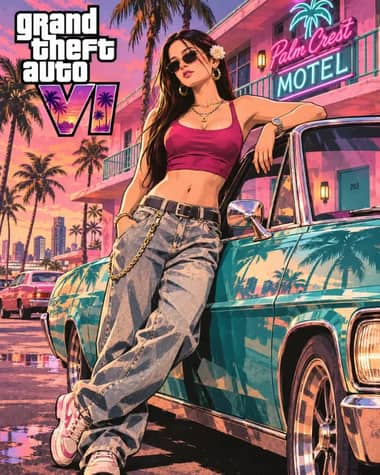
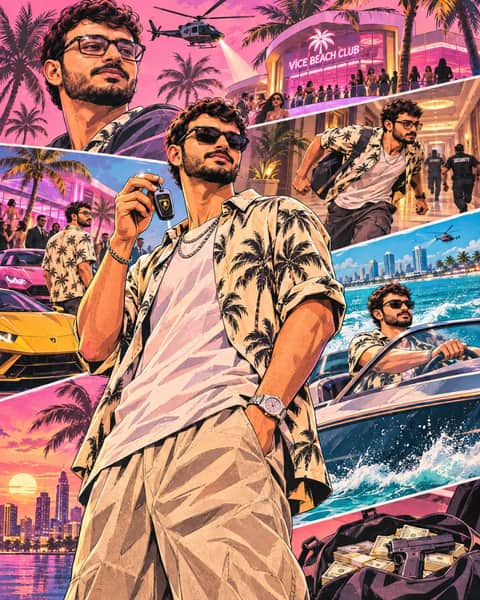
This prompt transforms a portrait into a GTA VI style game artwork poster, complete with Vice City neon lighting, high-end streetwear, and multi-layered heist action.
Getting the signature Rockstar Games cover aesthetic requires balancing flat graphic illustration with realistic facial proportions. AI tools default to 3D renders or generic digital photos when you ask for "game art". You have to force the generator to use hard contour lines and flat painterly shading. By placing the main subject prominently in the foreground holding a car key, the prompt anchors your character while pushing secondary action elements into diagonal background panels.
The prompt relies on a diagonal composition to stack four separate narrative elements without cluttering the frame. A high-speed boat chase, getaway cars outside a beach club, low-flying security helicopters, and indoor hallway sprints all compete for screen space.
If you list these scenes in a simple series, the image model blends them into one messy blob. Specifying "overlapping illustrated action scenes" forces the model to draw sharp visual borders between each micro-scene.
Using a vertical 4:5 aspect ratio gives the background panels enough height to stack above the character's shoulders. That leaves the central portrait clean and easy to read.
Anchor your subject with a strong gesture
Asking for a specific item like a car key or sunglasses keeps the AI from generating default resting hands, which often leads to extra or merged fingers.
GPT IMAGE 2.5 hits the poster style accurately on the first try. It handles hard black outlines, sharp shadow shapes, and posterized skin tones without turning the subject into a soft cartoon. The facial structure stays close to your original image, while the clothing picks up heavy vector ink lines.
Nano Banana Pro excels at environmental details. The turquoise water reflections, palm silhouettes, and glossy paint on the getaway cars look cleaner. However, Nano Banana Pro tends to smooth out facial details, occasionally replacing graphic line art with soft 3D shading. If your image looks like a 3D animated film, add "2D graphic vector artwork" and "heavy ink outlines" to your prompt in Nano Banana Pro.
Model choice for graphic artwork
Use GPT IMAGE 2.5 when you want sharp comic-book outlines and accurate face structure. Switch to Nano Banana Pro if you need richer environmental lighting on water and vehicles.
Bright neon shades ruin a image if they aren't bound to specific surfaces. Without strict boundaries, neon pink and blue flood the frame, washing out facial details and casting flat purple light over the skin.
This prompt locks down four distinct colors: coral pink, electric blue, golden yellow, and deep navy.
Deep navy serves as the base shadow color, separating the protagonist from bright background assets. Golden yellow lights up metallic jewelry and warm sunset highlights. Coral pink and electric blue fill neon signs and water reflections. Keeping saturated brights in the background lets skin tones remain grounded under the graphic shading.
Next ideas
 ChatGPTModel:GPT IMAGE 2.5