/
/
 ChatGPTChatGPT
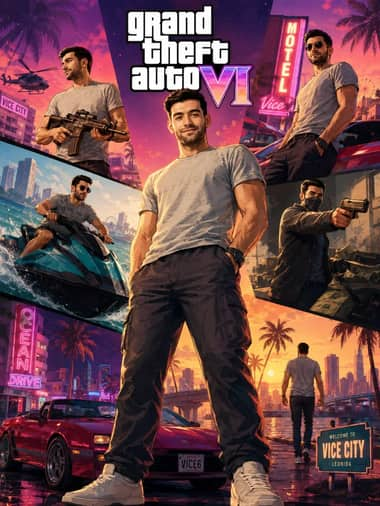
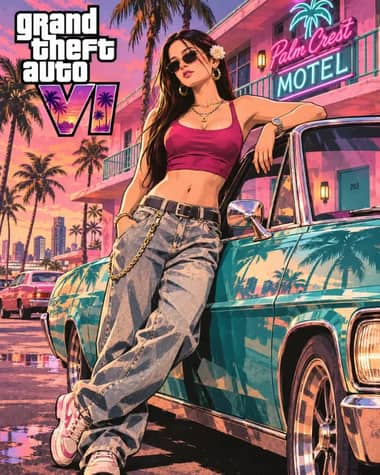
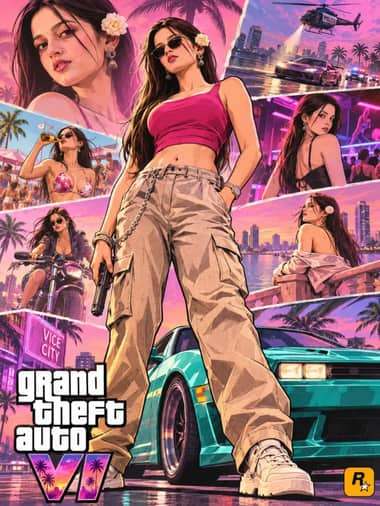
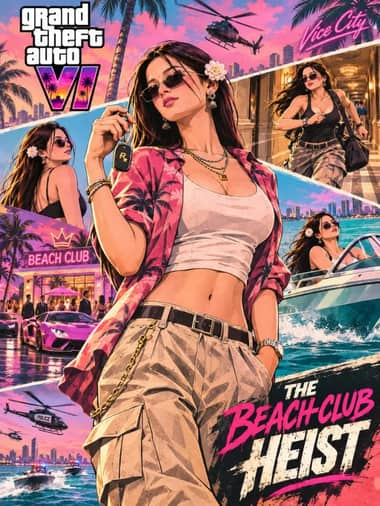
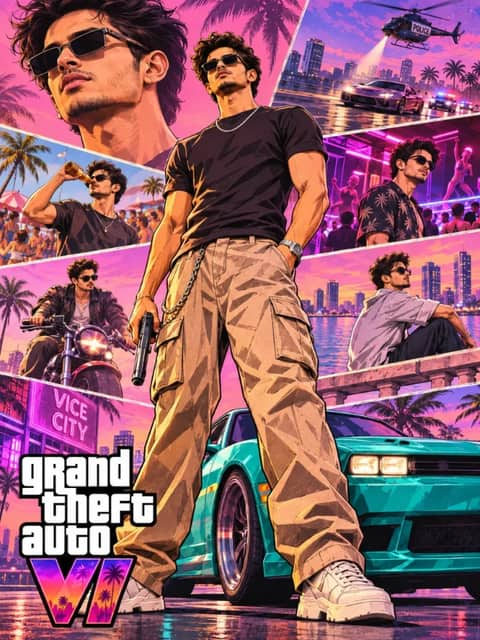
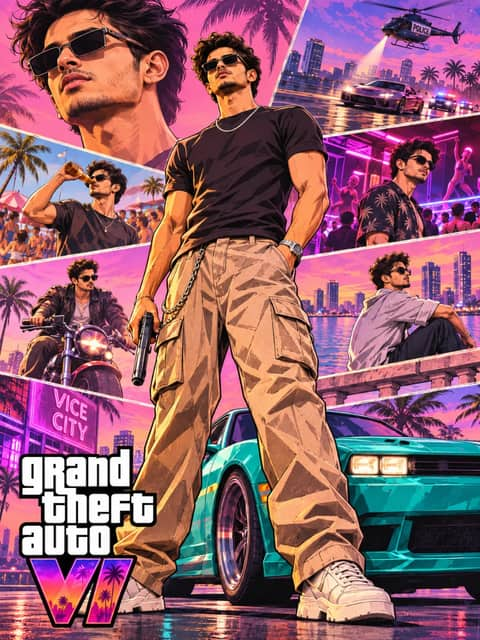
Turn your selfie into a GTA 6 Vice City cover poster in ChatGPT featuring a black tee, beige cargo pants, turquoise muscle car, and sunset panels.

Quick workflow
Copy the prompt, customize any details, and generate in ChatGPT.
Open ChatGPT in your browser or app.
Upload your selfie to use your own face (or skip to make a new character).
Copy the prompt card above and paste it into the chat.
Press send to generate. Adjust any details you want.
Browse our curated library of tested AI image prompts or filter by your favorite tool.
Guide
Turning a personal photo into a high-end video game cover poster requires precise control over character likeness, bold ink contours, and retro-vibrant color palettes. The prompt on PromptSoul takes a standard portrait and places the subject into a multi-panel collage matching the signature visual language of open-world promotional art.
Getting the output right means understanding how text-to-image engines interpret layout instructions, clothing layers, and multi-scene panel framing.
Large promotional posters featuring six distinct background tiles alongside a full-length foreground subject push AI layout engines hard. If you don't anchor the primary facial features early in the text string, the character in the beach scene won't match the man standing by the turquoise car.
Lock facial identity before describing the background
Start the prompt by telling the generator to preserve the exact facial structure, skin tone, and haircut from the source photo. Repeat this constraint before describing the smaller diagonal panels so the model doesn't generate random background actors.
The prompt uses specific clothing items—a fitted black T-shirt, oversized beige cargo pants, and chunky white sneakers—to ground the character in a believable streetwear aesthetic. Mentioning accessories like the silver waist chain and rectangular black sunglasses gives the rendering engine concrete geometric shapes to build realistic shadows and metallic highlights against the neon street.
Rockstar promotional art relies on stark color separation. The palette demands hot magenta, deep purple shadows, and sunset orange highlights to mimic the evening atmosphere of South Florida.
When generating this through GPT IMAGE 2.5, specifying "painterly digital shading" and "bold ink contours" stops the engine from producing a flat 3D render. The ink contours force the AI to draw clean vector-style outlines around the character's jawline and clothing folds, while the rim lighting separates the subject from the reflective turquoise sports car parked behind him.
Choose GPT IMAGE 2.5 for complex multi-panel layouts
GPT IMAGE 2.5 handles spatial arrangements of six diagonal panels better than Nano Banana Pro when dealing with mixed indoor and outdoor lighting conditions. Nano Banana Pro tends to bleed the pink sunset gradient into the interior nightclub panel, whereas GPT IMAGE 2.5 keeps the magenta-lit venue cleanly separated from the coastal highway scene.
Even with a detailed prompt, certain recurring artifacts can ruin the game cover look. Here is how to fix them directly inside your prompt parameters.
If the silver waist chain or necklace floats away from the body or merges into the cargo pants, add explicit attachment instructions. Change the text to read "silver waist chain resting securely against the waistband of the beige cargo pants" and specify that the wristwatch must be worn strictly on the left wrist.
AI engines often smooth out skin until portraits look like plastic action figures. Defeat this by adding terms like "visible skin pores, natural skin texture, realistic stubble" alongside the ink contour and painterly shading tags. This breaks up the synthetic gloss and keeps the character looking like a real person rendered in a graphic novel style.
One hand resting in a pocket frequently results in extra fingers or missing thumbs. Instead of describing an open hand, specify "one hand balled into a loose fist inside the pocket" or adjust the pose so both hands grip steering wheels or rest flat against railings, which are shapes the AI handles with fewer anatomical errors.
Next ideas
 ChatGPTModel:GPT IMAGE 2.5