/
/
 ChatGPT
 GeminiChatGPTGemini
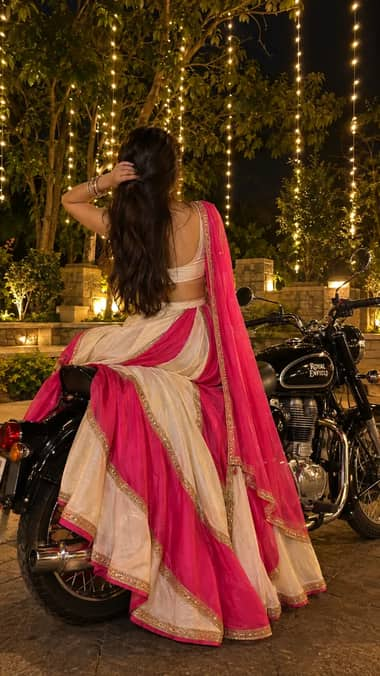
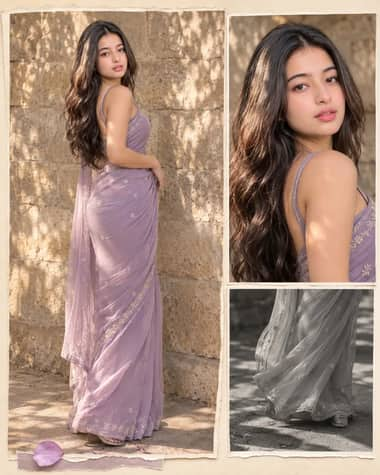
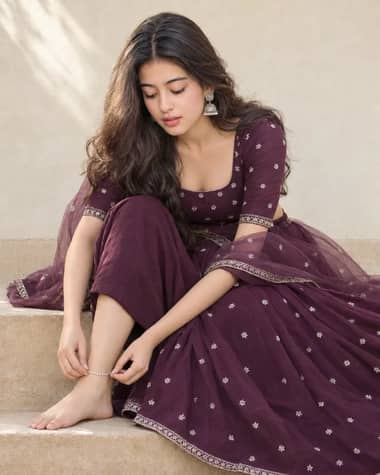
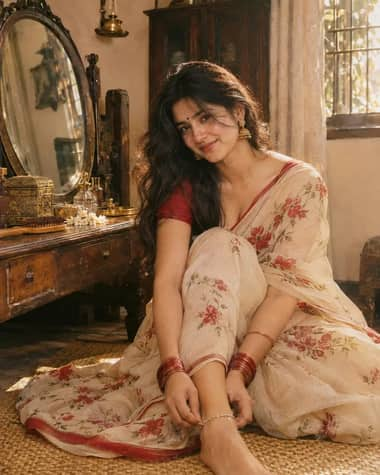
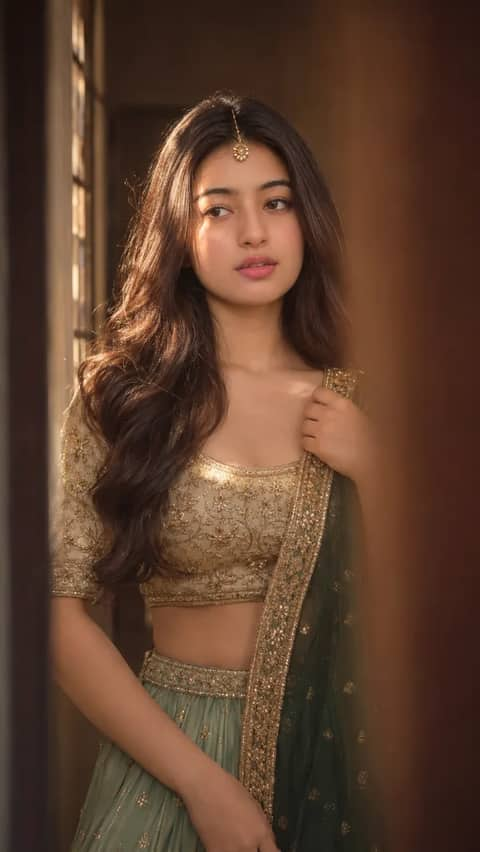
A streak of window light across one eye makes this sea-green lehenga portrait feel cinematic. Explore the look in ChatGPT or Gemini.

Quick workflow
Copy the prompt, customize any details, and generate in ChatGPT or Gemini.
Open ChatGPT or Gemini in your browser or app.
Upload your selfie to use your own face (or skip to make a new character).
Copy the prompt card above and paste it into the chat.
Press send to generate. Adjust any details you want.
Browse our curated library of tested AI image prompts or filter by your favorite tool.
Guide
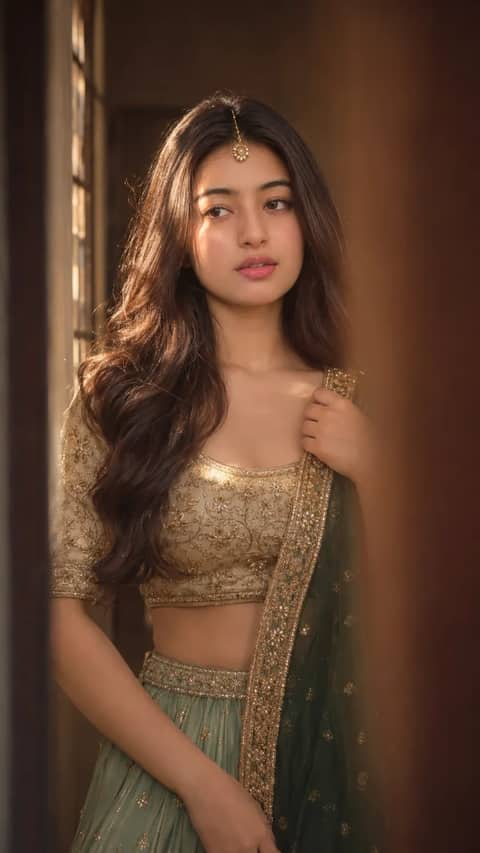
The sea green lehenga doorway prompt produces an intimate, cinematic Indian portrait lit by a hard slit of window light and framed through an out-of-focus wooden door. It moves away from standard, sterile studio poses by using deliberate foreground obstruction and high-contrast indoor shadows.
Most text-to-image prompts place the model dead-center against a flat wall. That setup immediately looks synthetic. In this prompt, specifying that a soft, warm-brown door edge blurs the rightmost quarter of the frame forces the image generator to build realistic physical depth. The camera sits outside the room, shooting past an obstacle to catch someone inside.
The choice of a 35mm lens at f/3.2 matters here. Many creators default to f/1.4 or f/1.8 to blur everything into oblivion. That is a mistake for Indian bridal wear. At f/1.4, delicate gold embroidery, stone work, and fabric folds turn into an unreadable smear. An aperture of f/3.2 gives you enough depth of field to keep the model's eyes, her small gold tikka, and the collarbone embroidery sharp, while still throwing the nearby doorframe completely out of focus.
Keep the aperture around f/2.8 to f/3.5
Using ultra-wide apertures like f/1.2 wipes out fine zari weave and jewelry details. Stick to f/3.2 to keep fabric textures crisp while letting foreground doorframes blur naturally.
The central technical hook of this shot is the narrow beam of natural light. When you prompt for "slender window light from the left falling across one eye and the gold neckline," you break the model's typical habit of bathing the face in even, beauty-dish lighting.
Even lighting creates that waxy, plastic skin texture common in AI generations. Hard directional light does the opposite:
The prompt also calls for "optical haze." This softens the edge between the bright window slit and the dark room, preventing the harsh, aliased shadow lines that often appear in raw renders.
Both supported image tools handle this prompt differently, particularly with textile physics and skin rendering.
GPT IMAGE 2.5 understands complex garment terminology with high precision. If you ask for a choli, a lehenga skirt, and a dupatta pinned or held in a specific way, it builds the layers correctly. It rarely confuses the skirt fabric with the shoulder drape. The hand placement by the collarbone also renders cleanly without fusing fingers into the embroidery.
Pick GPT IMAGE 2.5 for exact jewelry placement
GPT IMAGE 2.5 locks down jewelry position reliably, keeping the small gold tikka centered directly on the hair part rather than drifting toward the forehead.
Nano Banana Pro shines in color grading and atmospheric shadow tones. It treats the sea-green fabric with realistic desaturation in the shadows, avoiding the garish neon green that AI engines often spit out. The skin texture under the slit of window light feels pores-first and believable, though you may need to run two or three variations to get the hand grip on the dupatta border completely right.
When a hand touches a decorated fabric border, image models often melt the fingertips directly into the gold thread. If this happens, update your prompt to separate the action. Change "holds its gold edge" to "fingers gently clasping the hem, clear space between knuckles and fabric."
Direct light hitting gold metallic weave often turns into solid white or flat yellow patches with no detail. Lower the simulated exposure in the prompt. Add "subdued exposure, preserved highlight detail on metallic threads" to pull the gold back into a readable range.
Default color palettes in image generators lean toward saturated candy tones. If the skirt looks like green candy instead of raw silk, specify the textile type and exact shade: "raw silk sea-green fabric, muted sage and emerald undertones, matte finish."
If the head jewelry renders crooked or hovers away from the scalp, simplify the description. Avoid words like "ornate" or "heavy." Stick to "a tiny, flat gold tikka pressed against the center hair part."
Next ideas
 ChatGPTModel:GPT IMAGE 2.5