/
/
 ChatGPT
 GeminiChatGPTGemini
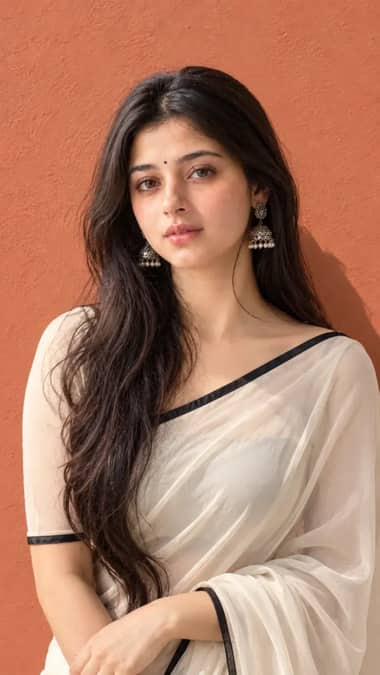
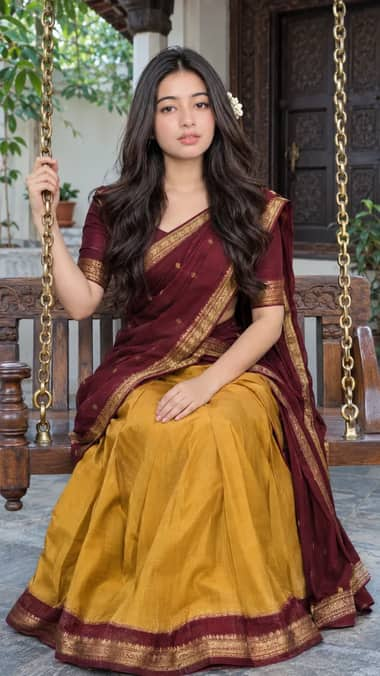
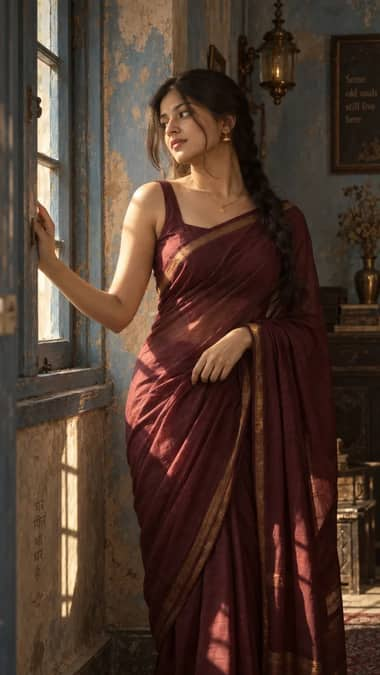
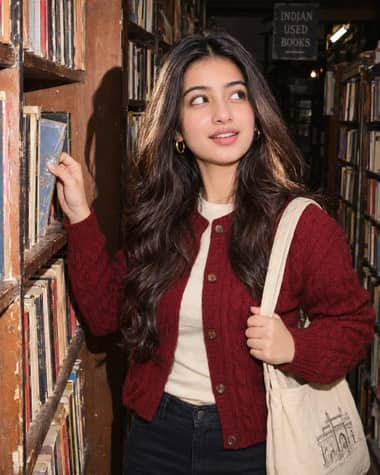
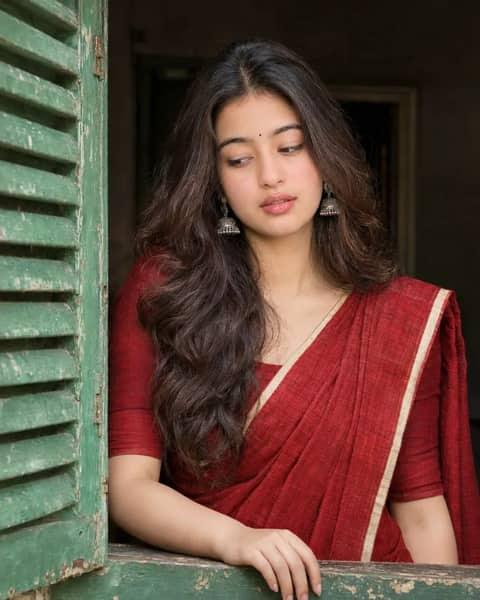
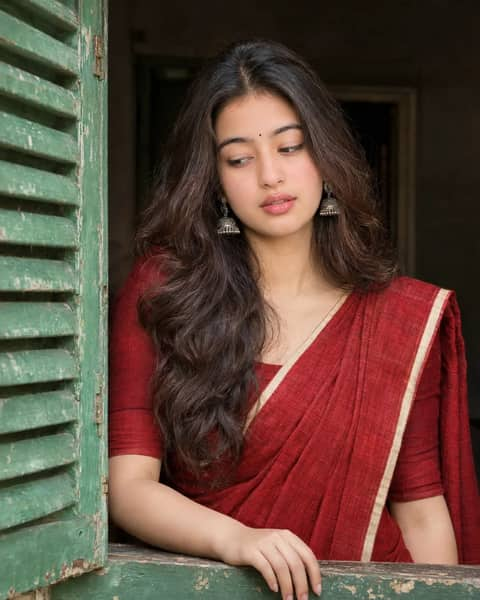
Weathered green shutters frame a red handloom saree and a quiet street-side glance in this natural daylight portrait for ChatGPT or Gemini.

Quick workflow
Copy the prompt, customize any details, and generate in ChatGPT or Gemini.
Open ChatGPT or Gemini in your browser or app.
Upload your selfie to use your own face (or skip to make a new character).
Copy the prompt card above and paste it into the chat.
Press send to generate. Adjust any details you want.
Browse our curated library of tested AI image prompts or filter by your favorite tool.
Guide
This prompt creates a street-level portrait of a woman in a red handloom saree looking down from a weathered wooden window frame. It balances muted green paint against deep vermilion cotton, using soft street bounce to light her face while leaving the room behind her in dark shadow.
The prompt uses an old portrait trick: putting an out-of-focus object right against the edge of the glass. By locking the faded green shutter into the first quarter of the frame, you give the flat image an immediate sense of physical depth.
Keeping the aperture at f/3.2 is deliberate. If you drop the aperture down to f/1.4 or f/1.8, AI models usually turn the shutter into a green digital smudge. At f/3.2, the peeling paint and raw wood grain stay readable while remaining soft enough to guide the eye toward her face. An 85mm field of view compresses the space, flattening facial features naturally without the wide-angle nose distortion common in phone-style generations.
Keep the aperture between f/2.8 and f/3.5
Dropping below f/2.8 wipes out the wood grain on the shutter and blurs the texture of the saree border. Keep the setting near f/3.2 so the foreground adds texture instead of noise.
Image tools lean toward shiny, polyester-looking satin whenever they generate traditional Indian clothing. You get unnatural plastic highlights along every fold.
Using the words handloom and brick-red cotton tells the image model to build a flat, woven surface with zero synthetic sheen. The finger-width ivory border is another functional choice. It breaks up the red fabric where it crosses the chest, stopping the saree from rendering as a solid, flat wash of saturated color.
Specifying oxidised silver jhumkas instead of gold serves the same purpose. AI generators often render gold jewelry as glowing yellow blobs with messy, melted filigree. Oxidised silver brings dark gray recesses and matte highlights that sit cleanly against dark hair and skin.
Both models handle this composition well, but their defaults differ in small, important ways.
GPT IMAGE 2.5 follows strict layout instructions with high accuracy. It places the shutter neatly along the left edge, parks the woman's face just right of center, and keeps the room behind her dark. It renders fine details like loose baby hairs and dry skin texture with crisp, realistic sharpness. If you feed it a reference photo, it holds the facial structure and hairline without drifting into generic faces.
Use Nano Banana Pro for authentic daylight bounce
Nano Banana Pro handles indirect light reflection better than most tools. It picks up the street bounce and spreads it softly under the chin and jawline, keeping the indoor shadows dark without turning them into solid black ink.
Nano Banana Pro generates softer, more filmic image tones straight out of the box. Its color grading on the green wood looks weathered rather than freshly painted. However, it sometimes ignores the street-level angle and tries to pull the camera inside the room with the subject. If that happens, move the phrase "photographed from the street looking up through an open window" to the very front of the prompt.
Next ideas
 ChatGPTModel:GPT IMAGE 2.5