/
/
 ChatGPTChatGPT
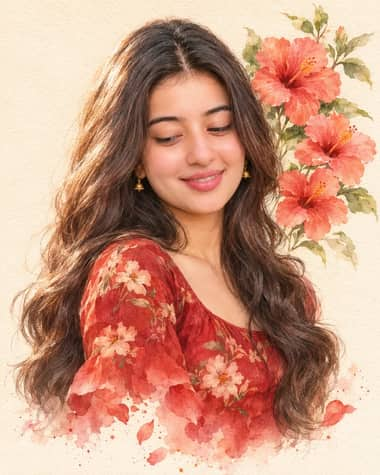
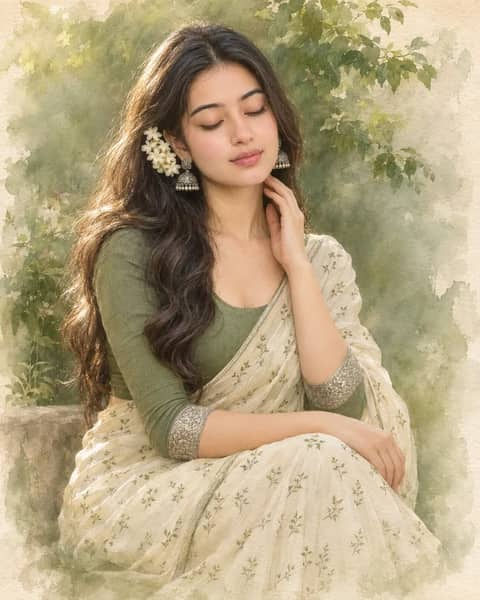
Jasmine flowers, sage-green washes and an ivory floral saree blend into a delicate watercolor painting of your portrait using ChatGPT.

Quick workflow
Copy the prompt, customize any details, and generate in ChatGPT.
Open ChatGPT in your browser or app.
Upload your selfie to use your own face (or skip to make a new character).
Copy the prompt card above and paste it into the chat.
Press send to generate. Adjust any details you want.
Browse our curated library of tested AI image prompts or filter by your favorite tool.
Guide
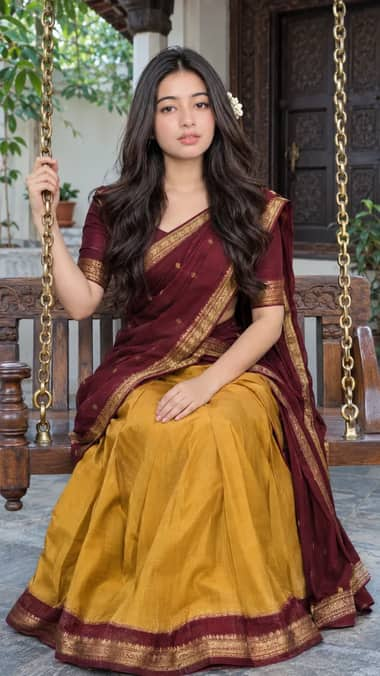
This prompt generates a soft watercolor portrait that sets an uploaded face into a traditional South Asian composition featuring an ivory printed saree, oxidised silver jewelry, and fresh jasmine. It balances sharp facial recognition with the loose, bleeding edges of wet-on-wet paint on heavy rag paper.
Getting AI to paint convincing watercolor usually fails because image generators default to slick digital concept art. They add specular highlights, hard outlines, and airbrushed shading. To break that digital look, this prompt uses specific physical media cues: "warm cotton paper" and "dissolve into wet sage pigment".
Specifying warm cotton paper forces the model to simulate natural paper tooth. The background and lower saree hem lose their hard vector boundaries and bleed outward, mimicking how water pools along wet paper edges.
The phrase "eye-level photographic likeness under the painted finish" is the most important technical instruction here. When you tell an image generator to create a watercolor portrait, it often caricatures the subject. It simplifies eye shapes, thins out eyelids, and flattens facial contours. Demanding a photographic likeness beneath the wash keeps the underlying bone structure, pupil depth, and nose bridge anatomically accurate. The paint acts like a thin glaze over true facial proportions rather than a cartoon sketch.
Keep brush edges soft at the borders
If the image renders with sharp cutout lines around the subject, add "loose wet-on-wet edges, pigment feathering into dry paper borders" to stop the engine from drawing sharp vector outlines around the shoulders.
The lighting instruction—"diffuse daylight from upper left"—prevents the harsh studio backlights that modern generators love to invent. Soft daylight matches the natural matte quality of watercolor paint. It casts gentle shadows under the jaw and collarbone, letting the green scoop-neck blouse stand out against the warm ivory saree without artificial rim glows.
Both supported models process mixed photographic and traditional art cues differently.
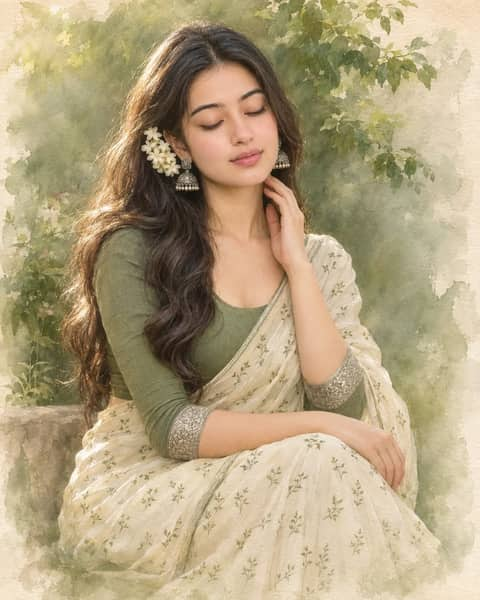
GPT IMAGE 2.5 sticks strictly to compositional layout. When you specify a three-quarter length pose with knees turned right and fingers touching the neck, it nails that exact anatomy in almost every run. It also handles the small olive sprigs on the saree pallu cleanly, keeping the print scale consistent across the folds. However, it can make skin look slightly too smooth if you do not reinforce the paper grain instruction.
Pick your model based on detail priorities
Run this in GPT IMAGE 2.5 if you need exact garment details like silver cuff embroidery and jhumka carvings. Switch to Nano Banana Pro if you want authentic water pooling, dried pigment rings, and bleeding paper margins.
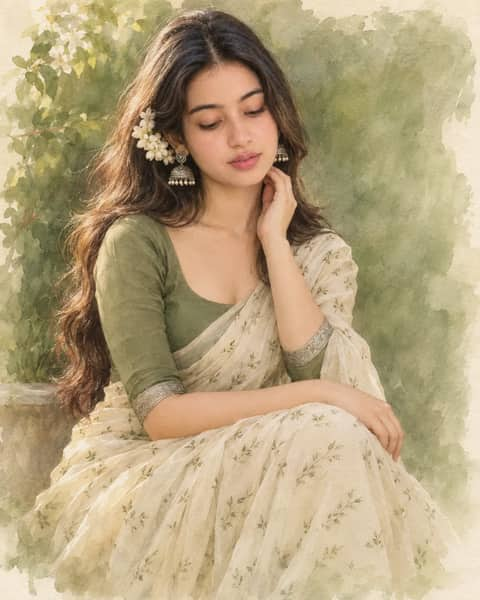
Nano Banana Pro treats watercolor with more painterly freedom. Its pigment bleeds, granulating washes, and wet edges look like real paint on cold-press paper. You get natural water rings and uneven pigment settling in the shadows. The tradeoff is strict layout control. Nano Banana Pro might reposition the resting forearm or turn the head further away from the camera than requested.
Complex poses with hands touching the face or neck often produce common generation errors. Here is how to fix them directly in the prompt text.
AI models struggle when fingers interact with soft neck tissue. If you get fused fingers, extra joints, or a hand that looks glued to the jaw, simplify the gesture. Change "face inclined toward her raised fingertips at the side of her neck" to "one hand resting gently against her collarbone, palm flat, fingers visible and separated". Giving the hand a flatter surface to rest on eliminates awkward finger curling.
If the face looks like a shiny 3D render instead of a painting, the model has ignored the paper texture for the skin layer. Add "visible dry-brush texture across cheekbones, raw paper highlights, matte finish" to your prompt. You can also lower the saturation by stating "muted earth pigments, low contrast washes". That strips out the artificial warm skin glow that causes a plastic look.
Because the prompt calls for sage washes, the generator sometimes bleeds green pigment across the whites of the eyes or teeth. To stop this cross-contamination, separate your color instructions: "pure ivory whites on saree fabric and sclera, sage pigment restricted to background wash and blouse". Specifying where the color stops protects facial clarity.
Small floral prints often blur into generic smudges when combined with watercolor prompts. If the olive sprigs vanish into a plain cream drape, add "distinct micro-block print olive sprigs spaced across ivory silk" and reduce background wetness cues near the torso.
Next ideas
 ChatGPTModel:GPT IMAGE 2.5