/
/
 ChatGPTChatGPT
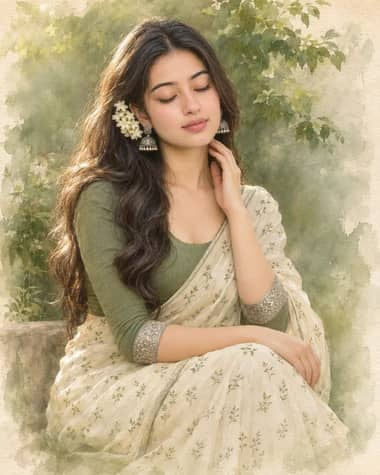
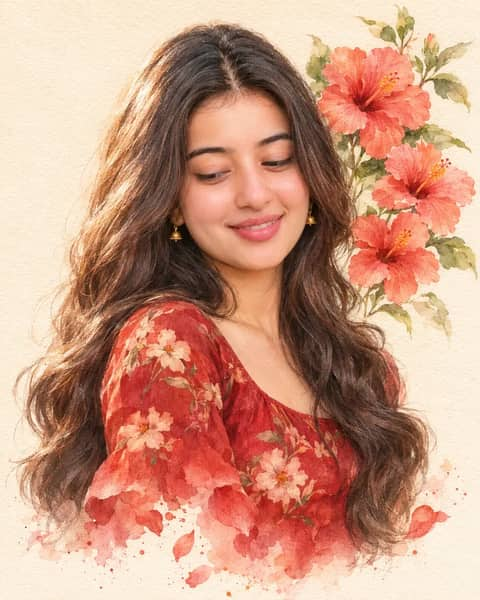
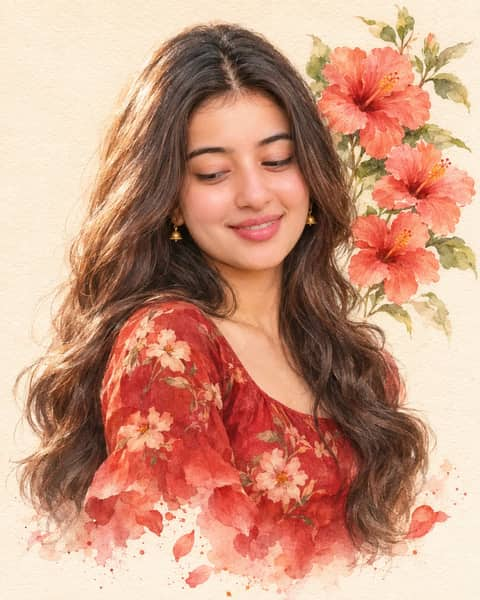
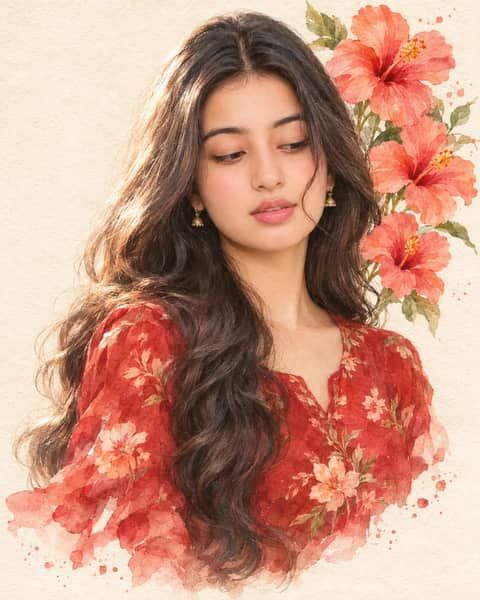
A botanical watercolor edit in ChatGPT, with a vermilion blouse dissolving into coral hibiscus and red pigment on textured cream paper.

Quick workflow
Copy the prompt, customize any details, and generate in ChatGPT.
Open ChatGPT in your browser or app.
Upload your selfie to use your own face (or skip to make a new character).
Copy the prompt card above and paste it into the chat.
Press send to generate. Adjust any details you want.
Browse our curated library of tested AI image prompts or filter by your favorite tool.
Guide
This botanical watercolor prompt turns a photo reference into a loose, pigment-heavy traditional illustration, producing a vermilion and coral floral bust on textured cold-press paper. The goal is to retain the person's exact bone structure while breaking the lower half of the portrait into fluid washes and paint spatters.
Standard AI portraits often look like photos run through a cheap digital filter. Avoiding that plastic look comes down to how you describe edges, paper texture, and negative space.
Directing the prompt to "let the sleeves break into watery red petals and scattered pigment" does something specific: it stops the generation engine from closing the clothing outline. Generative models default to drawing complete garments with hard hem lines. When you tell the engine that the fabric turns into liquid blooms, the boundary softens. The pigment bleeds down the page naturally.
Keeping the background simple matters just as much. The phrase "preserve cream paper around the hair silhouette" leaves unpainted paper around the darker strands. This mimics how traditional watercolorists paint around the subject to preserve the paper's original value. Without this instruction, AI tools tend to fill empty spaces with muddy digital gradients or random colored smoke.
Specifying "an eye-level photographic likeness under the painted finish" acts as an anatomical anchor. It tells the tool to calculate real facial proportions, eye spacing, and nose bridge angles before rendering the wash. The face stays recognizable, while the clothing and hair dissolve into expressive brushwork.
Lock negative space with paper descriptions
Avoid prompting for a "white background" because image generators often interpret that as sterile digital hex #FFFFFF. Name the actual material—like "unpainted cream paper grain" or "heavyweight cotton paper"—to give empty areas authentic physical texture.
Both supported image tools handle this prompt well, but their default rendering styles handle watercolor paint differently.
GPT IMAGE 2.5 follows reference image constraints closely. When you feed it a face reference, it locks the jawline, nose width, and eyelid shape without distorting them into a generic cartoon. It also handles negative space with restraint, leaving clean, untouched areas of paper around the shoulders and hair. The red pigment in the vermilion blouse stays saturated without spilling unwanted color across the neck and cheeks.
GPT IMAGE 2.5 holds facial proportions better
If your priority is making the portrait instantly recognizable as the original person, run this prompt through GPT IMAGE 2.5. It balances the painted textures without sacrificing facial anatomy.
Nano Banana Pro leans heavier into raw painterly qualities. You get richer wet-on-wet paint pooling, believable granulation inside the coral hibiscus petals, and rough dry-brush strokes along the edges. However, it likes to stylize faces aggressively. You might notice the eyes get slightly larger or the nose becomes simplified into flat brushstrokes. When using Nano Banana Pro, you may need to emphasize "photographic facial likeness" twice to prevent the model from drifting into comic art territory.
Vermilion is an aggressive pigment prompt. The AI often bleeds that warm red from the blouse and hibiscus flowers directly into the subject's face, making her skin look flushed or sunburned.
If the image looks like smooth digital vector art rather than paint on paper, the model skipped texture rendering.
Watercolor washes around hands frequently create fused fingers or stray thumb-like brushstrokes near the bottom edge.
Next ideas
 ChatGPTModel:GPT IMAGE 2.5