/
/
 ChatGPTChatGPT
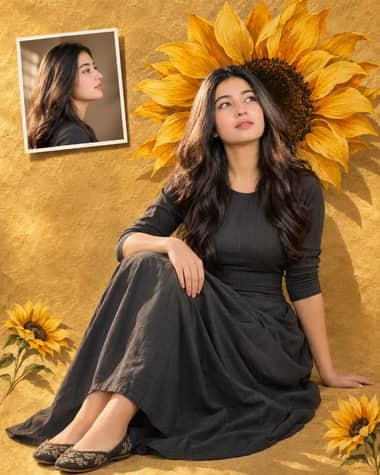
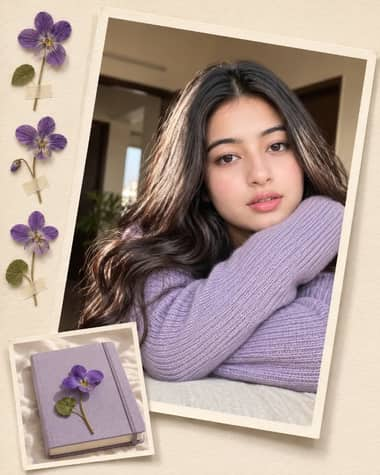
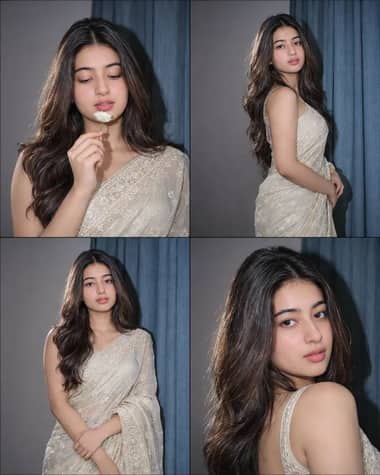
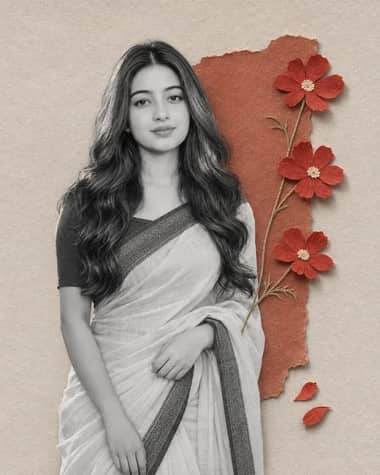
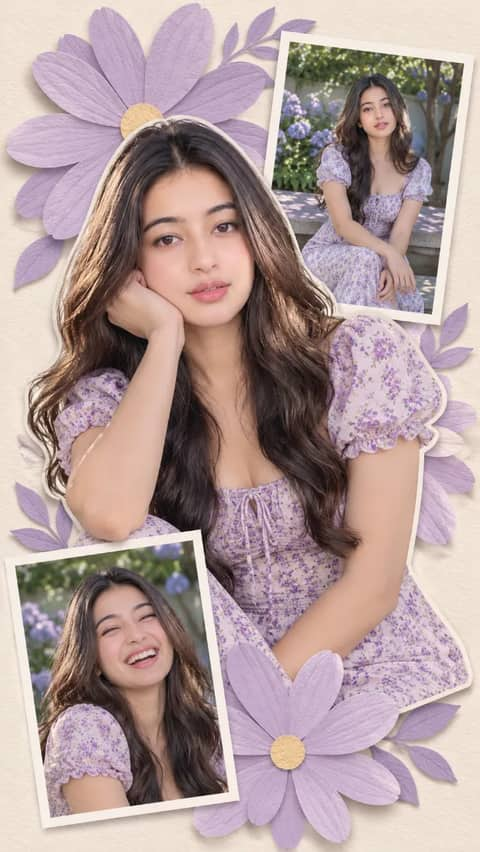
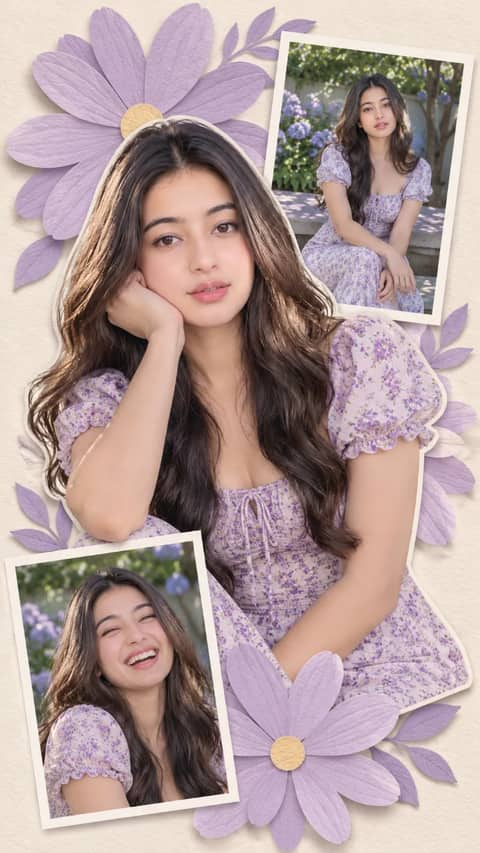
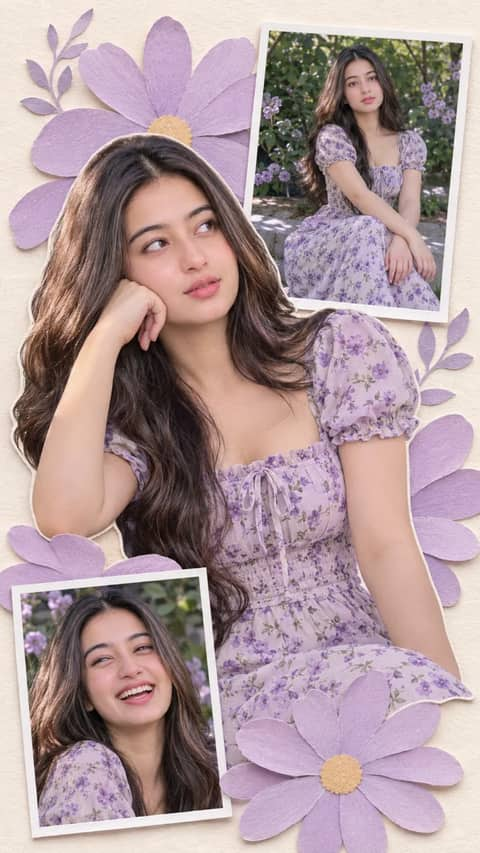
A lilac floral dress, two candid garden snapshots and layered paper daisies fill this delicate ivory scrapbook page made with ChatGPT.

Quick workflow
Copy the prompt, customize any details, and generate in ChatGPT.
Open ChatGPT in your browser or app.
Upload your selfie to use your own face (or skip to make a new character).
Copy the prompt card above and paste it into the chat.
Press send to generate. Adjust any details you want.
Browse our curated library of tested AI image prompts or filter by your favorite tool.
Guide
This prompt builds a vertical 9:16 multi-layered scrapbook page that combines an ivory paper base, three snapshots of the same person in a lilac floral print dress, and cut-paper lavender daisies. You get a tactile paper aesthetic instead of a flat graphic design template.
Most image generators flatten collages into single-plane sticker sheets. When you specify "matte paper" and "tiny contact shadows at the edges," the model separates the foreground cutout from the two smaller tucked prints. The small drop shadow creates physical separation. Without it, the ivory background eats into the white borders of the tucked photos.
Specifying camera specs—specifically a 35mm lens at f/3.2, 1/250s shutter, and ISO 320—forces the engine to treat the photos inside the collage as real photographs taken with a camera. Pure digital generations often spit out porcelain skin with zero texture. Adding ISO 320 introduces fine sensor noise into the photo areas. That small amount of grain stops the subject's face from looking plastic, especially across the garden shadows. An aperture of f/3.2 keeps both the knuckles resting against her cheek and the background garden greenery legible without sharp background distractions.
Force white borders to stop edge blending
Always write "upright white-bordered photos" when layering prints over an off-white or ivory backdrop. If you leave out the border instruction, the AI bleeds the photo backgrounds directly into the paper base.
Asking for three photos of one person in one composition usually makes the AI drift into three completely different faces. The prompt counters this by making the central cutout the dominant anchor. The main figure rests her cheek on her knuckles in a waist-up framing, while the secondary shots stay smaller and partially covered.
By describing the two smaller pictures as "a seated garden pose and a laughing close-up," you give the model specific actions for each frame. Vague requests like "different candid angles" make the engine guess, which often leads to cloned copies of the exact same face angle. Stating that all three frames share the "same dress, soft garden shade and cool lavender shadows" locks the lighting palette so the snapshots look like they came from the same afternoon roll.
Both supported models handle this multi-frame collage style differently, particularly around paper textures and identity retention.
GPT IMAGE 2.5 follows complex spatial instructions well. When you ask it to tuck one photo at the top right and another at the bottom left behind the main cutout, it places them in the right spots. It also preserves the lilac floral pattern across all three prints. Its main weakness shows up around the paper cut edges. It sometimes softens cut-paper borders, turning them into painted digital strokes rather than crisp cardstock.
Nano Banana Pro handles paper cutouts better. Drop shadows look like real paper lifted a millimeter off cardboard. The paper texture on the ivory base feels slightly rougher and more natural. The trade-off is facial drift. Nano Banana Pro can alter the woman's facial structure between the laughing close-up and the main waist-up portrait if your uploaded face reference lacks high-contrast lighting.
Use GPT IMAGE 2.5 for multi-pose identity tracking
GPT IMAGE 2.5 handles multiple camera angles of the same person inside a single image with less face warping. Run it when your project relies on strict identity matching between the main portrait and the secondary garden prints.
Collage prompts run into specific mechanical errors. Here is how to correct them when testing your generations:
Next ideas
 ChatGPTModel:GPT IMAGE 2.5