/
/
 ChatGPT
 GeminiChatGPTGemini
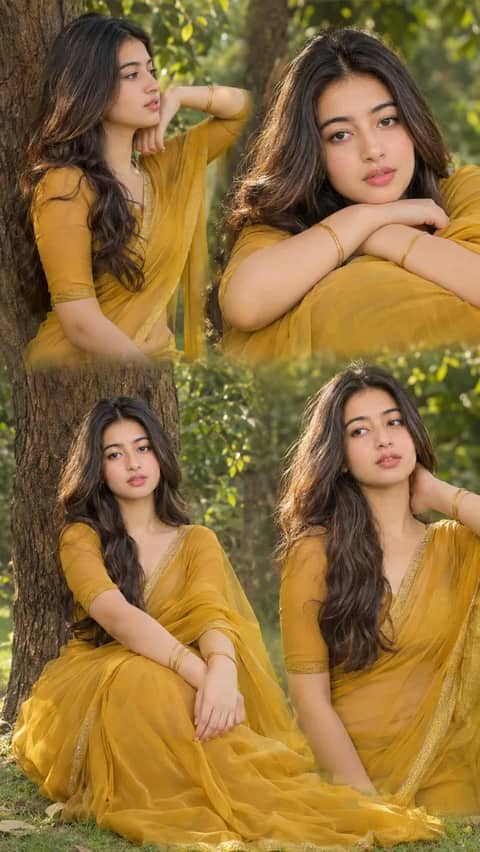
Four graceful mustard chiffon saree poses beside a tree blend together in a soft outdoor fashion collage for ChatGPT or Gemini.

Quick workflow
Copy the prompt, customize any details, and generate in ChatGPT or Gemini.
Open ChatGPT or Gemini in your browser or app.
Upload your selfie to use your own face (or skip to make a new character).
Copy the prompt card above and paste it into the chat.
Press send to generate. Adjust any details you want.
Browse our curated library of tested AI image prompts or filter by your favorite tool.
Guide
This prompt produces a 9:16 vertical four-frame collage of a woman wearing a mustard-yellow chiffon saree in dappled garden light beside a tree. It gives you four distinct angles in one output while preserving a single reference face across every panel.
A common issue with chiffon sarees in generative images is that the cloth turns into a flat sheet of yellow plastic. Prompting for a full-frame 35 mm lens at f/3.2 with an ISO 320 look pulls out the natural weave of the fabric and softens the folds along the edges. A 35 mm focal length leaves enough room in the frame to show both the subject and the rough bark of the tree without bending the proportions of the body.
Aperture choice is critical here. If you drop down to f/1.4, the background blurs out completely, but the model also softens the saree pleats and turns the hand poses into mush. Setting f/3.2 gives you enough depth of field to keep the thin gold bangles, the saree border, and the facial features sharp across all four views. At the same time, it blurs the background leaves just enough to keep the garden from looking cluttered. Asking for warm daylight through leaves adds broken shadows, which cuts down flat digital brightness on the yellow cloth.
Balance your depth of field
Stick between f/2.8 and f/4.0 for multi-panel collages. Very shallow apertures like f/1.4 cause the model to blur three out of the four sub-frames.
Generating four poses of the same subject in one run usually fails because image generators tend to drift into four completely different faces. This prompt works because it establishes an exact coordinate map: top left, top right, bottom left, and bottom right.
Each section gets a dedicated body position and framing distance:
Giving the generator clear physical anchors prevents it from repeating the same pose in every box. Telling the tool to use the reference image as the only facial anchor keeps the nose shape, eye spacing, and hairline identical from panel to panel.
Both supported tools handle this multi-panel setup differently, especially regarding fabric weight and color saturation.
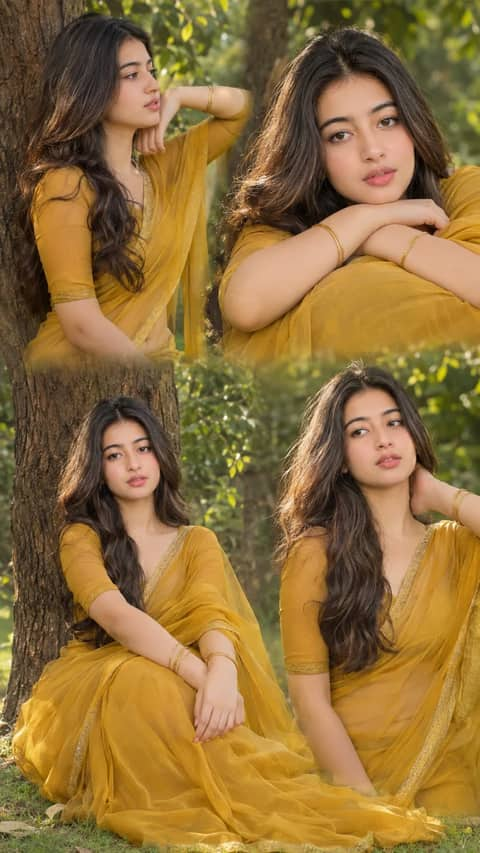
GPT IMAGE 2.5 handles fabric weight accurately. It drapes the chiffon over the lap in the seated shot with natural creases and renders the pallu without strange floating borders. Its main weakness is edge control. It can sometimes blend the panels too aggressively, which turns the collage into one chaotic scene with extra heads floating in the background.
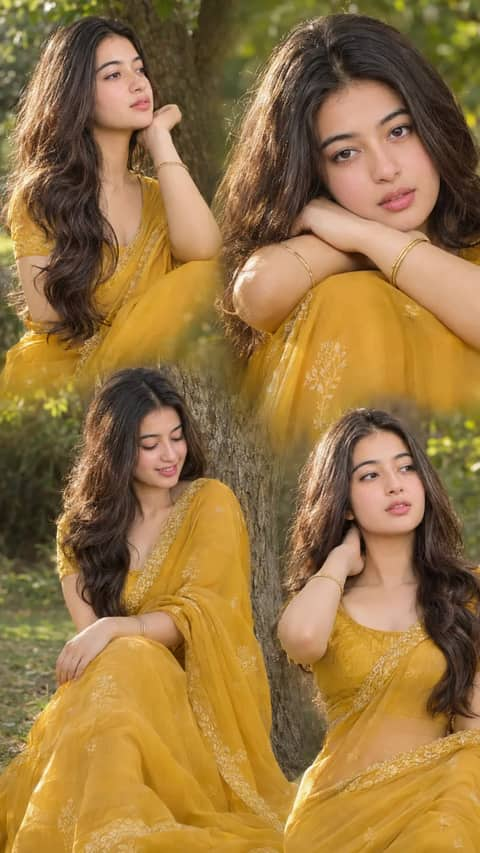
Nano Banana Pro follows the four-quadrant layout with clean spatial borders. It separates the four angles neatly and maintains facial consistency between the close-up shot and the wider seated shot. Its main issue is color balance. Nano Banana Pro leans heavily into warm tones, which can cause the mustard yellow of the saree to bleed directly into the subject's skin.
Pick the right tool for layout versus fabric
Use Nano Banana Pro if your priority is clean panel separation and accurate pose placement. Switch to GPT IMAGE 2.5 if you want softer lighting and realistic fabric folds on the saree pallu.
Multi-pose collages push AI tools hard. Here is how to fix the most common visual errors:
Mustard yellow reflects heavily in digital rendering. The model will often push warm fabric tones across the subject's neck, cheeks, and arms. If the skin looks jaundiced, add neutral skin undertones, natural warm olive complexion, separated color grading between yellow fabric and skin right after the clothing description.
Poses where hands touch the face or rest over wrists often generate extra fingers or fused knuckles. If the top-right or bottom-right panels look distorted, strip out any mention of rings or complex accessories. Sticking strictly to thin plain gold bangles, relaxed fingers, clean wrist separation gives the generator less geometry to confuse.
If the generator ignores the four-pose instruction and creates one messy image, strengthen the layout instructions. Add four-quadrant vertical contact sheet, soft blended split-screen seams, separate distinct frames to force the composition into four distinct sections.
Next ideas
 ChatGPTModel:GPT IMAGE 2.5