/
/
 ChatGPT
 GeminiChatGPTGemini
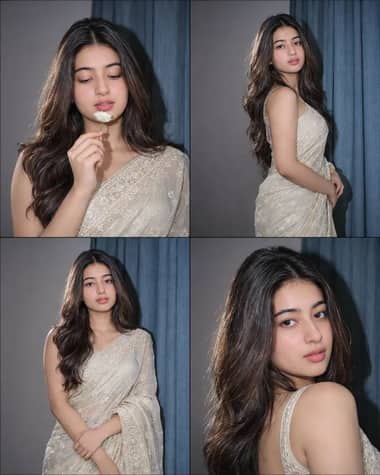
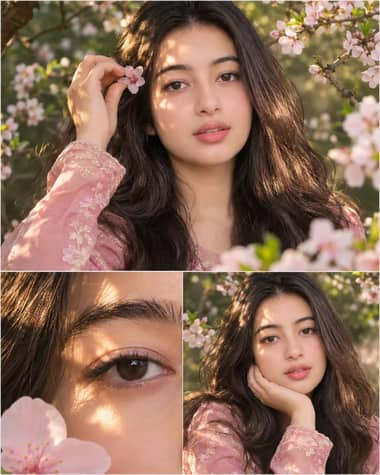
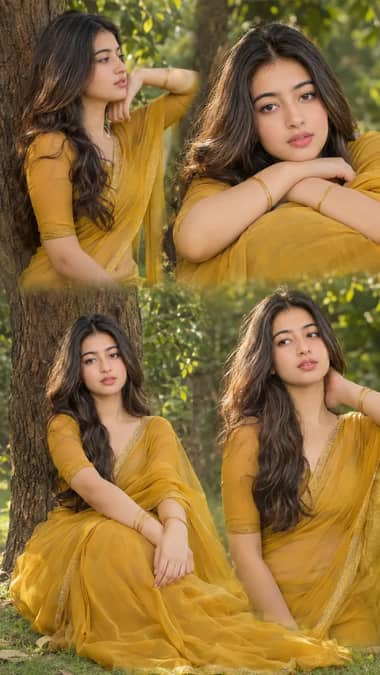
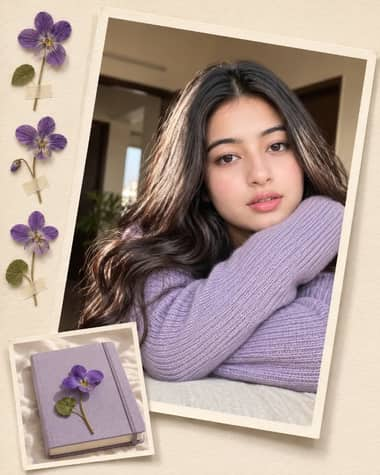
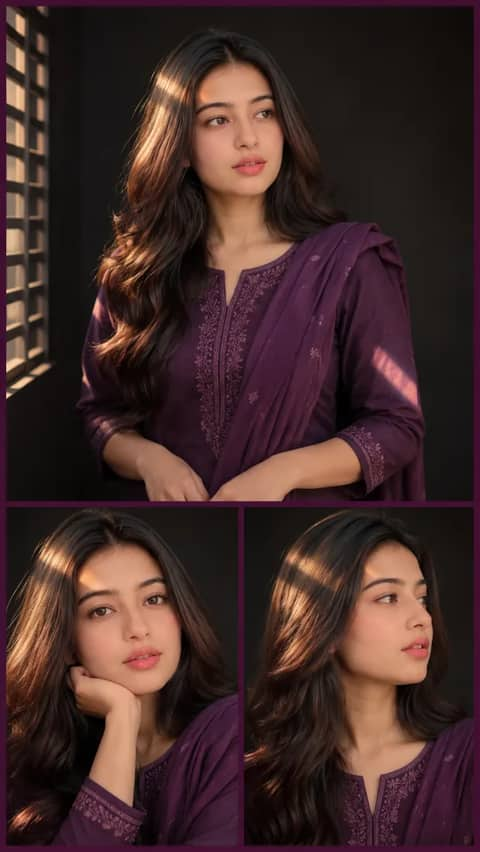
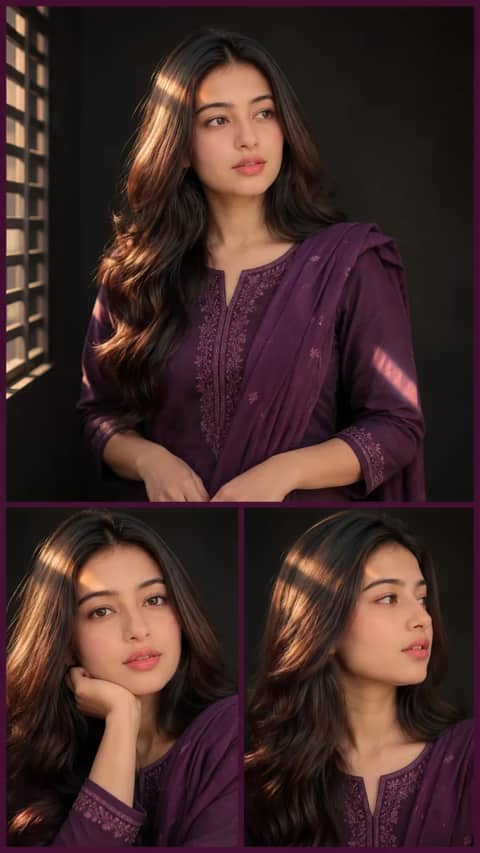
Slatted window light and deep shadows connect a purple kurta portrait with two close-up details in this ChatGPT or Gemini photo collage.

Quick workflow
Copy the prompt, customize any details, and generate in ChatGPT or Gemini.
Open ChatGPT or Gemini in your browser or app.
Upload your selfie to use your own face (or skip to make a new character).
Copy the prompt card above and paste it into the chat.
Press send to generate. Adjust any details you want.
Browse our curated library of tested AI image prompts or filter by your favorite tool.
Guide
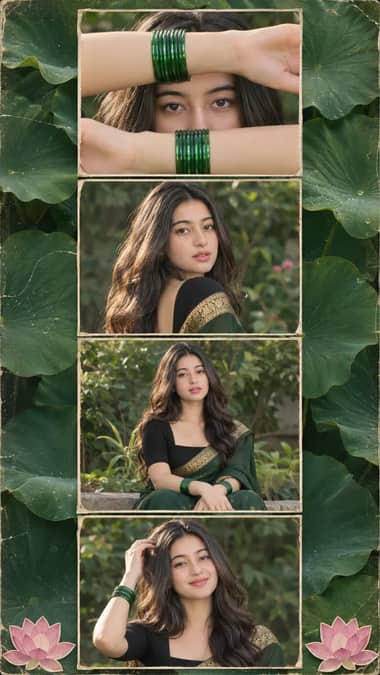
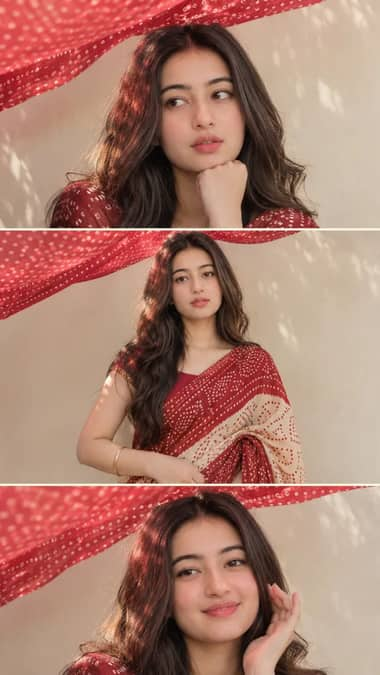
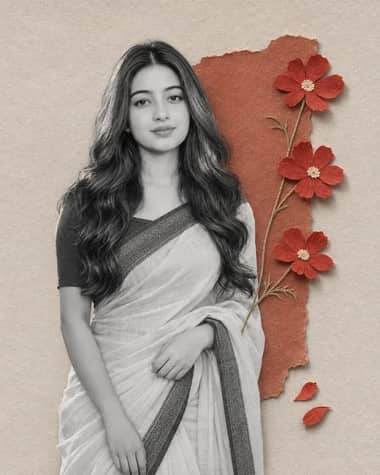
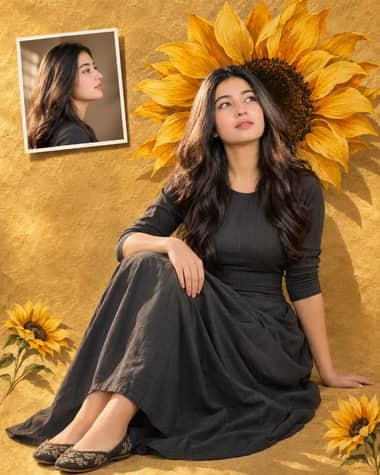
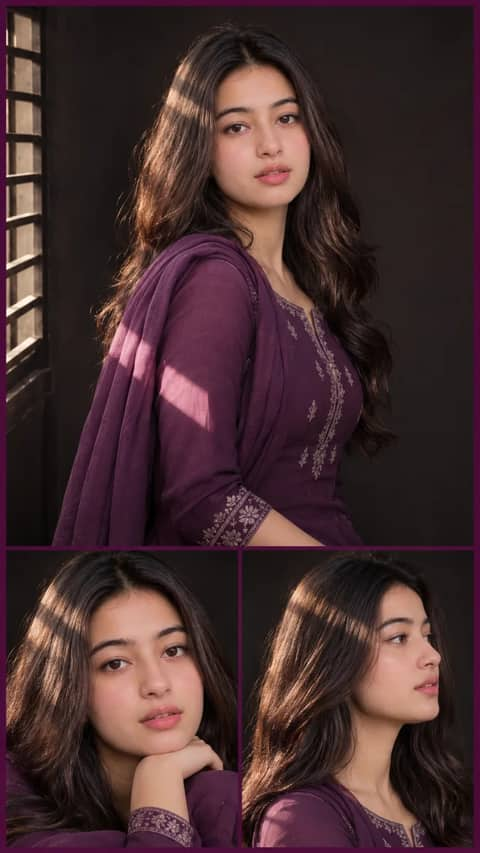
This prompt generates a vertical 9:16 multi-panel portrait collage featuring a woman in a deep violet kurta, lit by sharp slatted sunlight against a dark charcoal backdrop. It gives you a magazine-style contact sheet with three distinct crops: a dominant waist-up composition on top and two tight detail shots set side by side below.
Getting an AI generator to split a canvas unevenly usually fails without clear spatial instructions. If you just ask for a "collage," models vomit out messy overlapping tiles with random white borders.
Setting the upper frame to exactly 55% forces the generator to build a primary focal point. It prevents the composition from feeling split straight down the middle, which often looks stiff and amateurish. The bottom 45% then splits into two equal side-by-side squares. This gives you room for micro-details: a jawline resting on a wrist and a sharp side profile. Specifying a "plum-coloured contact sheet" binds the three panels together. The dark borders act as a mount rather than an empty white void.
Lock facial consistency across frames
When generating multi-panel contact sheets of a single person, repeat "preserve her facial proportions, skin tone, hairline and distinctive features in every view" directly before the layout breakdown. This prevents the generator from rendering three completely different women.
Hard sunlight passing through window blinds does two things here. First, it cuts hard geometric lines across organic shapes like fabric folds and facial curves. Second, it produces true shadow depth.
Directing the beam specifically—one stripe over the sleeve and a softer pass over the temple—stops the generator from blowing out the entire face. Skin highlights stay controlled. The f/3.2 aperture keeps both the weave of the violet kurta and the edges of the shadows crisp, avoiding the blurry, smeared look typical of wide-open f/1.2 generations. Setting ISO to 320 introduces a faint, tight grain structure. That texture breaks up plastic rendering on the woman's cheeks and forehead. Charcoal gray in the background gives the violet fabric punch without competing for attention.
Both supported image tools handle this layout differently. You will need to tailor your approach depending on which tool you open.
Model selection for multi-frame prompts
Use GPT IMAGE 2.5 when border geometry is your main priority. Pick Nano Banana Pro when you want organic skin texture and deep, natural shadow falloff.
GPT IMAGE 2.5 reads the layout math cleanly. It hits the 55% upper crop and bottom split almost every run. The charcoal backdrop stays uniform across all three boxes, and the plum border lines remain straight without warping. However, it can make the slatted light look slightly painted if you do not explicitly ask for a specific shutter speed.
Nano Banana Pro produces superior skin rendering and shadow gradients. The transition from the warm sunlit stripe to the cool charcoal ambient light looks physically grounded. Its weakness is panel symmetry. Nano Banana Pro occasionally drifts the vertical divider in the lower frame off-center, or bleeds the upper image into the bottom left corner. If that happens, add "thick solid border lines dividing all three frames" to restore order.
Collage prompts introduce specific errors that single-frame portraits avoid. Here is how to fix them when they show up:
Next ideas
 ChatGPTModel:GPT IMAGE 2.5