/
/
 ChatGPT
 GeminiChatGPTGemini
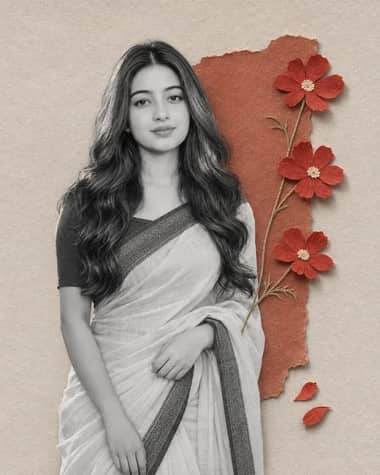
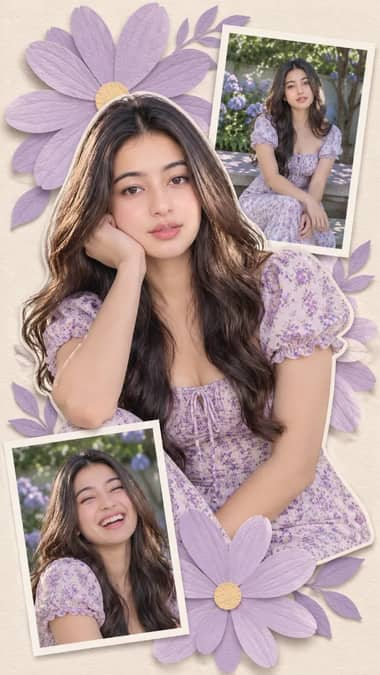
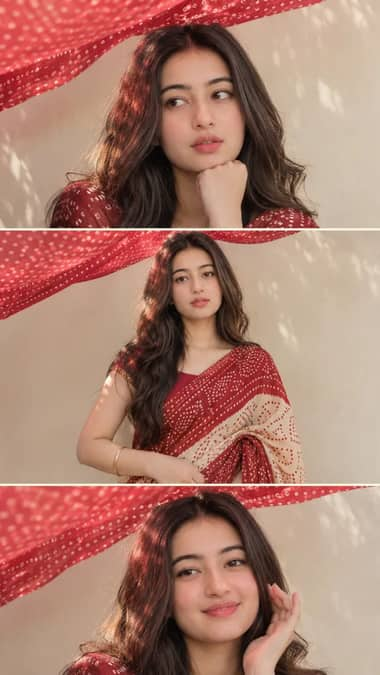
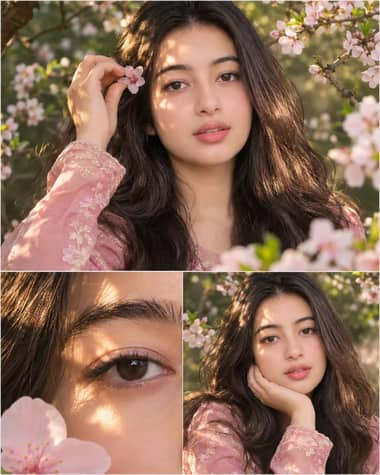
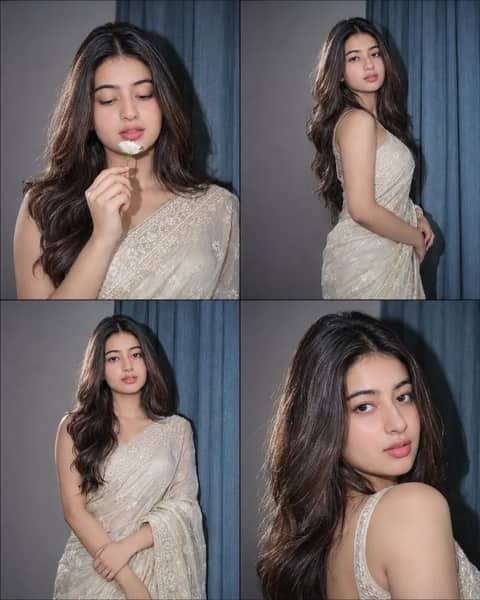
Four playful ivory saree poses against a dusty blue curtain capture the candid charm of compact-camera flash in ChatGPT or Gemini.

Quick workflow
Copy the prompt, customize any details, and generate in ChatGPT or Gemini.
Open ChatGPT or Gemini in your browser or app.
Upload your selfie to use your own face (or skip to make a new character).
Copy the prompt card above and paste it into the chat.
Press send to generate. Adjust any details you want.
Browse our curated library of tested AI image prompts or filter by your favorite tool.
Guide
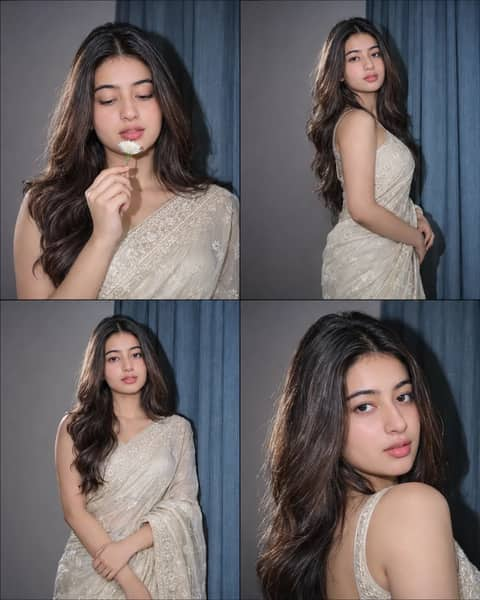
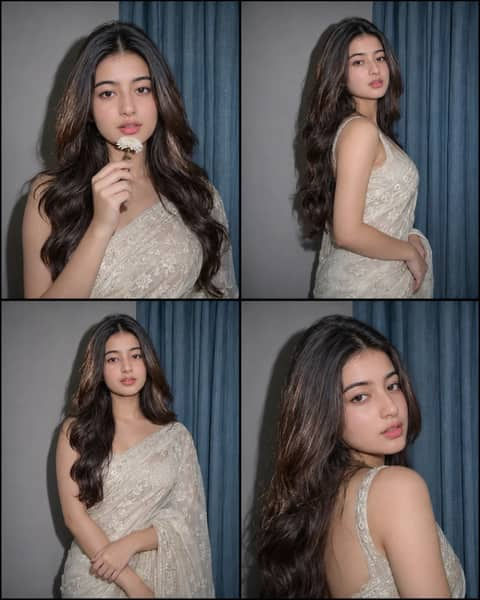
This prompt produces a four-frame 2x2 contact sheet collage of a woman wearing an ivory saree, shot with the direct flash look of an early-2000s compact camera. Instead of the typical washed-out studio portrait, you get four distinct candid poses framed against a dim background and a dusty-blue curtain.
Generating multiple views of the same person in a single generation often causes models to bleed faces, styles, and clothing together. You end up with mismatched outfits or four identical expressions.
The prompt solves this by fixing the setting and moving the subject clockwise:
Giving the model an exact clockwise sequence forces it to treat each quadrant as an individual camera shot rather than a messy mosaic. Keeping the background anchor identical—specifically the boundary where the dim wall meets the dusty-blue curtain—tells the image generator that the room stays still while the person moves.
Lock the background boundary to stop scene shifting
AI image tools like to reinvent the room in every panel. Specifying the exact position of the curtain edge across all four panels keeps the environment pinned down.
Most image generators default to soft, diffused studio light. That diffuse lighting is what makes AI skin look like polished wax.
Direct compact-camera flash changes that completely. The flash creates a small, sharp drop shadow directly behind the subject and produces distinct specular highlights on her nose, forehead, and cheekbones. These hard reflections trick the rendering engine into generating pores and micro-texture.
The prompt calls for a pale ivory saree rather than pure white. Pure white combined with direct camera flash blows out into a solid white block with zero detail. Ivory carries enough warm, off-white pigment to retain fold lines, edge stitching, and the natural texture of the fabric even under the harsh center beam of a point-and-shoot flash. The 50mm f/2.8 setting creates just enough depth to keep the face and saree pleats sharp while letting the blue curtain fall into soft focus.
Pick the right engine for multi-panel grids
GPT IMAGE 2.5 holds strict 2x2 grid layouts without merging the borders between frames. Nano Banana Pro renders more natural skin undertones and better shadow falloff on fabric, but you may need to re-roll to get four clean, equal boxes.
Both tools can run this prompt, but they interpret camera physics and multi-image frames differently.
GPT IMAGE 2.5 follows the layout instructions with high accuracy. It places the four poses in their exact clockwise order and keeps the border lines straight. It also maintains consistent face identity across all four frames better than most systems. The trade-off is in the flash falloff: GPT IMAGE 2.5 sometimes makes the background too bright, softening the gritty look of a true compact camera.
Nano Banana Pro nails the photographic mood. The shadows are punchy, the dusty-blue curtain picks up realistic cool ambient fill, and the fabric weave looks physical. However, Nano Banana Pro can be stubborn with contact sheets. It might give you three panels instead of four, or stretch one pose across two panels. If that happens, increase the weight on the grid description by starting the prompt with: A rigid four-quadrant photo strip, two rows and two columns.
Direct flash prompts can overexpose light fabrics. If the saree loses its pleats and turns into flat white, change "pale ivory" to "unbleached raw silk" or "warm cream khadi fabric". This forces the model to render threads, slubs, and seam shadows instead of digital white.
If the frames merge without a clean divider, add the phrase white border separation between all four frames to the prompt. This forces the model to generate a print-style contact sheet with physical borders, which stops hair or arms from crossing panel lines.
The top-left frame asks for a small flower near the mouth, which puts fingers close to the lips—a classic failure point for AI generators. If fingers look mangled or merge with her lips, change the action to: holding a small flower stem against her collarbone. Moving the hand away from the mouth clears up the confusion immediately.
Next ideas
 ChatGPTModel:GPT IMAGE 2.5