/
/
 ChatGPTChatGPT
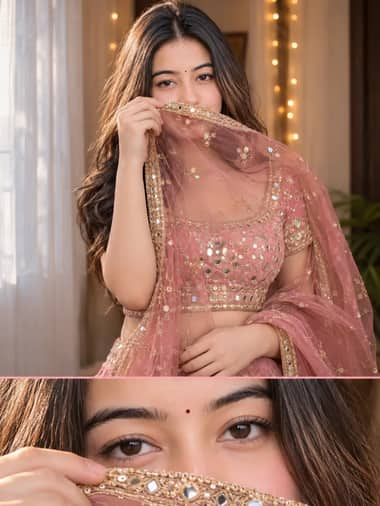
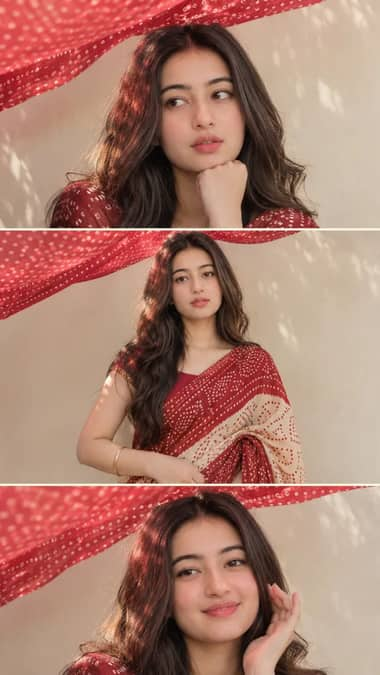
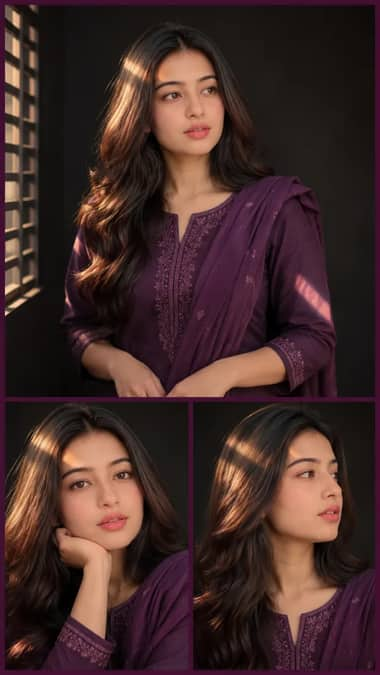
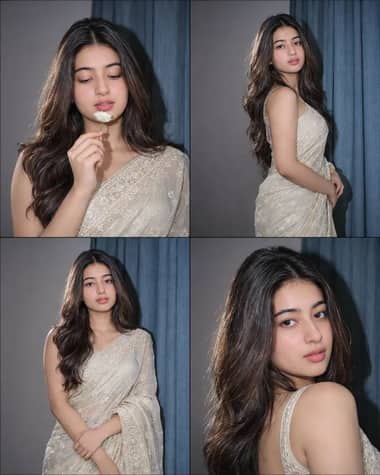
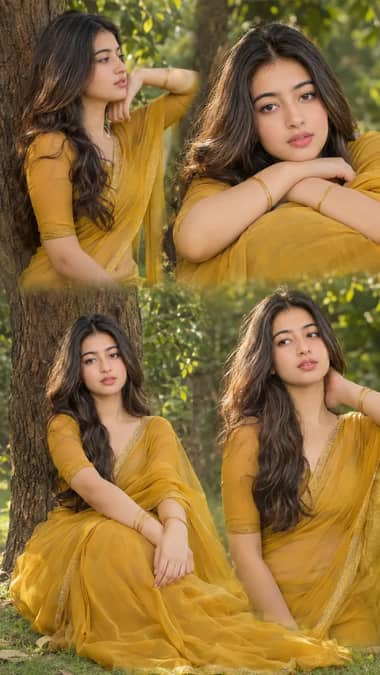
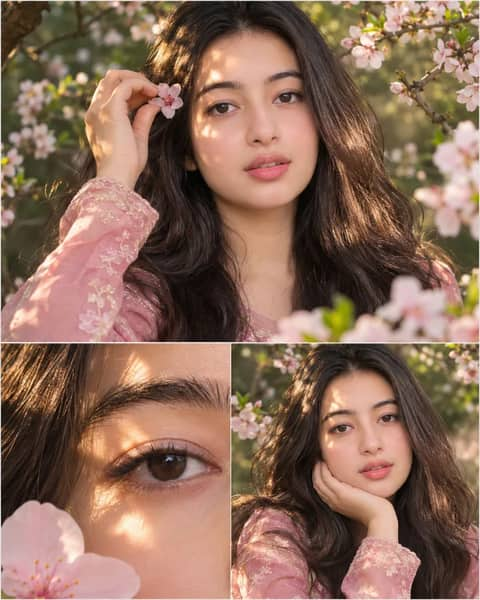
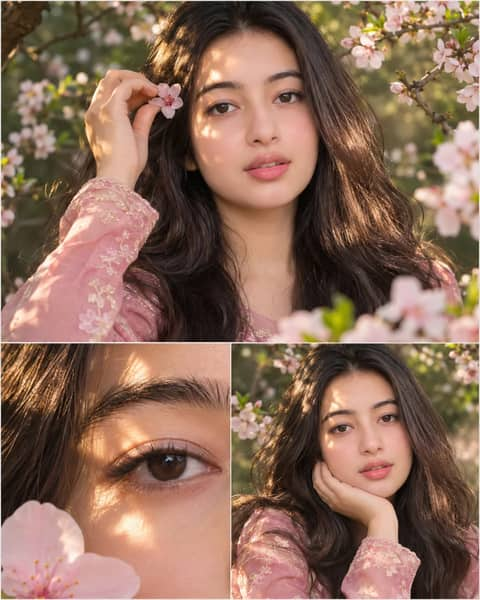
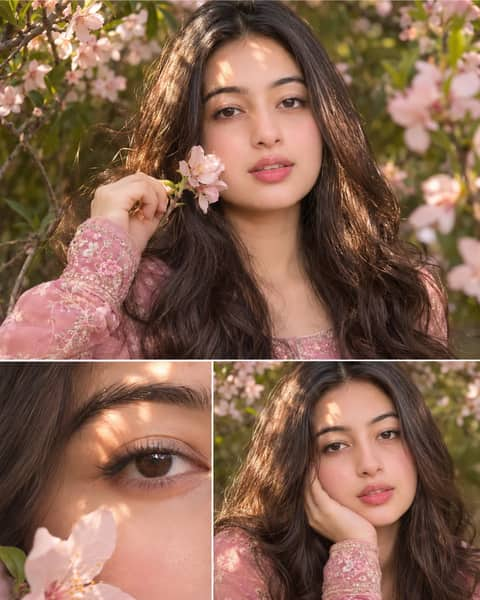
Three soft garden photographs tell a little story in ChatGPT, with peach blossoms, a sunlit eye and a relaxed chin-on-palm pose.

Quick workflow
Copy the prompt, customize any details, and generate in ChatGPT.
Open ChatGPT in your browser or app.
Upload your selfie to use your own face (or skip to make a new character).
Copy the prompt card above and paste it into the chat.
Press send to generate. Adjust any details you want.
Browse our curated library of tested AI image prompts or filter by your favorite tool.
Guide
This prompt creates a vertical three-frame photo collage of a single subject in a peach orchard, balancing wide framing with an extreme macro detail. Getting multi-shot collages out of an image generator usually ends in a mess. The generator often smashes two different people into the frames or turns the borders into smeared pixels. Specifying exact spatial splits—"Upper half", "Lower left quarter", and "Lower right"—pins down the layout before the generator calculates lighting and surfaces.
The camera line does heavy lifting here: full-frame 50 mm, f/2.8, 1/250 s, ISO 400.
Most people default to f/1.2 or f/1.4 for portrait prompts. That is usually a mistake with flowers. Wide-open apertures turn background petals into flat mush and blur the subject's hairline into the background. Setting the aperture to f/2.8 preserves petal shapes while softening tree branches behind the head.
The ISO 400 instruction adds fine photographic sensor grain. It breaks up smooth plastic cheek rendering and keeps pores intact. The 50mm focal length avoids wide-angle facial distortion without flattening the cheekbones the way a 135mm telephoto lens does.
Lock divider lines with solid borders
If your generator blurs the borders between panels, add the phrase "thin white borders with 2px matte separation" directly after your layout description. That prevents petal textures from bleeding across frames.
Both supported tools handle this multi-frame structure differently. You get distinct trade-offs depending on which tool you open.
GPT IMAGE 2.5 follows the spatial layout closely. It places the macro eye crop in the bottom-left corner on the first attempt without confusing the panels. When you feed it an uploaded face reference, it holds facial features across all three panels. The catch is lighting contrast. GPT IMAGE 2.5 tends to over-brighten daylight. You might need to add "soft golden-hour shadows" if your whites look blown out.
Choose GPT IMAGE 2.5 for strict panel grids
GPT IMAGE 2.5 is the top pick when your prompt relies on distinct panels. It honors quadrant rules and keeps hair details uniform between frames.
Nano Banana Pro delivers better skin tones and softer organic highlights on peach blossoms. Sunlight passing through petals looks real, not illustrated. Its main weakness is panel geometry. It sometimes drops the third panel entirely, giving you two vertical splits instead of three quadrants. If that happens, remove descriptive adjectives from the clothing line to reduce token noise and force it to read the layout tokens first.
Collages challenge an image model because every panel demands separate focal lengths and poses within a single render.
The lower-right panel calls for a hand supporting the chin. AI models struggle with hands touching faces because they mix the edge of the jaw with finger joints. If the fingers look fused or bent:
When a prompt asks for three views, the model assumes three separate subjects.
Extreme crops often cause the model to render a cloudy iris or miss eyelashes. Stating "place dappled late sunlight across the temple, leaving pupils visible" forces the model to create a directional catchlight. The catchlight gives the eye depth and prevents a flat glass look.
Next ideas
 ChatGPTModel:GPT IMAGE 2.5