/
/
 ChatGPT
 GeminiChatGPTGemini
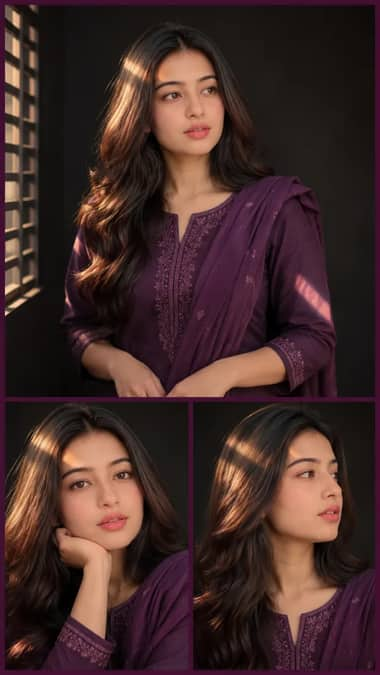
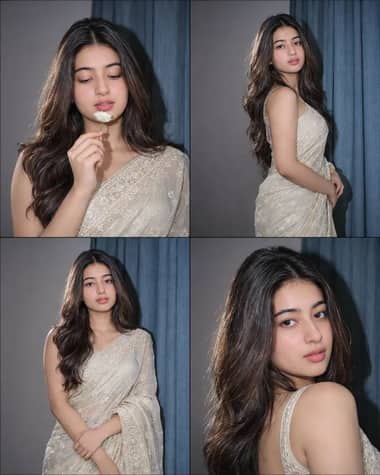
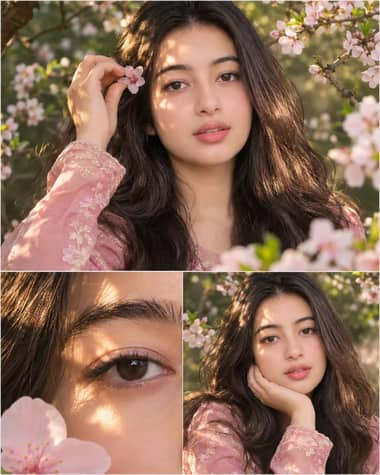
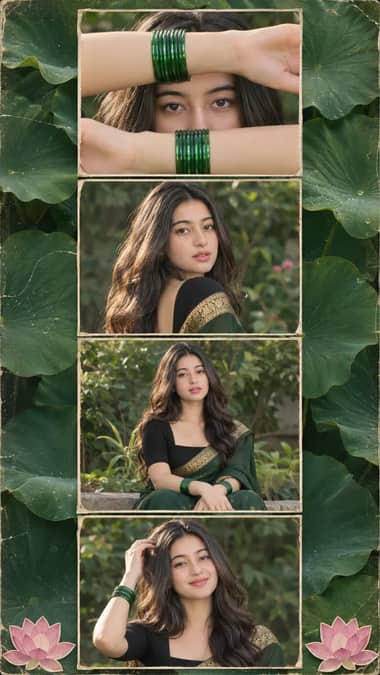
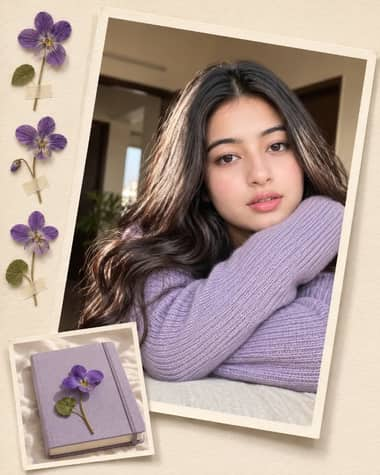
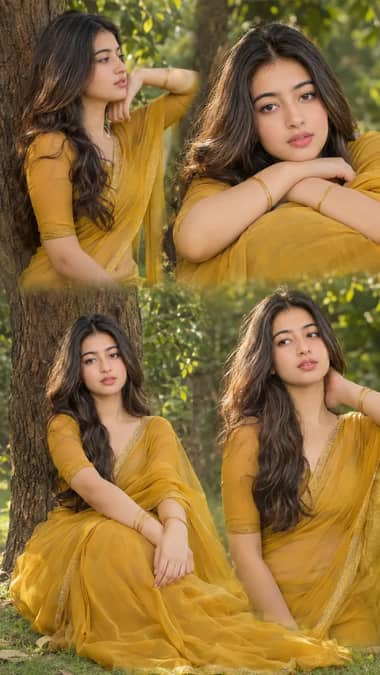
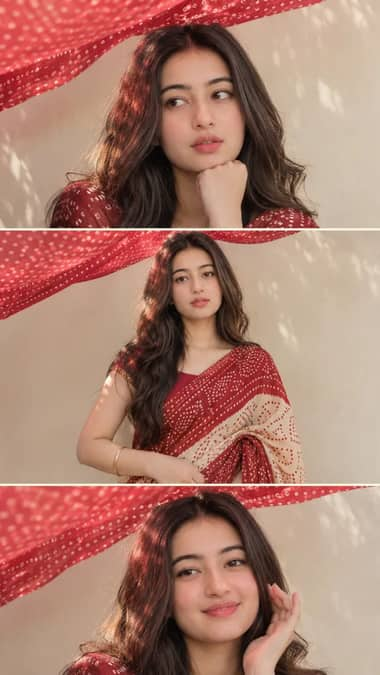
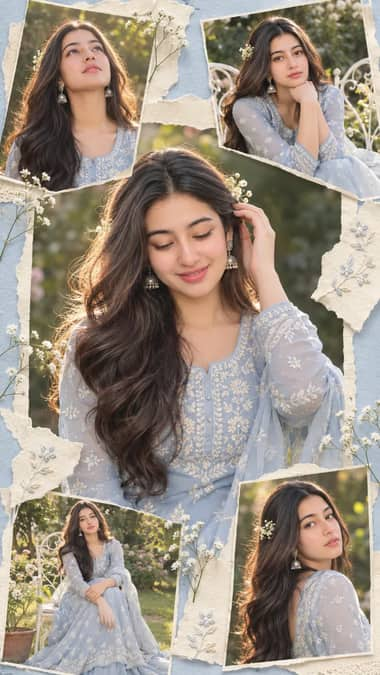
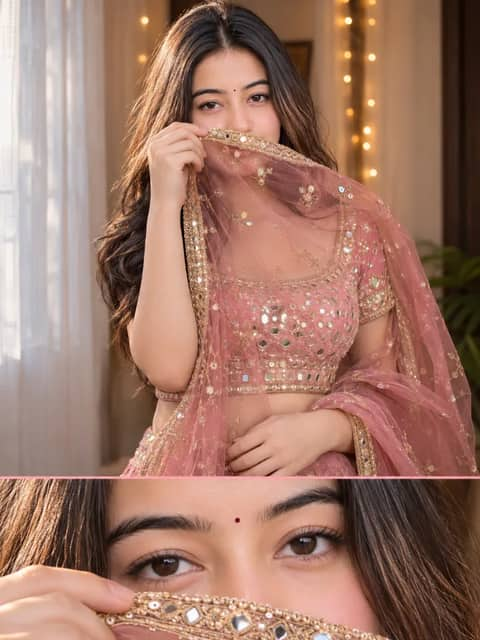
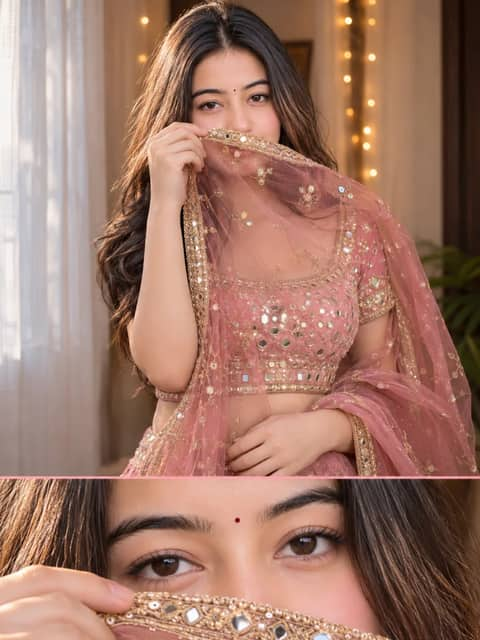
With ChatGPT or Gemini, pair a soft pink dupatta portrait with an expressive close-up of the eyes and glowing golden lights.

Quick workflow
Copy the prompt, customize any details, and generate in ChatGPT or Gemini.
Open ChatGPT or Gemini in your browser or app.
Upload your selfie to use your own face (or skip to make a new character).
Copy the prompt card above and paste it into the chat.
Press send to generate. Adjust any details you want.
Browse our curated library of tested AI image prompts or filter by your favorite tool.
Guide
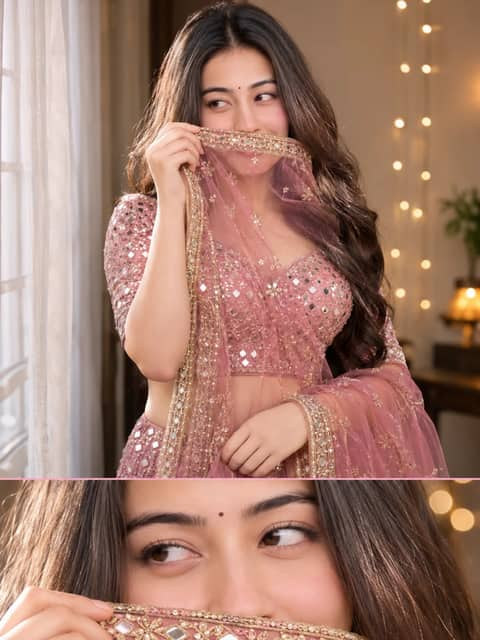
This split-frame portrait prompt pairs a waist-up shot in a translucent rose dupatta with an eye-level macro crop of the eyes and bindi. It generates a clean two-panel vertical collage using soft window fill and warm background pin lights. The composition is built for social covers, digital moodboards, and profile features where you want both outfit context and close facial detail in one asset.
Multi-panel generations often collapse into a mess. AI image tools usually try to blend two concepts into a single hybrid face rather than drawing distinct framing borders.
The prompt avoids this by giving clear spatial math: upper picture taking two-thirds paired with a horizontal close-up below. Specifying a "thin pink divider" acts as a hard visual stop for the renderer. It tells the tool to stop drawing the upper body and start a fresh coordinate pass for the lower panel.
Camera metadata keeps the geometry honest:
Keep fabric translucent to prevent flat color blocks
Prompting for a "translucent rose dupatta" forces the model to calculate light passing through sheer fabric. Plain "pink dupatta" usually produces an opaque, heavy cloth that blocks the light and flattens the chest area.
The lighting setup relies on two competing sources: cool window light from the left and warm tungsten pin lights behind.
That temperature contrast creates separation. Without the left-side daylight, the entire image would drown in an amber cast from the fairy lights. The cool window light hits the cheekbones and forehead first. That leaves the warmer glow to trace the outer edge of the hair and the drape of the dupatta.
Specifying "mirror-work blouse" and a "gold border" gives the hand placement purpose. When you ask a model to place hands near the face without a clear object to hold, it often draws warped fingers floating in mid-air. Giving the fingers a defined task—holding the firm edge of a border just below the nose—anchors the anatomy.
GPT IMAGE 2.5 vs Nano Banana Pro on two-frame collages
GPT IMAGE 2.5 handles the split geometry with high consistency. It draws the divider cleanly and keeps the subject's face identical across both panels. However, its default lighting can lean slightly digital unless you explicitly prompt for the ISO 400 grain.
Nano Banana Pro renders micro-textures exceptionally well. The zari threading, mirror reflections, and fabric weave look tactile and real. The tradeoff is frame balance: it occasionally ignores the two-thirds rule and splits the image 50/50 instead. If that happens, bump the divider prompt to "hard border separation line".
Collage prompts carry specific failure points. Here is how to fix them when a generation misses the mark.
Default renders often smooth out skin texture until the subject looks like a store mannequin.
When the hand grips the scarf near the mouth, the fingers can melt directly into the pink cloth.
A strong rose wardrobe prompt often tints the whites of the eyes and teeth pink.
If the tool packs a full face into the bottom box instead of a tight crop, it ruins the collage contrast.
Next ideas
 ChatGPTModel:GPT IMAGE 2.5