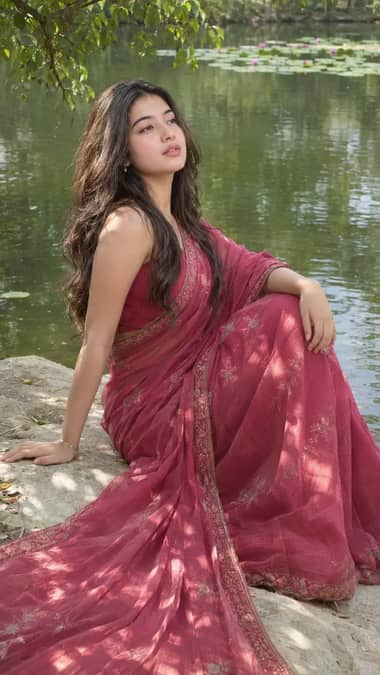
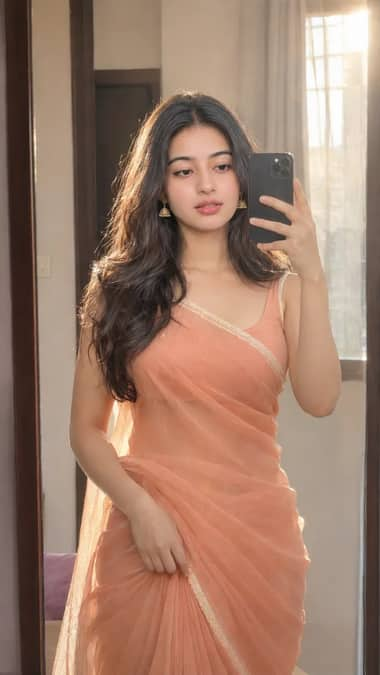
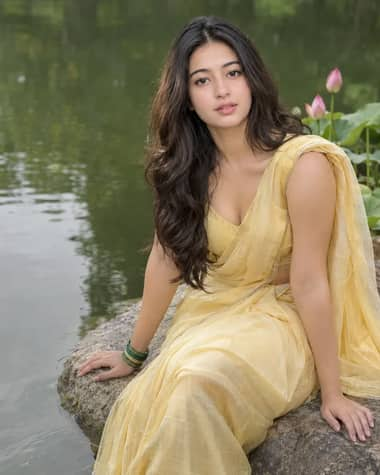
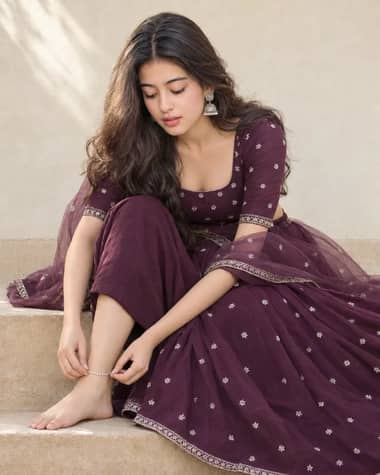
/
/
 ChatGPT
 GeminiChatGPTGemini
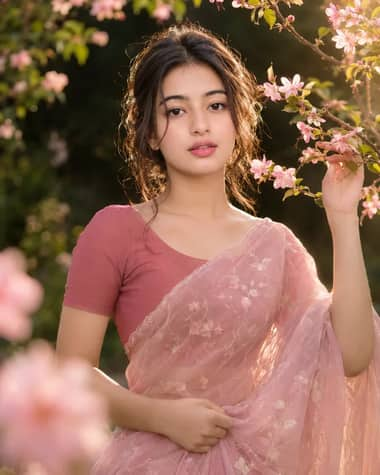
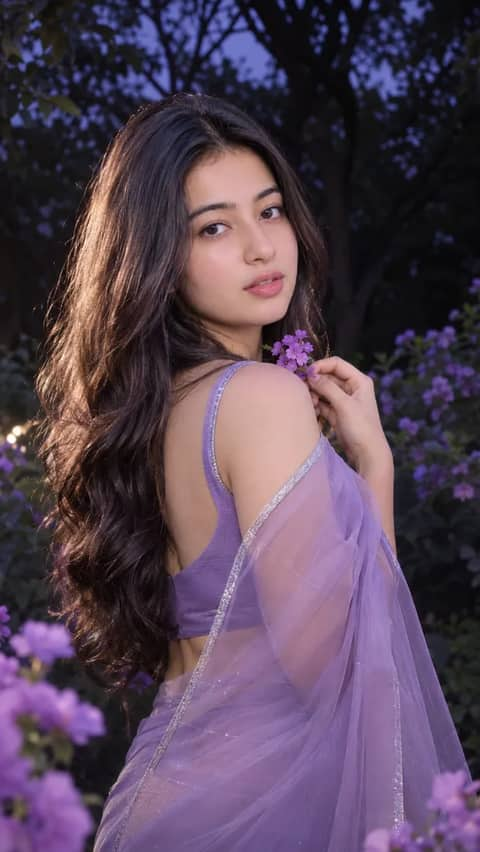
Violet blossoms surround an elegant lavender saree and an over-the-shoulder glance in this twilight garden portrait for ChatGPT or Gemini.

Quick workflow
Copy the prompt, customize any details, and generate in ChatGPT or Gemini.
Open ChatGPT or Gemini in your browser or app.
Upload your selfie to use your own face (or skip to make a new character).
Copy the prompt card above and paste it into the chat.
Press send to generate. Adjust any details you want.
Browse our curated library of tested AI image prompts or filter by your favorite tool.
Guide
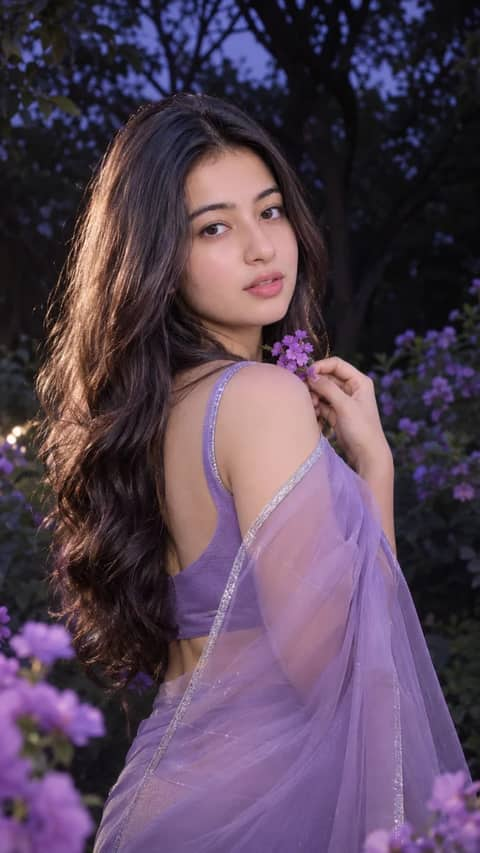
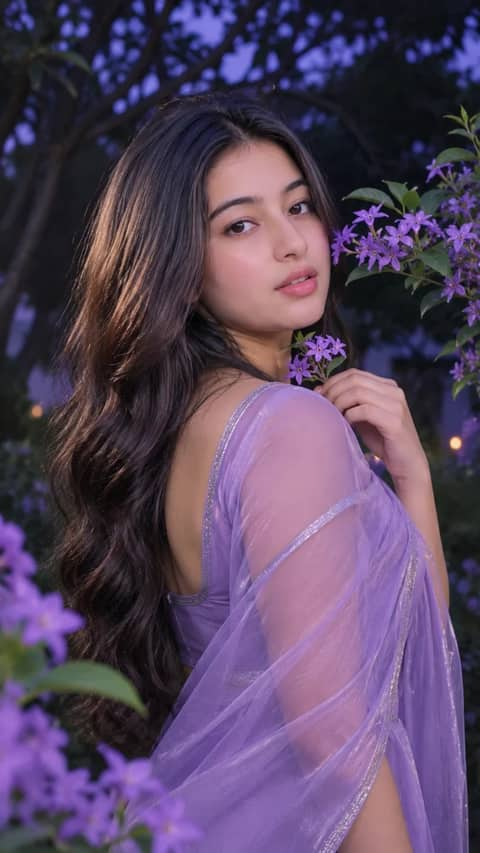
This prompt produces a twilight portrait of an Indian woman wearing a sheer lavender saree, looking back over her shoulder in a violet garden. The framing sits waist-up in a vertical 9:16 aspect ratio, using cool evening light with subtle warm side fill to keep natural skin textures intact.
Setting the camera values to full-frame 35 mm at f/3.2, 1/250 s, and ISO 320 prevents the generator from smoothing the image into an airbrushed painting. Most image generators default to an aggressive digital gloss when they render evening scenes. By defining a specific optical setup, you force the model to calculate realistic depth of field and sensor noise.
At f/3.2, the background trees and foreground blossoms drop into a gentle blur without melting into liquid mush. An aperture like f/1.4 often dissolves the saree's silver border into unreadable white streaks. The f/3.2 setting keeps the crisp weave of the fabric and the silver zari trim sharp along her shoulder while softly blurring the leaves behind her. The ISO 320 tag introduces a fine micro-grain that breaks up the plastic skin sheen typical of AI portraits.
Keep the aperture around f/2.8 to f/3.5
Dropping the aperture lower than f/2.5 often causes the model to blur out the silver embroidery on the saree pallu and turns the hand holding the blossom into an unrecognizable smudge.
Dusk shots run the risk of casting heavy blue or magenta tints across human skin. When a model sees words like "evening garden" and "saturated violet," its first instinct is to turn the entire subject purple.
The prompt counters this with one specific lighting instruction: "Cool dusk and a small soft side light preserve skin colour."
The cool dusk sets the overall color temperature of the shadows at roughly 6500K to 7500K, giving the dark trees and background foliage their deep navy-violet mood. The soft side light acts as a neutral 4500K fill. It strikes the side of her cheek, jawline, and collarbone, preserving her actual skin tone without blowing out the highlights. This lighting split separates the subject from the dark garden wall behind her, giving the flat 2D render realistic optical depth.
Pick the right generator for fabric and lighting
GPT IMAGE 2.5 handles the delicate transparency of sheer georgette and organza fabrics better, keeping the silver border aligned along the curves of the pallu. Nano Banana Pro renders deeper, moodier garden foliage with better natural shadow falloff around the collarbone.
Both supported engines interpret this prompt well, but their handling of sheer fabric and dusk shadows differs:
If the subject's face looks bruised or overly magenta from the violet surroundings, the prompt's ambient lighting is overpowering the subject light.
AI models often struggle with thin metallic zari work, turning narrow borders into thick white stripes or floating neon bands.
Holding a small object near the neck combines two problem areas: hands and collarbones. If fingers appear fused or distorted:
If the saree generates as heavy, opaque fabric rather than a light drape:
Next ideas
 ChatGPTModel:GPT IMAGE 2.5