/
/
 ChatGPT
 GeminiChatGPTGemini
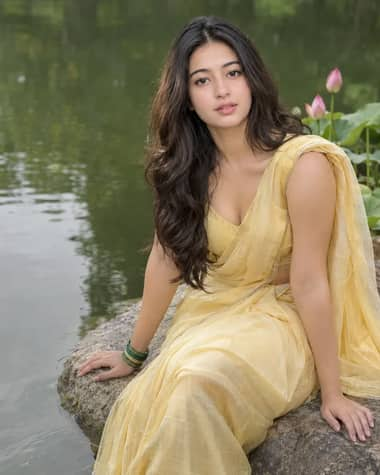
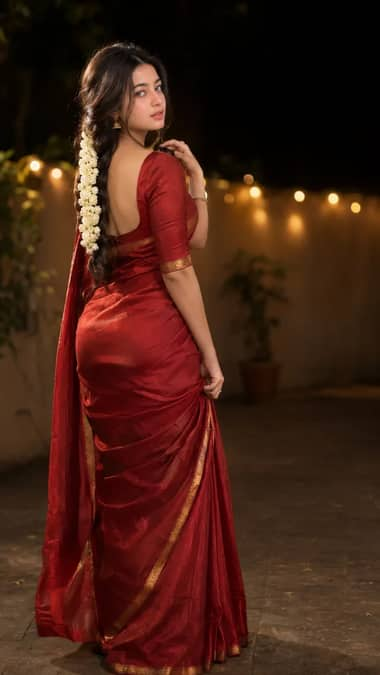
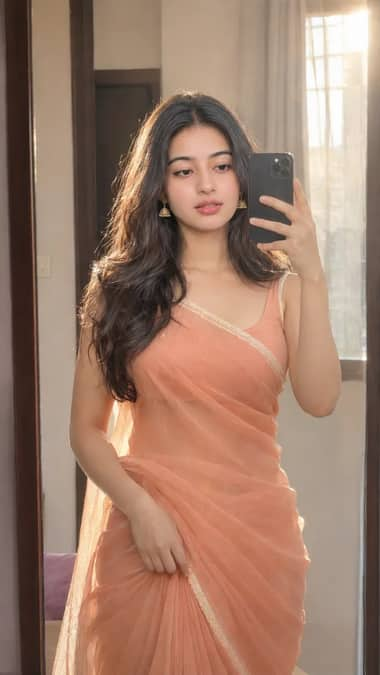
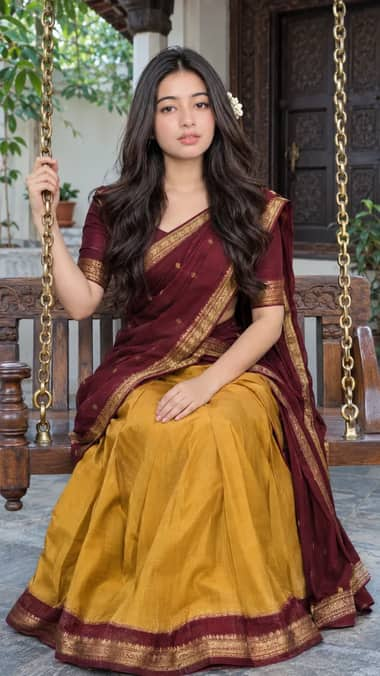
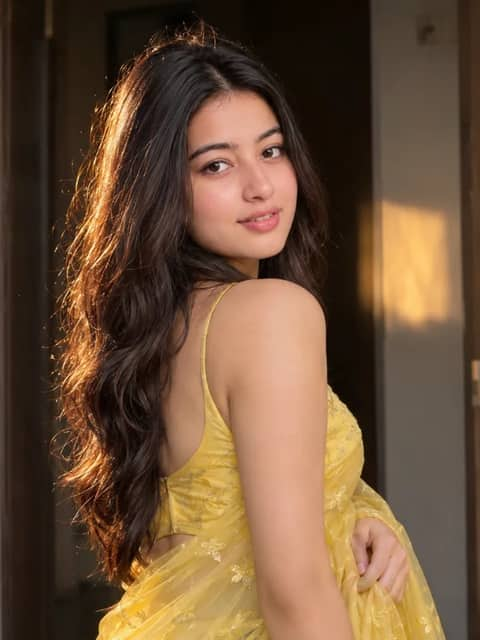
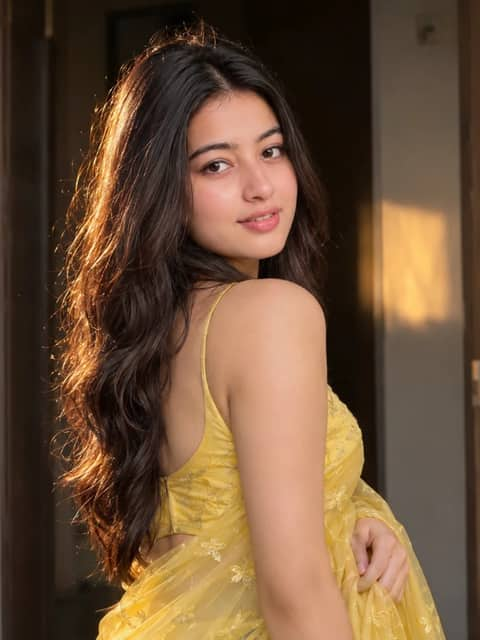
Late sunlight catches loose waves and lemon-yellow chiffon as she looks back beside a dark doorway in this ChatGPT or Gemini portrait.

Quick workflow
Copy the prompt, customize any details, and generate in ChatGPT or Gemini.
Open ChatGPT or Gemini in your browser or app.
Upload your selfie to use your own face (or skip to make a new character).
Copy the prompt card above and paste it into the chat.
Press send to generate. Adjust any details you want.
Browse our curated library of tested AI image prompts or filter by your favorite tool.
Guide
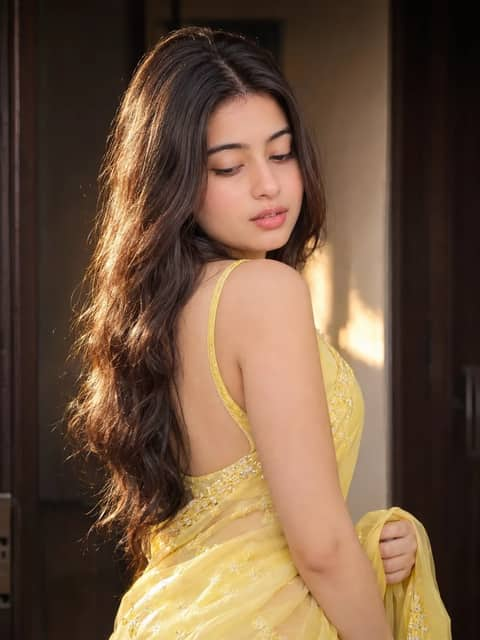
This prompt generates an over-the-shoulder portrait of a woman in a sheer lemon-yellow chiffon saree, set against a dark architectural doorway with warm late-afternoon rim lighting. It balances the high-contrast light hitting the fabric with soft, natural skin tones across her face and bare shoulder.
A lot of portrait prompts default to an 85mm lens at f/1.4. That usually blows out the entire background into a flat, blurry soup.
For this shot, a 50mm focal length at f/2.8 does something much more useful. It keeps the doorway structure legible while softening the edges just enough to separate the subject from the dark interior. At f/2.8, you get sharp detail across the weave of the chiffon and the stray strands of hair catching the rim light, without losing the depth of the room behind her.
Specifying 1/250s and ISO 400 introduces a subtle, realistic sensor noise structure. That grain is what stops AI engines from turning her cheekbones and arms into plastic, airbrushed wax.
Keep the saree sheer with fabric weight prompts
AI models often default to thick silk or glossy satin when they see the word "saree." Adding "chiffon" along with "hold detail in the yellow chiffon" forces the generator to render lightweight, semi-translucent folds instead of heavy, reflective drapes.
Chiffon has a specific matte translucency. When late sunlight strikes it from behind, the light should scatter through the pallu rather than bouncing off it like polyester. The prompt anchors this by positioning one patch of late sun directly behind her shoulder.
Both engines handle this composition differently, especially when matching a face reference against directional light.
GPT IMAGE 2.5 is reliable at holding facial structure and subtle expressions. If you use a reference image, it retains the nose bridge, jawline, and natural hairline without warping them into a generic face. It also follows the negative space instructions accurately, leaving her right arm out of the crop and keeping her gaze steady. However, GPT IMAGE 2.5 can sometimes make the lemon yellow slightly muted, pulling it toward mustard if the lighting prompt feels too dark.
Best choice for reference fidelity
Use GPT IMAGE 2.5 when you need strict identity retention from an uploaded face. Switch to Nano Banana Pro if your main priority is rich rim lighting, backlighting through translucent cloth, and deep contrast in background shadows.
Nano Banana Pro handles the golden-hour rim light with stronger contrast. The light wrapping around her loose waves and bare shoulder looks punchier, and the yellow chiffon glows cleanly against the shaded doorway. The tradeoff comes with color cast. Nano Banana Pro tends to push warm tones across the entire frame, which can tint neutral skin tones yellow if you don't constrain it.
Bright yellow fabric under warm sunlight frequently causes AI engines to bleed yellow onto the subject's face. The prompt counters this with three words: "neutral cheeks" and "skin tone."
cool fill light on face, natural olive undertones, no yellow tint on skin.underexpose highlights by half stop, visible textile weave.Hands interacting with loose cloth are prone to fused fingers or extra knuckles. The prompt keeps things safe by asking her left hand to "collect the pallu low by her hip" while keeping the right arm completely outside the frame. Dropping one hand out of the composition cuts generation errors in half.
If the remaining hand still renders with warped fingers, adjust the pose:
Next ideas
 ChatGPTModel:GPT IMAGE 2.5