/
/
 ChatGPT
 GeminiChatGPTGemini
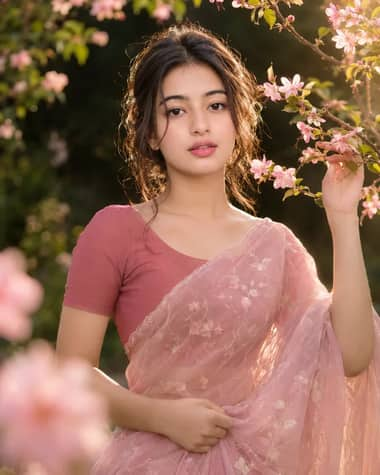
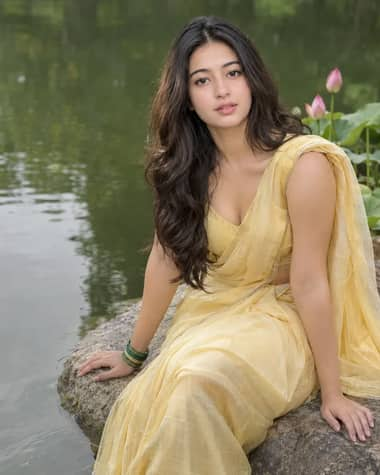
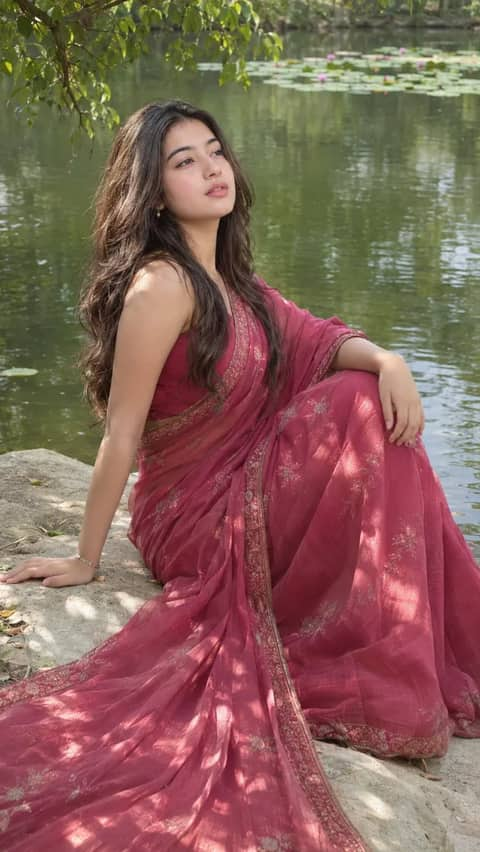
A flowing rose-pink saree, a quiet waterside pose and dappled sunlight create a peaceful outdoor portrait for ChatGPT or Gemini.

Quick workflow
Copy the prompt, customize any details, and generate in ChatGPT or Gemini.
Open ChatGPT or Gemini in your browser or app.
Upload your selfie to use your own face (or skip to make a new character).
Copy the prompt card above and paste it into the chat.
Press send to generate. Adjust any details you want.
Browse our curated library of tested AI image prompts or filter by your favorite tool.
Guide
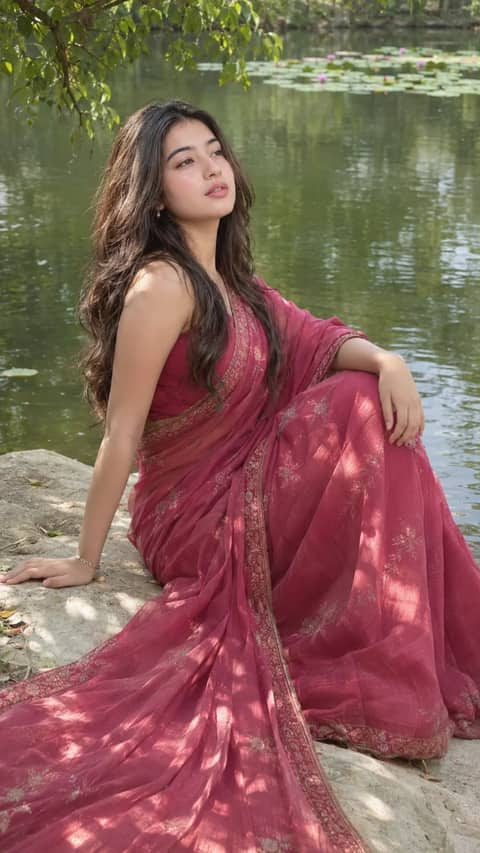
This prompt produces a realistic, quiet outdoor portrait of a woman seated on a pale rock beside a pond, dressed in a draped rose-pink saree. It avoids the glossy, artificial look typical of AI portraits by balancing open shade on the face with dappled sunlight across the fabric.
Most prompt creators reflexively reach for 85mm at f/1.4 to blur the entire background into mush. That ruins environmental portraits. Setting the lens to a full-frame 35mm at f/3.2 pulls in the surrounding environment—the pale rock, the edge of the pond, and the distant lily pads—without turning the background into an illegible smear.
The 35mm focal length offers a field of view close to natural vision at a medium distance. It keeps the proportions of the seated body grounded. At f/3.2, you get clean separation between the subject and the water while keeping the long fan of the saree sharp from the waist down to the hem. Setting ISO 320 gives the image sensor a touch of realistic texture. That single camera setting strips away the plastic, overly smooth sheen that default AI renderers love to slap onto female skin.
Direct sunlight outdoors is notoriously difficult for image generators. When raw sunlight hits skin in AI models, it usually blows out highlights or turns skin textures waxy and orange. This prompt works around that problem by splitting the lighting setup into two zones.
The woman's face stays in open shade. It gets lit entirely by soft, indirect sky light and gentle green bounce from the pond below. Meanwhile, the prompt places a low branch overhead that breaks sunlight into moving patches across the hem of the pink saree. This split gives you the best of both worlds: clean, flattering light across the facial features and believable bright highlights across the silk weave.
Keep the aperture at f/3.2 to balance background detail
Pushing the aperture wider to f/1.8 will wipe out the lily pads and water reflections entirely. Staying at f/3.2 maintains the texture of the pale stone and the water surface while keeping the focus firmly on the subject's expression.
Both supported generators handle this waterside composition well, but they interpret fabric weight and lighting differently.
GPT IMAGE 2.5 handles the reference face and the drape of the pleats with high precision. It reads "long soft fan toward the bottom left" accurately, draping the fabric naturally across the rock surface rather than bunching it up into a formless pile. Watch out for its color saturation, though. GPT IMAGE 2.5 sometimes pushes deep rose-pink into neon magenta. If the cloth looks too intense, add "matte raw silk" or "faded rose dye" to tone down the synthetic gloss.
Nano Banana Pro handles water and foliage naturally
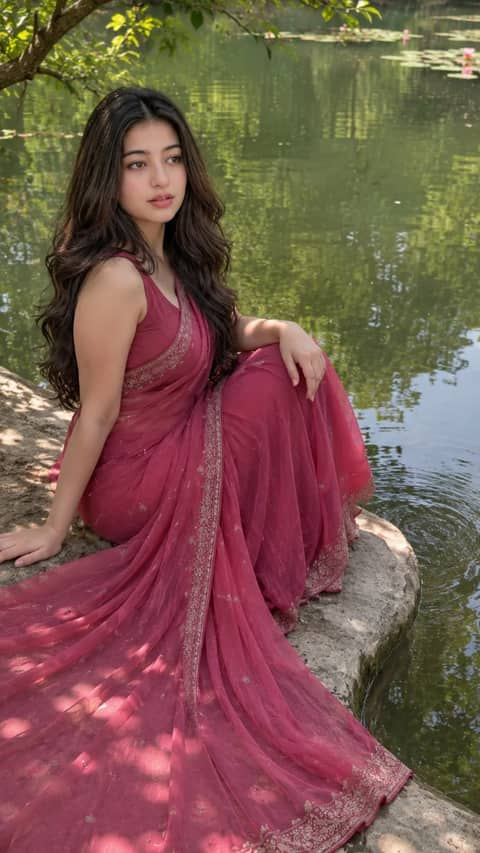
Run this setup in Nano Banana Pro if you want realistic water textures. It captures the dark green pond reflections and subtle water weeds better than GPT IMAGE 2.5, though it needs an explicit reminder to keep the rock dry and pale.
Nano Banana Pro interprets the 9:16 vertical crop with great framing balance, placing the woman's head comfortably below the upper third. It also renders the open shade on her face with true neutral skin tones. However, it can sometimes turn the distant lily pads into messy green patches if the prompt doesn't specify a seated eye height.
Seated poses with ground contact often produce warped hands or strange limb angles. Use these adjustments to correct common errors with this specific scene:
Next ideas
 ChatGPTModel:GPT IMAGE 2.5